6-8 System Menus VNA View Menus
6-68 PN: 10580-00289 Rev. K Vector Network Analyzer MG
Trace Menu
To access the Trace Menu, press the Shift key, then the Trace (5) key.
Display Menu (Trace)
Active Trace: Press this soft key to open the “Active Trace Selector” List Box
and choose a trace. Use the arrow keys, the rotary knob, or the number
keypad to select a trace and then press the Enter key. Press the Esc key to
close the list box without changing the active trace.
Save Trace to Memory: Press this soft key to save the current trace to
memory.
Display: Press this soft key to open the “Display Menu (Trace)”.
Trace Math: Press this soft key to open the “Trace Math Menu”.
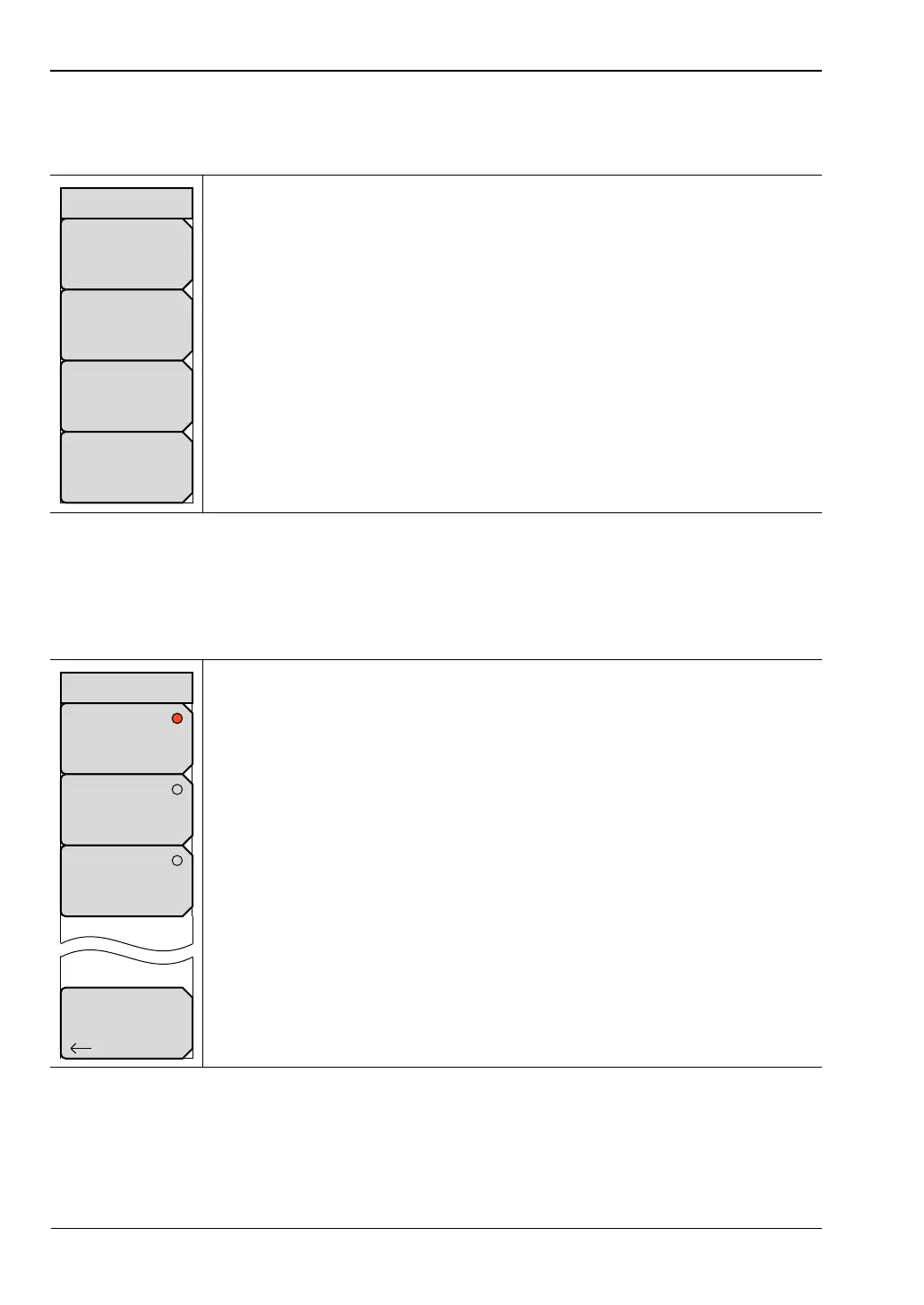
Figure 6-67. Trace Menu
Trace Only: Press this soft key to set the trace function to display only the
current trace.
Memory Only: Press this soft key to set the trace function to display only the
trace that is in memory.
Trace and Memory: Press this soft key to set the trace function to display
the current trace and the trace that is in memory.
Back: Press this soft key to return to the “Trace Menu” without changing the
current setting.
Figure 6-68. Display Menu
Trace Math
Trace+Memory
Display
Trace only
Active Trace
Tr#
Save Trace
to
Memory
Trace
Back
Trace Only
Memory Only
Trace and Memory
Display













 To Next Page