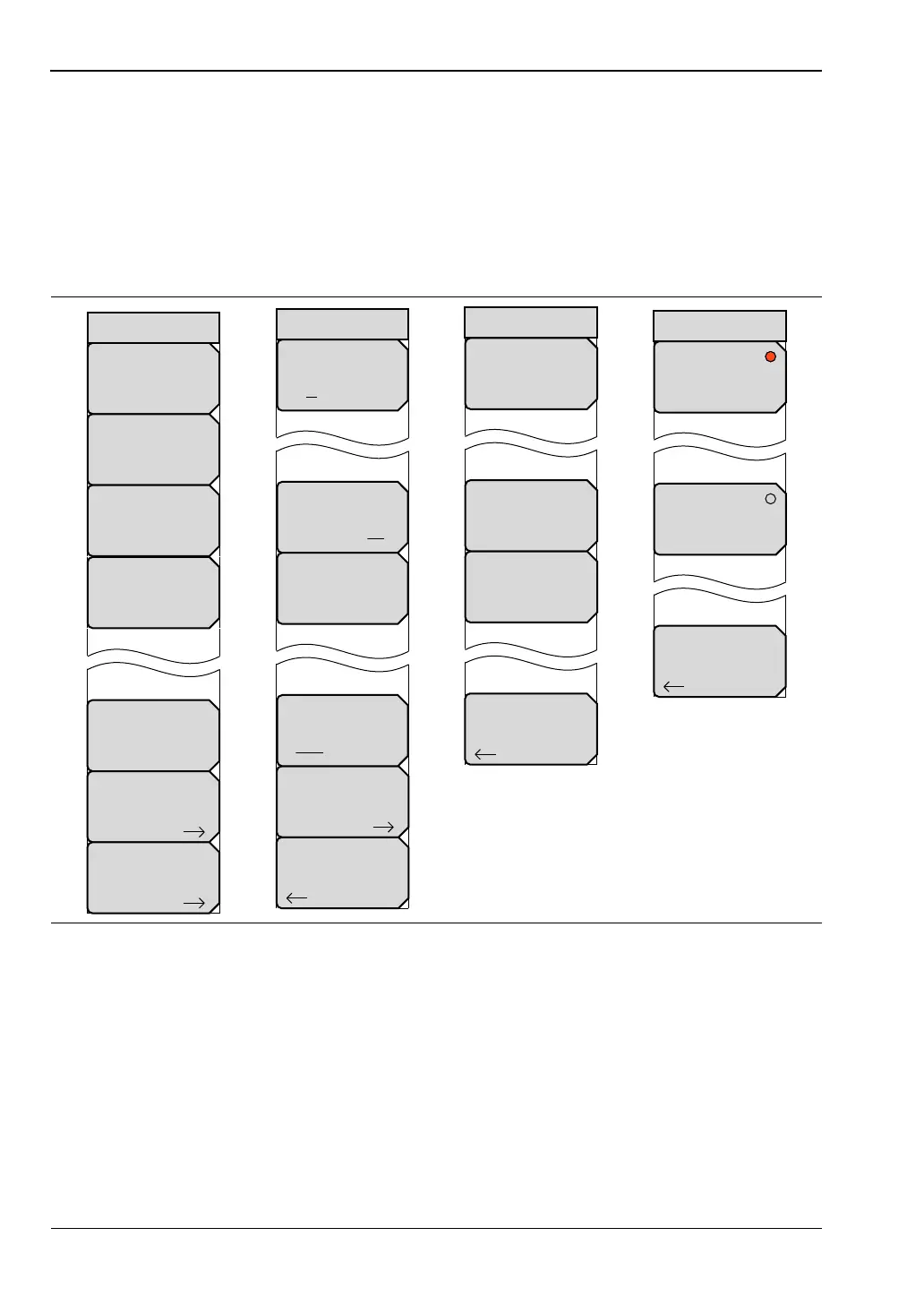
10-6 Bias Tee Menus (Field Measurements View) Bias Tee, Option 10
10-10 PN: 10580-00289 Rev. K Vector Network Analyzer MG
10-6 Bias Tee Menus (Field Measurements View)
These Bias Tee menus are used only in the Field Measurements view of the MS20xxB
VNA Master and the S412E LMR Master.
To access the Bias Tee menu, press the Shift key and then the System (8) key). Then press
the Application Options soft key, and then the Bias Tee Setup soft key to open the Bias Tee
Setup menu. In the Bias Tee Setup menu, press the Bias Tee soft key to open the Bias Tee
menu to turn Bias Tee On or Off.
For additional information about the System menu, refer to “System Menu” on page 6-63. For
additional information about the Application Options menu, refer to “Application Options
Menu” on page 7-19.
Figure 10-9. Bias Tee Menu Group — Field Measurements – MS20xxB and S412E
Back
Bias Tee
Off
Int Current Limit P2
## mA
Int Voltage P2
##.# V
Bias Tee Setup
Status
GPS
Self
Test
System
Options
Application
Options
Application
Self
Test
System
Calibrate
Touch
Screen
Bias Tee Setup
Units
m ft
Trace Label
On Off
Meas Gain Range
Auto
Meas Menu
Field VNA
Back
Options













 To Next Page