6-7 Measurement Menus VNA View Menus
6-62 PN: 10580-00289 Rev. K Vector Network Analyzer MG
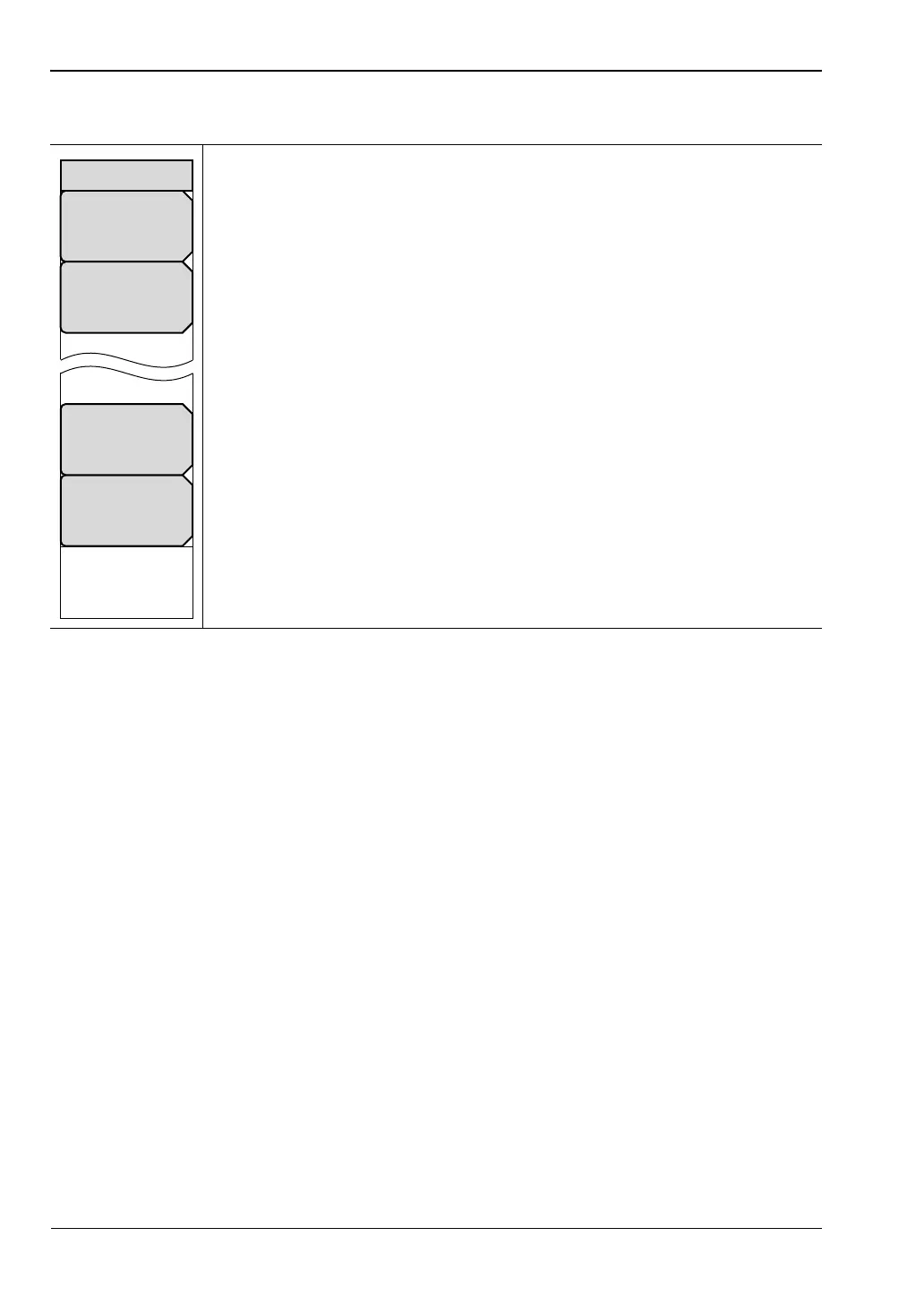
Polar Scale Menu
Resolution Per Div: Press this soft key to set the number of units that are
displayed between horizontal reticle lines. Units depend upon frequency, time,
and distance settings. Use the Up/Down arrow keys, the keypad, or the rotary
knob to set this parameter, then press the Enter key or the rotary knob.
Reference Value: Press this soft key to set the value of the Reference Line.
Use the Up/Down arrow keys, the keypad, or the rotary knob to set this
parameter, then press the Enter key or the rotary knob.
Reference Impedance
50 ohm 75 ohm: Press this soft key to toggle the reference impedance to
50 ohms or 75 ohms.
Active Trace: Press this soft key to open the “Active Trace Selector” List Box
and choose a trace.
Figure 6-61. Polar Scale Menu
Reference Value
#
Active Trace
Tr#
Resolution Per Div
#
Polar Scale
Reference Impedance
50 ohm 75 ohm













 To Next Page