VNA View Menus 6-4 Calibration Menus
Vector Network Analyzer MG PN: 10580-00289 Rev. K 6-29
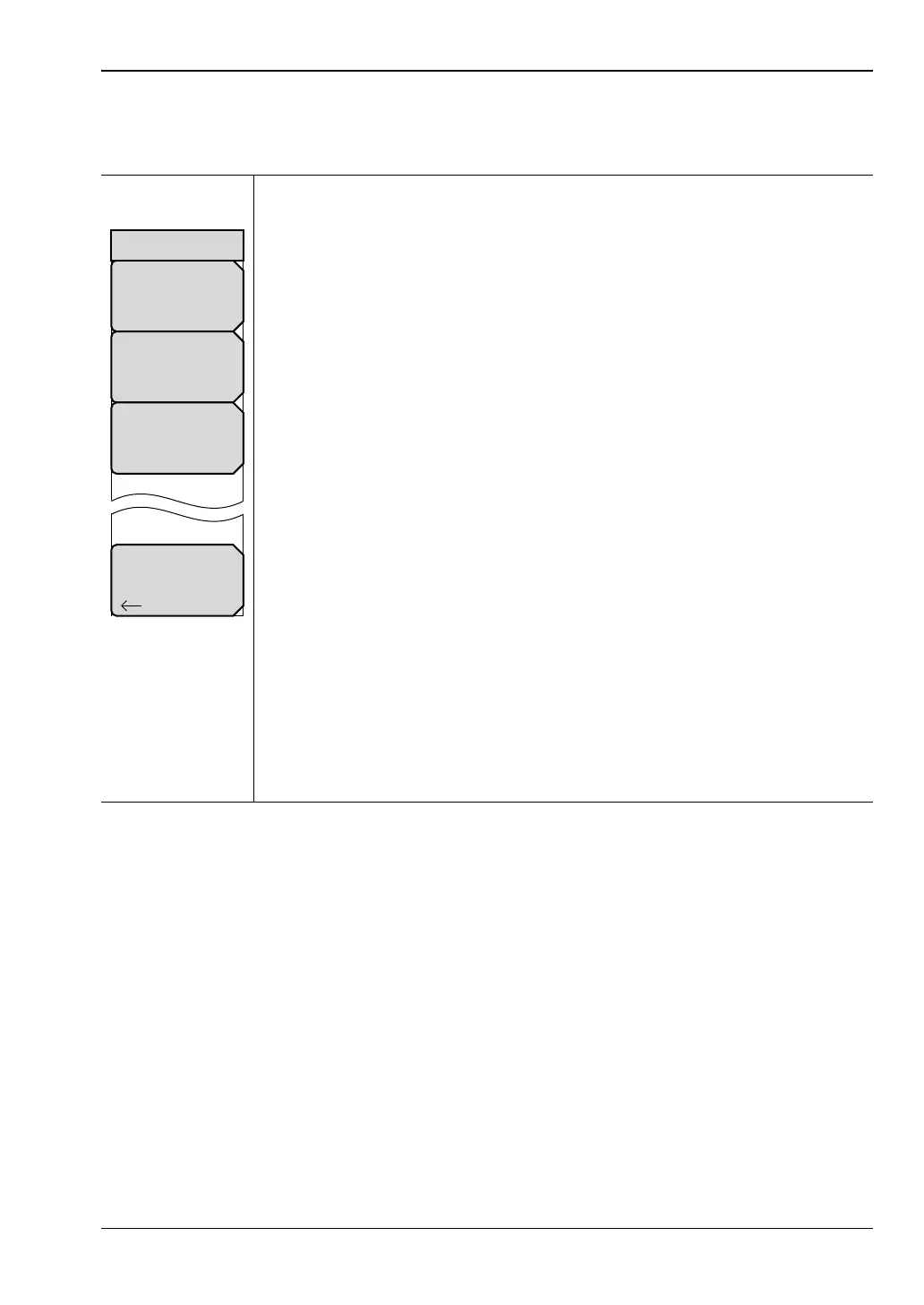
DUT Port Setup Menu (Coax)
Key Sequence: Shift, Calibrate (2) > DUT Port Setup
Coax DUT Port 1: Press this soft key to open the “DUT Connector Selector”
List Box for Port 1. Choose the connector type that matches the calibration
components that are to be used on Port 1. The standard calibration
coefficients are displayed for the calibration kit that is associated with the
selected connector type.
Examples:
N-Conn(M)
N-Conn(F)
K-Conn(M)
TNC(F)
SMA(M)
SSST(1) – USER 1
SSST(4) – USER 4
Coax DUT Port 2: Press this soft key to open the “DUT Connector Selector”
List Box for Port 2. Choose the connector type that matches the calibration
components that are to be used on Port 2. The calibration coefficients are
displayed for the calibration kit that is associated with the selected connector
type.
Setup User-Defined: Press this soft key to open the “User-Defined Cal Kit
Selector” List Box (Figure 6-30). Format: SSST(#) – USER #.
Selecting a user-defined cal displays the cal kit definition menu (see
Figure 6-29). In this menu, you can enter the calibration coefficients for the
specific calibration kit.
Back: Press this soft key to return to the “Calibration Menu”.
Figure 6-28. DUT Port Setup Menu
Back
Coax DUT Port 2
N–Conn(M)
Coax DUT Port 1
N–Conn(M)
Setup User–Defined
SOLT(#)–USER #
DUT Port Setup













 To Next Page