VNA View Menus 6-6 Marker Menus
Vector Network Analyzer MG PN: 10580-00289 Rev. K 6-43
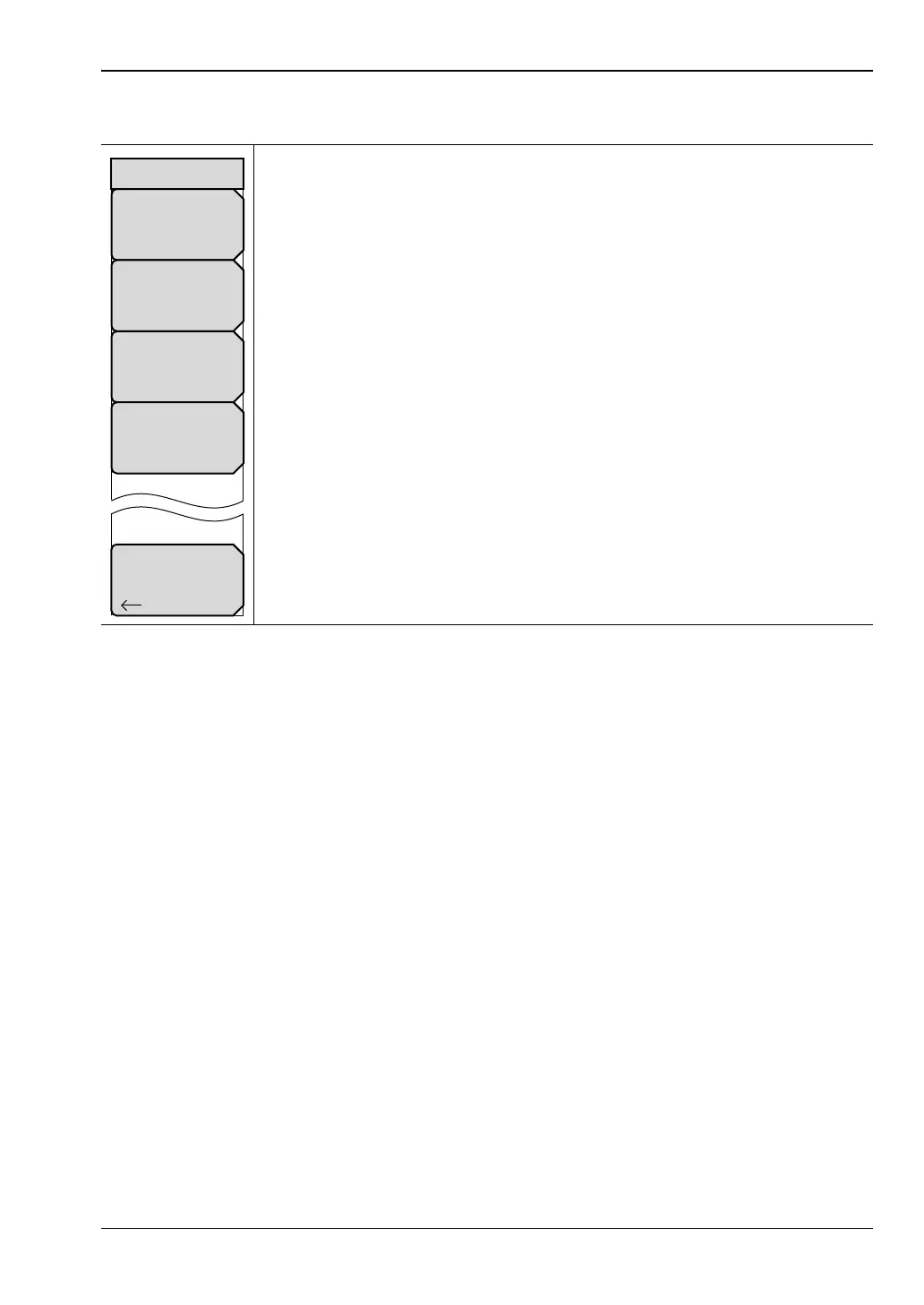
Marker Search Menu
Peak Search: Press this soft key to place the currently active marker on the
highest signal amplitude that is currently displayed in the sweep window.
Valley Search: Press this soft key to place the currently active marker on the
lowest signal amplitude that is currently displayed in the sweep window.
EnterMarker#.#: Press this soft key to enter the marker value that is to be
used by the Find Marker Value button. Note that the graph type determines
the unit value in the marker. For example, with graph type of Smith Chart, the
marker value is unitless, but with graph type Log Mag or Log Polar, the units
are dB, and with graph type Group Delay, the units are time (s).
Find Marker Value: Press this soft key to move the active marker to the
nearest point that matches the value in the Enter field (set by the
Enter Marker #.# soft key).
Back: Press this soft key to return to the “Marker Menu”.
Figure 6-41. Marker Search Menu
Back
Peak Search
Valley Search
Find
Marker
Value
Marker Search
Enter
Marker
#.#













 To Next Page