6-8 System Menus VNA View Menus
6-64 PN: 10580-00289 Rev. K Vector Network Analyzer MG
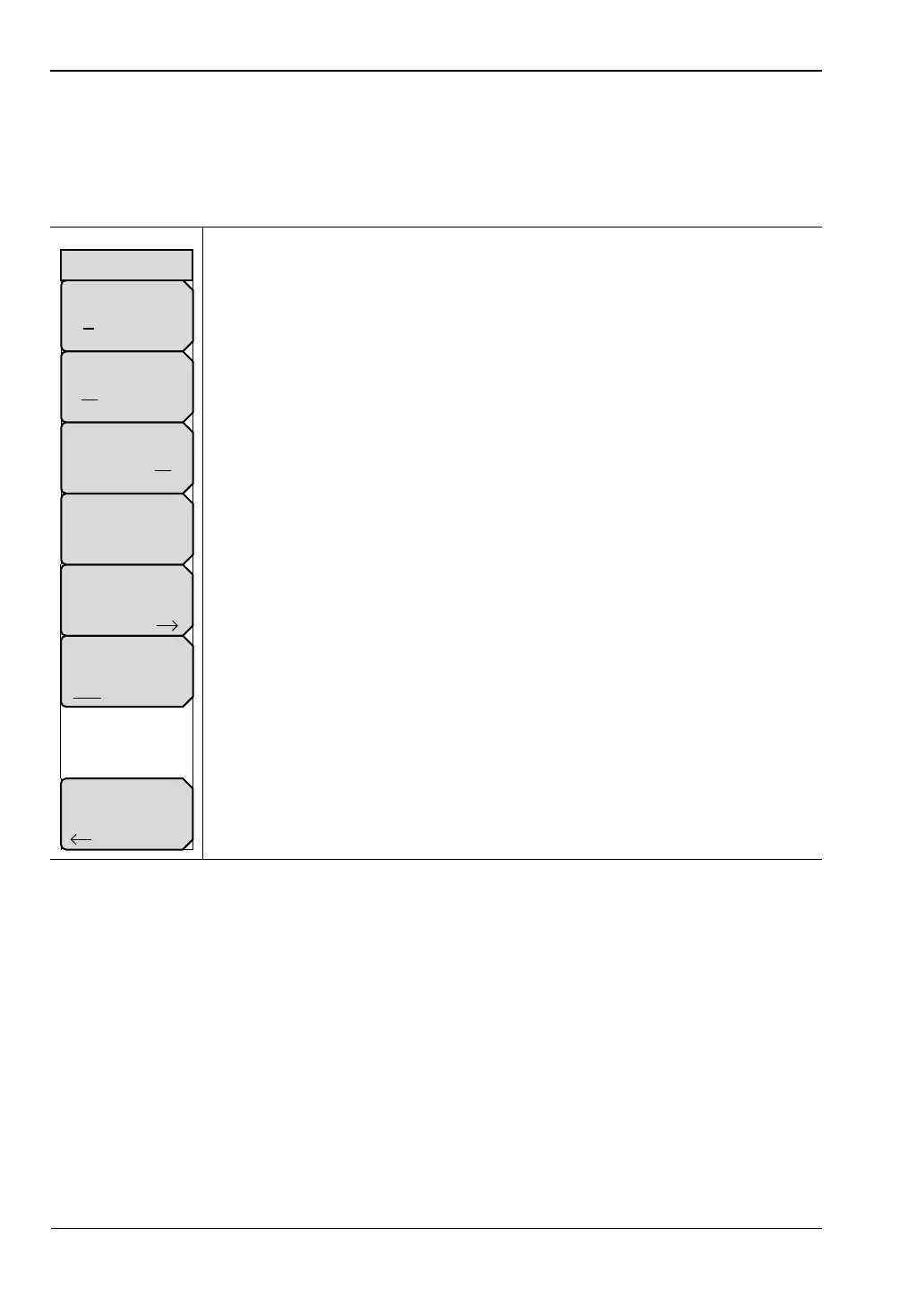
Application Options Menu (VNA Mode)
The display of this menu varies based on the current instrument measurement mode. The
menu shown here is specific to the Vector Network Analyzer application.
Key Sequence: Shift, System (8) > Application Options
VNA Mode selected
Units
mft:Press this soft key to toggle the measurement units between meters
and feet.
External Reference
Off 10 MHz: Press this soft key to toggle between turning Off the external
reference or selecting the external reference. This soft key is displayed only
for MS20xxC instruments.
Trace Label
On Off: Press this soft key to toggle the trace label On and Off. When On, a
label is shown next to each trace (TR1 next to Trace 1, and so forth).
Meas Gain Range: Press this soft key to open the “Mode (Meas Gain
Range) Menu”. Then select Auto or Fixed. Refer to the user guide for your
instrument.
Time Domain: Press this soft key to open the “Time Domain Options Menu”.
This soft key is displayed only for MS20xxC instruments.
Meas Menu
Field VNA: Press this submenu key to toggle between Field (a simplified
subset of the standard VNA menu structure) and VNA (standard menu
structure). This soft key is displayed only for MS20xxB and S412E
instruments.
Back: Press this soft key to return to the “System Menu”.
Figure 6-63. Application Options Menu (VNA Mode)
Time Domain
Back
External Reference
Off 10 MHz
Units
m ft
Trace Label
On Off
Options
Meas Gain Range
Auto
Meas Menu
Field VNA













 To Next Page