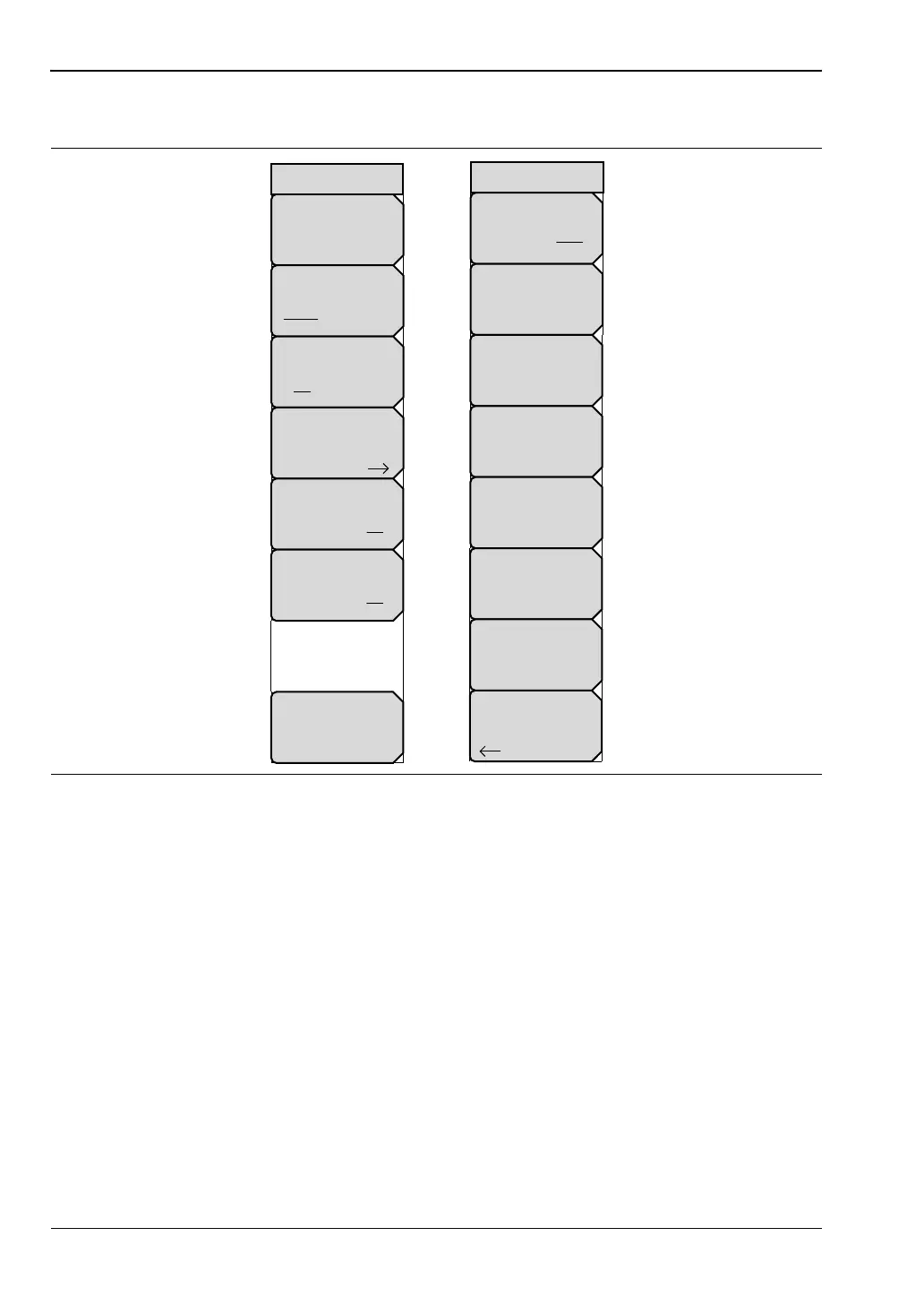
6-5 Limit Menus VNA View Menus
6-38 PN: 10580-00289 Rev. K Vector Network Analyzer MG
6-5 Limit Menus
To access the Limit Menu, press the Shift key, then the Limit (6) key.
Two types of limit lines can be specified, lower limit lines and upper limit lines. Limit lines
can be used for visual reference only, or for pass/fail criteria using the limit alarm. Limit
alarm failures are reported whenever a signal is above the upper limit line or below the lower
limit line. Limit lines cannot be used with Smith Chart or Polar graphs.
Each limit line can consist of a single segment, or as many as 40 segments across the entire
frequency span of the instrument. These limit segments are retained regardless of the current
frequency span of the instrument. Limit segments allow the configuring of specific limit
envelopes at various frequencies of interest without having to reconfigure them each time
that the frequency is changed. To clear the current limit setup configuration and return to a
single limit segment (starting at the current start frequency and ending at the current stop
frequency), press the Clear Limit soft key.
Figure 6-36. Limit Menus Group
Limit Edit
Clear Limit
Limit State
On Off
Limit
Upper Lower
Pass Fail Message
On Off
Limit Alarm
On Off
Active Trace
Tr#
Limit
Back
Limit X
# kHz
Move
Point Limit
Add
Point
Amplitude
#
Delete
Point
Next
Point
Right
Next
Point
Left
Limit Edit













 To Next Page