7-4 Distance Menus Field View Menus
7-6 PN: 10580-00289 Rev. K Vector Network Analyzer MG
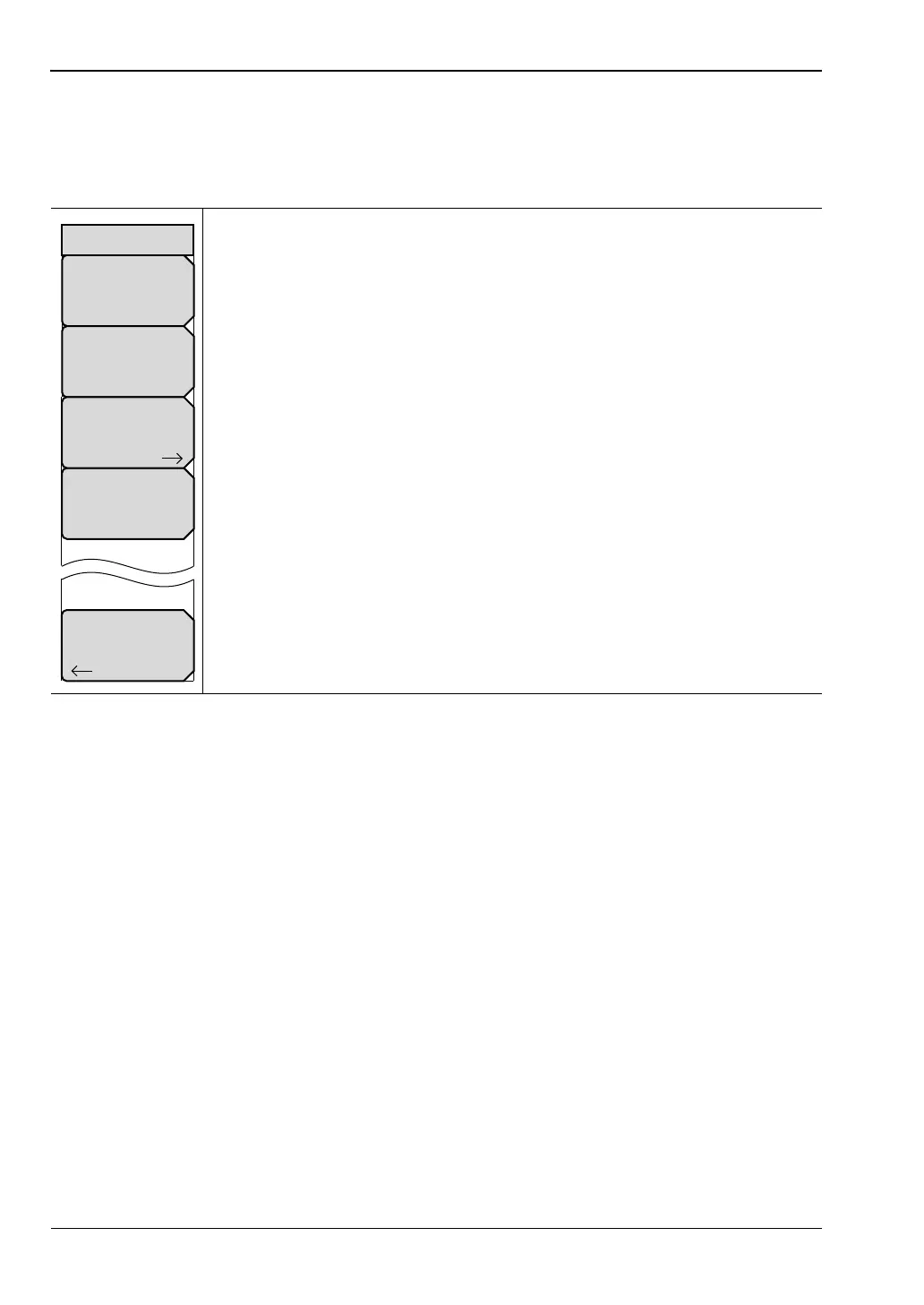
DTF Setup Menu
This menu is displayed when a DTF graph type is selected.
Key Sequence: Freq/Dist > More
Cable Loss: Press this soft key to set the cable loss coefficient from 0.000
dB/m to 5.000 dB/m. (The units are dB/ft if units are set to US units.)
Propagation Velocity: Press this soft key to set the fraction of propagation
velocity from 0.001 to 1.000. For any fraction less than 1.000, press the
decimal key before entering the decimal digits.
Cable List: Press this soft key to open a list box and select a cable type. The
“Cable List Menu” on page 7-7 provides quick navigation aids to search
through the list.
Windowing: Press this soft key to open the “Windowing Menu” on page 7-8.
The window shape value is displayed on the key face, and may be
Rectangular, Nominal Side Lobe (as in this example), Low Side Lobe, or
Minimum Side Lobe.
Back: Press this soft key to return to the Dist/Freq menu.
Figure 7-5. Field View DTF Setup Menu
Propagation Velocity
#
Cable Loss
#
Windowing
Nominal Side Lobe
DTF Setup
Cable List
Back













 To Next Page