6-6 Marker Menus VNA View Menus
6-44 PN: 10580-00289 Rev. K Vector Network Analyzer MG
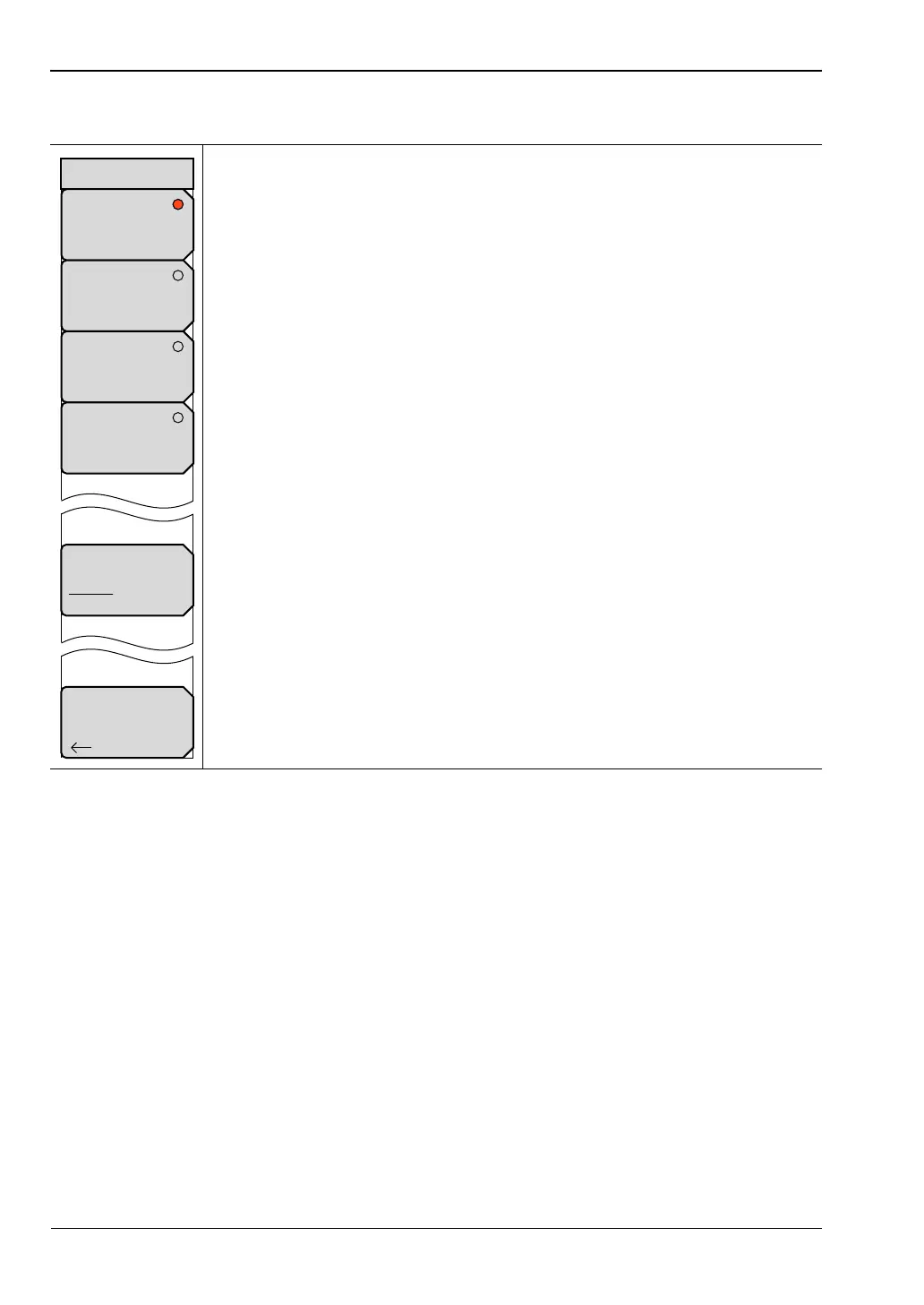
Readout Format Menu
None: Press this soft key to remove all marker data (except the marker
indicator on the measurement trace) from the measurement display screen.
Trace: Press this soft key to display the frequency and value of the current
marker at the marker location (on the trace) in the sweep window.
Screen: Press this soft key to display the frequency and value of the current
marker at the bottom of the measurement display screen within the sweep
window.
Table: Press this soft key to display the frequency and value of all active
markers in a table at the bottom of the measurement display screen below the
sweep window. In addition to the marker frequency and value, the table also
shows delta frequencies and value deltas for all markers that have deltas
entered for them. The space that is occupied by the table of marker data is
below the measurement data and reduces the sweep window size.
Marker Text Size
Regular Small: Press this soft key to toggle the marker text size between
Regular and Small. This allows reading the complete lines of data if 2 lines
overlap.
Back: Press this soft key to return to the “Marker Menu”.
Figure 6-42. Readout Format Menu
Back
None
Trace
Screen
Table
Marker Text Size
Regular Small
Readout Format













 To Next Page