Field View Menus 7-7 Measure Menus
Vector Network Analyzer MG PN: 10580-00289 Rev. K 7-17
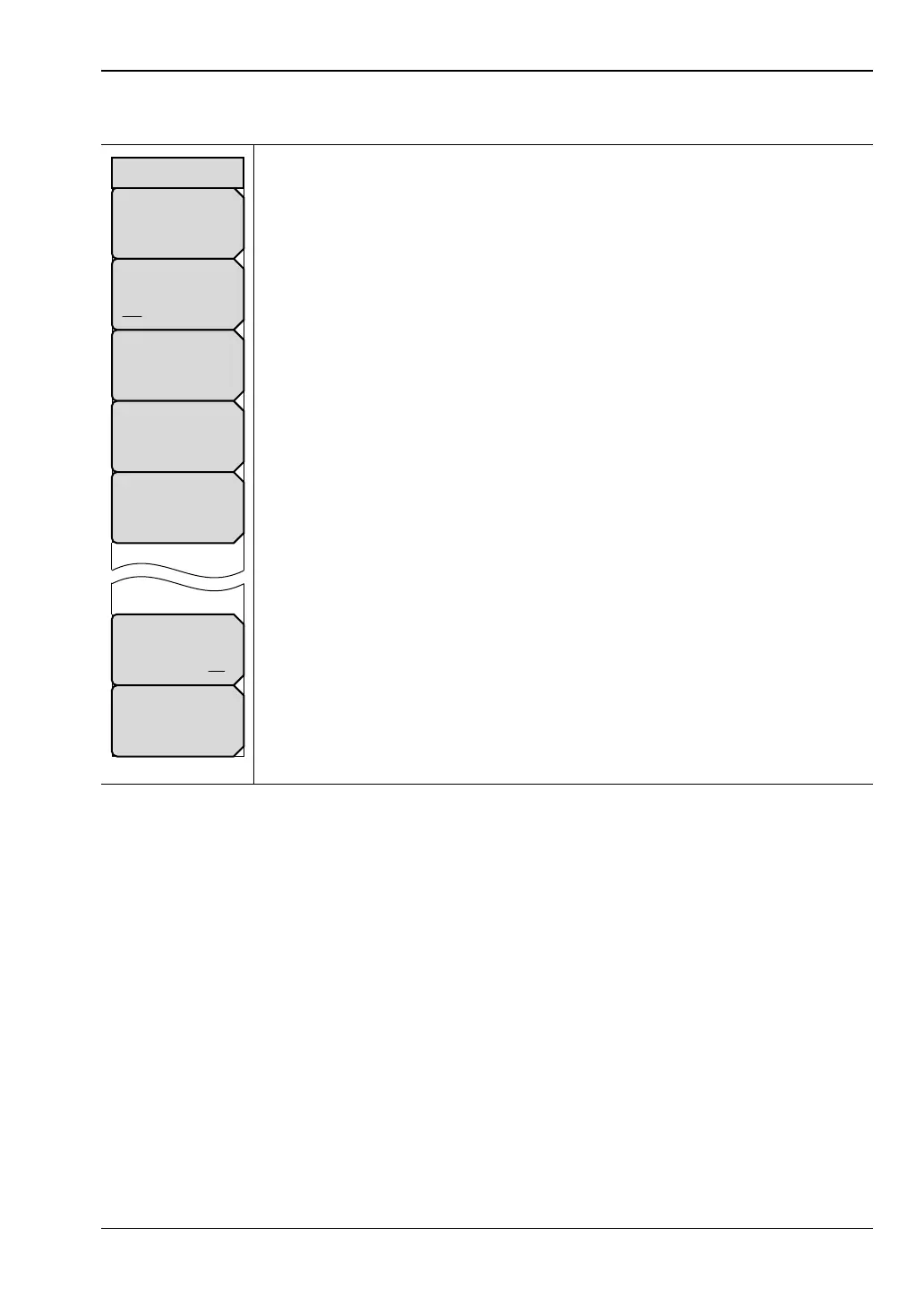
Marker Menu
Marker: Press this soft key to open the Select Marker List Box and select a
one of the 8 markers. The active marker number is displayed on the soft key
face.
Marker Type
Ref Delta Off: Press this soft key to toggle the Marker Type selection.
The active marker becomes a Reference marker or a Delta marker, or it can
be turned Off.
Avail Ref Marker: Press this soft key to open a list box and select a
reference marker, if one is available.
Peak Search: Press this soft key to place the currently active marker on the
highest signal amplitude that is currently displayed in the sweep window.
Valley Search: Press this soft key to place the currently active marker on the
lowest signal amplitude that is currently displayed in the sweep window.
Marker Table
On Off: Press this soft key so that On is underlined to display all marker
and delta marker data in a table under the measurement graph. Note that
when Marker Table is displayed with a zero span (start frequency = stop
frequency), the marker frequency is labeled with the trace point number in
parenthesis. For example: MK1 500 kHz(101) –4.99 dB
All Markers OFF: Press this soft key to turn OFF all markers.
Figure 7-19. Field View Marker Menu
Peak Search
Avail Ref Mkr
N/A
Marker Type
Ref Delta Off
All Markers
OFF
Marker Table
On Off
Marker
#
Marker
Valley Search













 To Next Page