6-7 Measurement Menus VNA View Menus
6-56 PN: 10580-00289 Rev. K Vector Network Analyzer MG
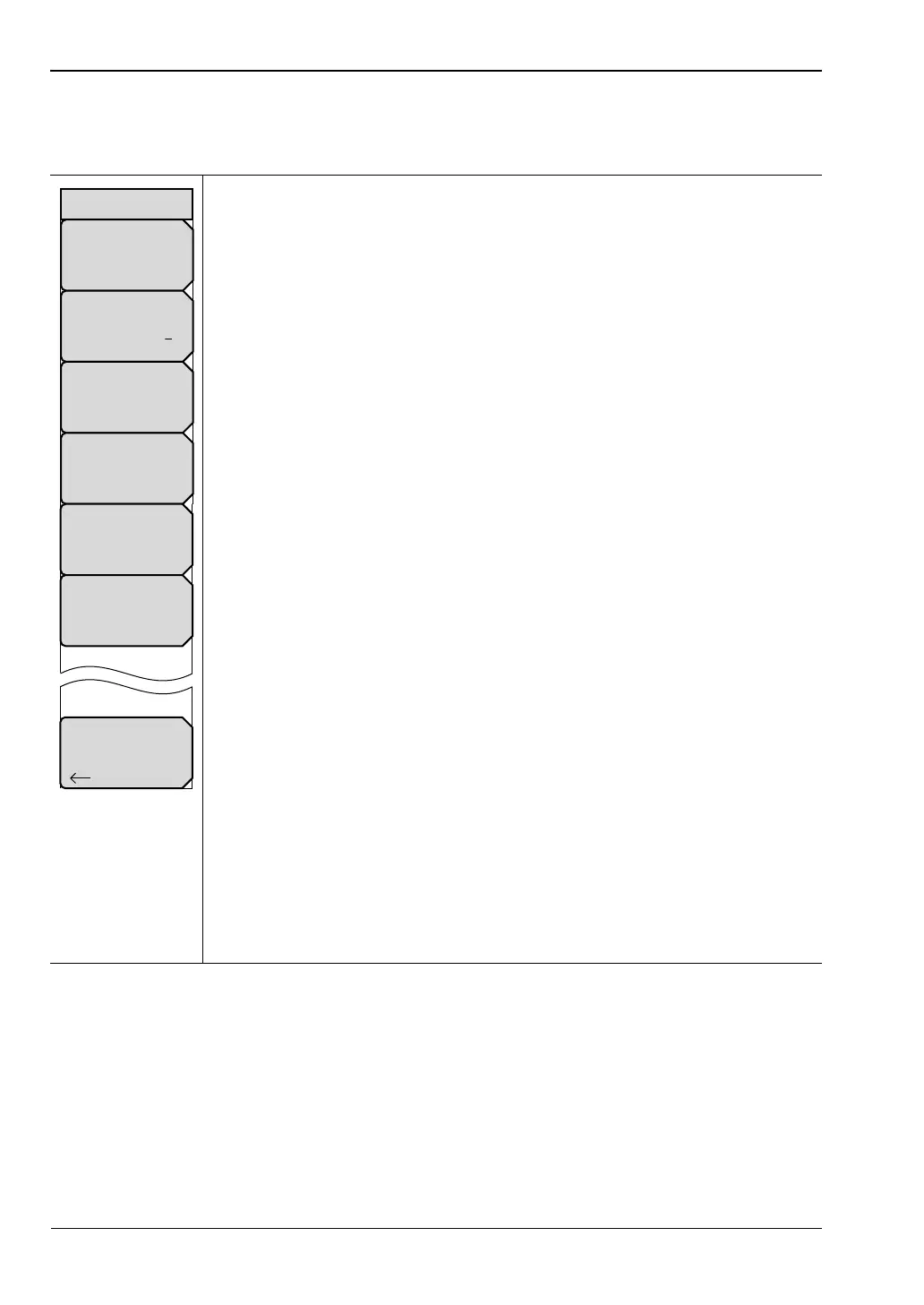
Bias Tee Setup Menu
Access to this menu is from the Bias Tee Setup soft key in the “Configure Ports Menu”.
Bias Tee: Press this soft key to open the “Bias Tee Menu (MS20xxC only)” to
select External, Internal, or Off.
Int Port Selection
12:Press this soft key to toggle the internal port selection to Port 1 or
Port 2.
Int voltage P1: Press this soft key to set the internal bias tee voltage that is
directed onto the center conductor of port 1. The available range is from
12.0 V to 32.0 V in increments of 0.1 V. Use the arrow keys, the rotary knob,
or the number keypad to change the setting. When using the number keypad,
press the soft key for voltage units (V), or press the Enter key. Press the Esc
key to exit without changing the setting.
Int Current Limit P1: Press this soft key to set the internal bias tee current
limit for the voltage that is set at Port 1. The available range is from 0 mA to
450 mA in steps of 1 mA. This current limit sets the trip point for the bias tee
for this port. When using the number keypad, the soft key menu displays
2 choices for units: A or mA. Use the arrow keys, the rotary knob, or the
number keypad to change the setting. When using the number keypad, press
the soft key for current units (A or mA), or press the Enter key to use mA.
Press the Esc key to exit without changing the setting.
Int voltage P2: Press this soft key to set the internal bias tee voltage that is
directed onto the center conductor of Port 2. The available range is from
12.0 V to 32.0 V in increments of 0.1 . Use the arrow keys, the rotary knob, or
the number keypad to change the setting. When using the number keypad,
press the soft key for voltage units (V), or press the Enter key. Press the Esc
key to exit without changing the setting.
Int Current Limit P2: Press this soft key to set the internal bias tee current
limit for the voltage that is set at Port 2. The available range is from 0 mA to
450 mA in steps of 1 mA. This current limit sets the trip point for the bias tee
for this port. When using the number keypad, the soft key menu displays
2 choices for units: A or mA. Use the arrow keys, the rotary knob, or the
number keypad to change the setting. When using the number keypad, press
the soft key for current units (A or mA), or press the Enter key to use mA.
Press the Esc key to exit without changing the setting.
Back: Press this soft key to return to the Configure Ports menu.
Figure 6-54. Bias Tee Setup Menu
Back
Int Port Selection
1 2
Bias Tee
Off
Int Current Limit P1
## mA
Int Voltage P1
##.# V
Int Current Limit P2
## mA
Int Voltage P2
##.# V
Bias Tee Setup













 To Next Page