6-3 Domain Setup Menus VNA View Menus
6-8 PN: 10580-00289 Rev. K Vector Network Analyzer MG
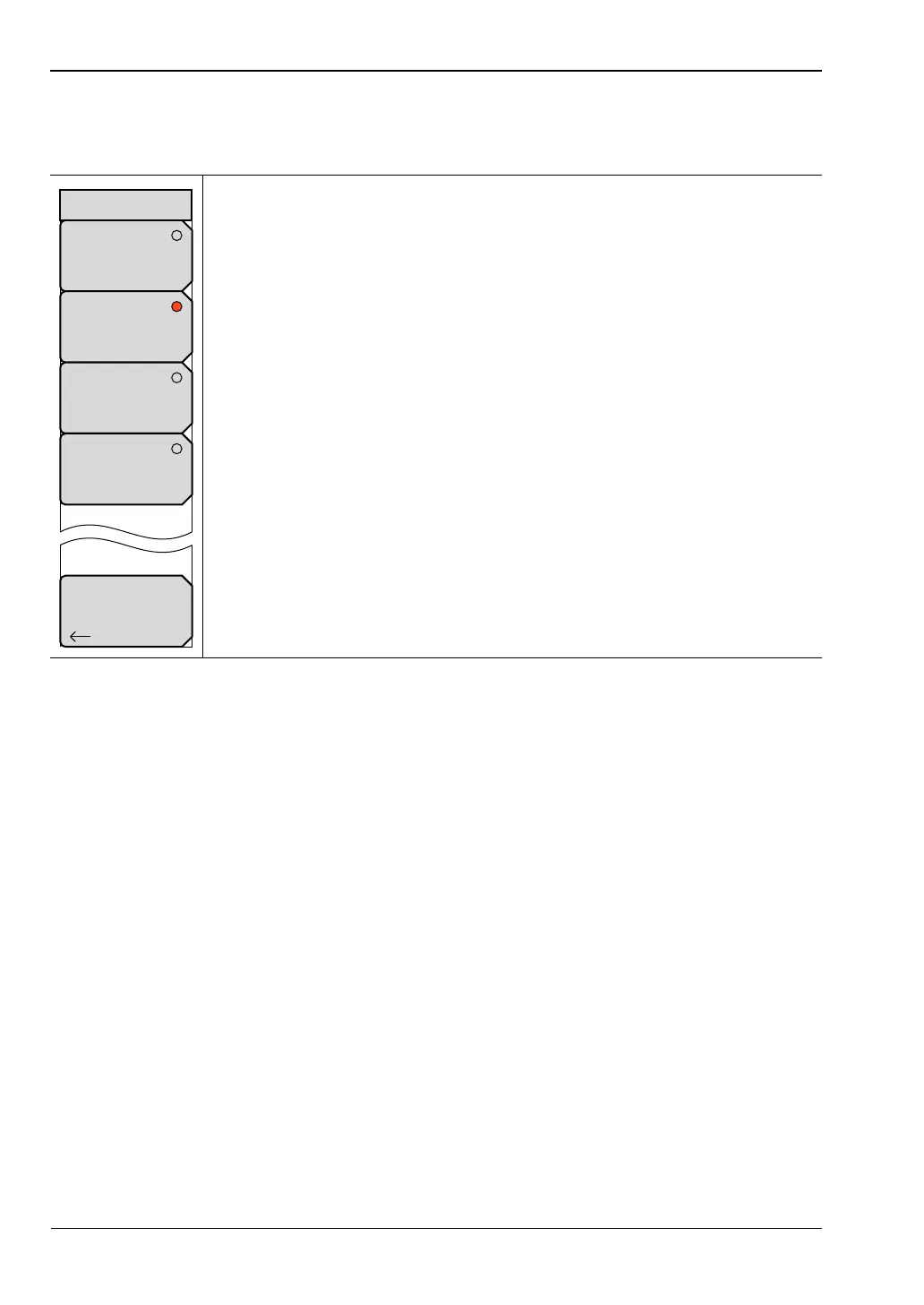
Windowing Menu
Key Sequence: Freq/Time/Dist > Windowing
Rectangular: Press this soft key to set windowing to the rectangular view for
maximum side lobes and maximum resolution. Refer to Figure B-1,
“Rectangular Windowing Example”.
Nominal Side Lobe: Press this soft key to set windowing to the Nominal
Side Lobe view, which (compared to Rectangular) displays smaller side lobes
and slightly less resolution. Refer to Figure B-2, “Nominal Side Lobe
Windowing Example”. Nominal Side Lobe is the default setting for the
VNA Master.
Low Side Lobe: Press this soft key to set windowing to the Low Side Lobe
view for still smaller side lobes than nominal, and also slightly less resolution
than the Nominal Side Lobe setting. Refer to Figure B-3, “Low Side Lobe
Windowing Example”.
Minimum Side Lobe: Press this soft key to set windowing to the Minimum
Side Lobe view for the smallest side lobes, but the least resolution. Refer to
Figure B-4, “Minimum Side Lobe Windowing Example”.
Back: Press this soft key to return to the previous menu.
Figure 6-6. Windowing Menu
Back
Rectangular
Nominal Side Lobe
Low Side Lobe
Minimum Side Lobe
Windowing













 To Next Page