7-7 Measure Menus Field View Menus
7-16 PN: 10580-00289 Rev. K Vector Network Analyzer MG
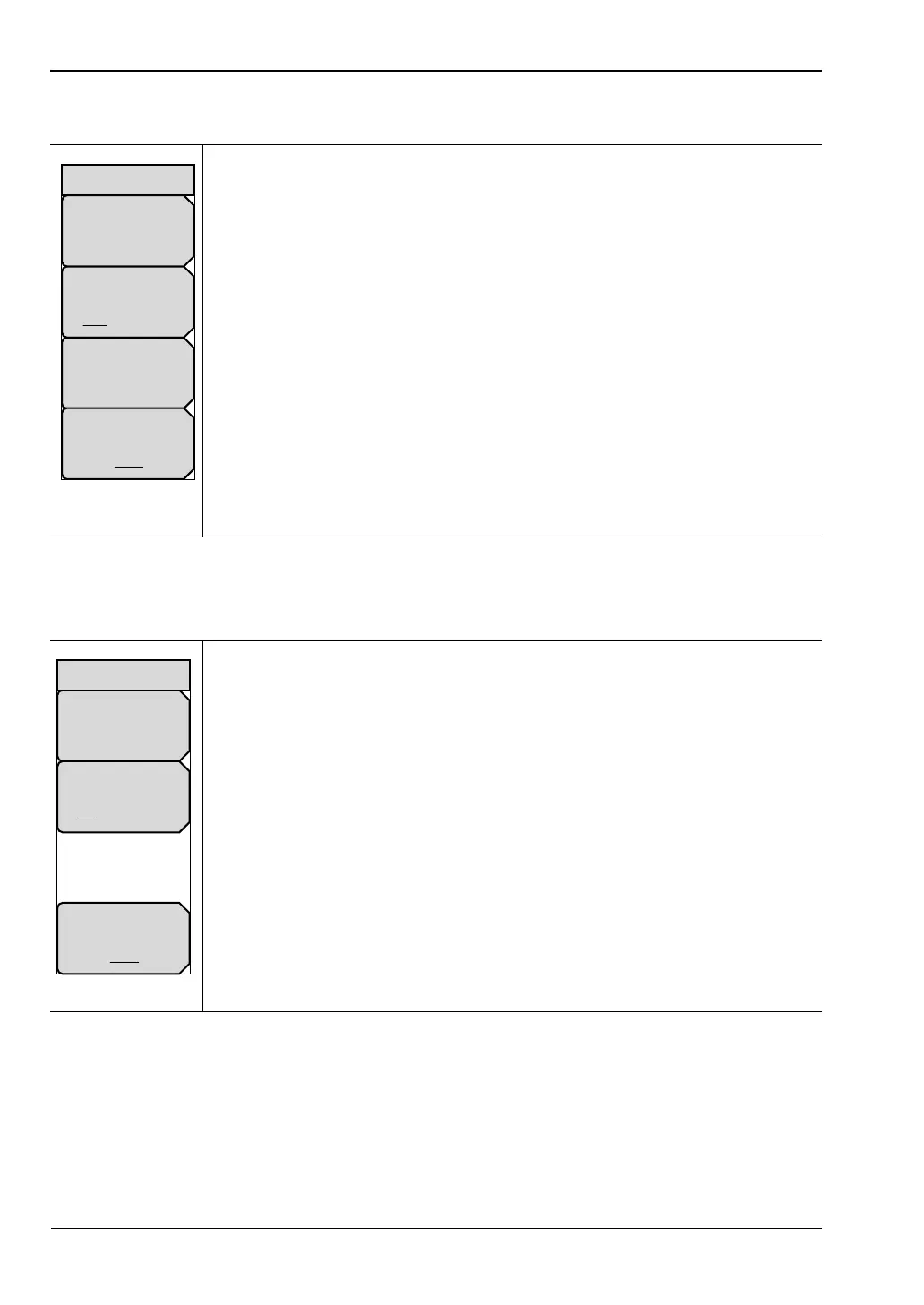
Measure Menu – Dual
Measure Menu – Overlay
Display Type: Press this soft key to open the Display Type list box and
choose a display type. The choices are:
Single, Dual, Overlay.
Active Display
TR1 TR2: Press this soft key to toggle the active display to Trace 1 or
Trace 2.
Measurement Type: Press this soft key to open the Graph Type Selector list
box and choose a graph type. Refer to the list in Section 5-4 “Graph Type
Selector List Box” on page 5-4. The soft key in this illustration is displaying
1-Port Smith, which is one of the measurement types in the list box.
IFBW: Press this soft key to open a list box and set the Intermediate
Frequency bandwidth. The default is 10 kHz for the MS20xxC series
instruments and 1 kHz for the MS20xxB and S412E series instruments.
Select 10 Hz for the maximum dynamic range; select 100 kHz for the
maximum speed.
Figure 7-17. Field View Measure Menu – Dual
Display Type: Press this soft key to open the Display Type list box and
choose a display type. The choices are:
Single, Dual, Overlay.
Active Display
Top Bottom: Press this soft key to toggle the active display to Top or
Bottom.
Note: The Measurement Type soft key is not displayed because the Overlay
display type always presents Insertion Loss as Trace 1 and Return Loss as
Trace 2.
IFBW: Press this soft key to open a list box and set the Intermediate
Frequency bandwidth. The default is 10 kHz for the MS20xxC series
instruments and 1 kHz for the MS20xxB and S412E series instruments.
Select 10 Hz for the maximum dynamic range; select 100 kHz for the
maximum speed.
Figure 7-18. Field View Measure Menu – Overlay
Active Display
TR1 TR2
Display Type
Dual
Measure
Measurement Type
Cable Loss
IFBW
10kHz 1kHz 10Hz
IFBW
10kHz 1kHz 10Hz
Active Display
Top Bottom
Display Type
Overlay
Measure













 To Next Page