VNA View Menus 6-7 Measurement Menus
Vector Network Analyzer MG PN: 10580-00289 Rev. K 6-55
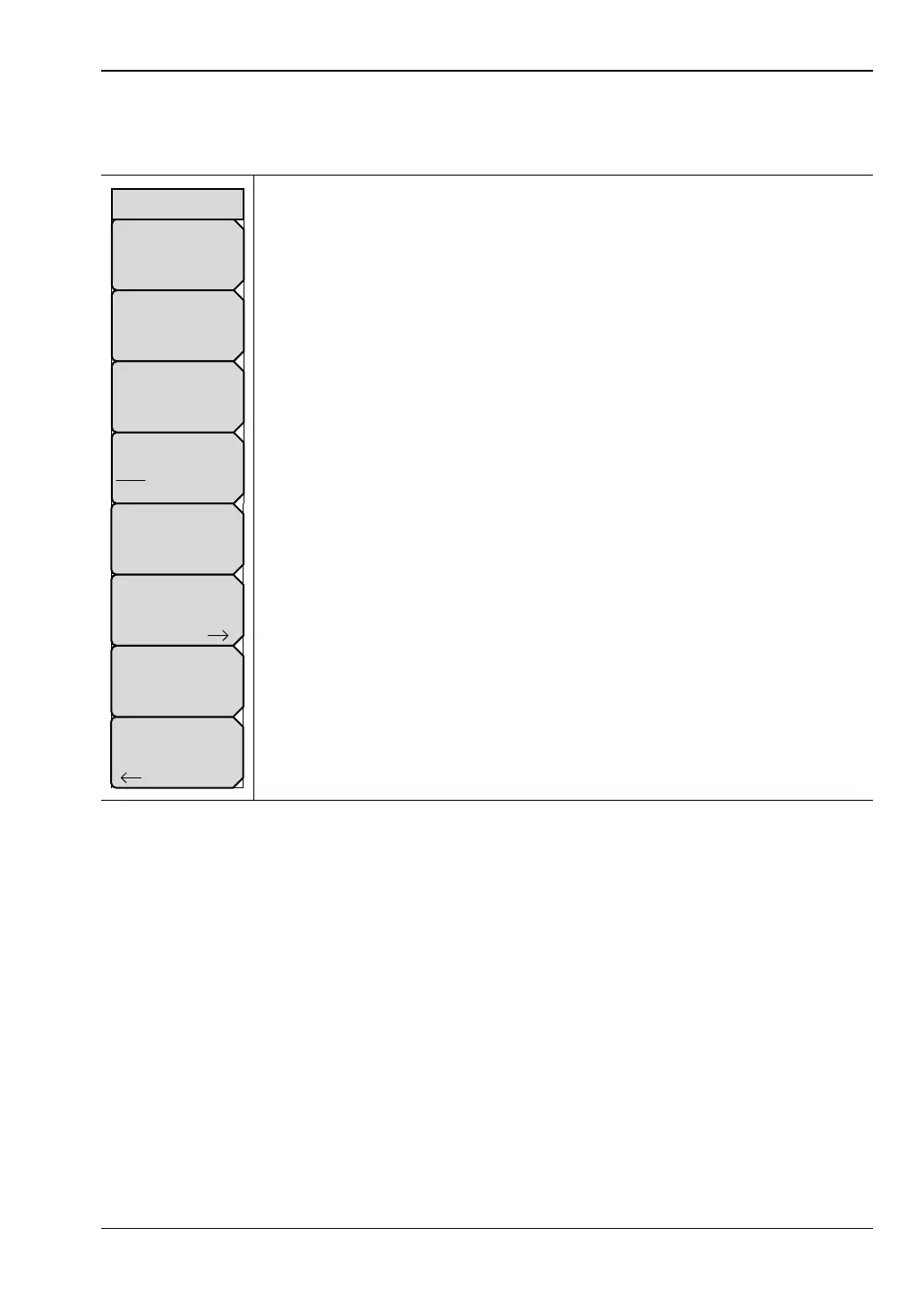
Configure Ports Menu
Access to this menu is from the Configure Ports soft key in the “Sweep Menu — MS20xxC”.
Auto Reference Plane Extension: Press this soft key to use the active trace
data to automatically determine the best length to mathematically extend the
reference plane (plane of calibration) in order to remove cable length from the
measurement, based on the current value of Propagation Velocity (refer to the
description for the “Propagation Velocity” soft key). The resultant display will
“unwrap” phase displays to allow a better view of the phase properties of the
DUT.
Port 1 Ref Plane Length: Press this soft key to manually enter a distance to
which the Reference Plane (Plane of Calibration) is extended. This action
calculates and removes (from the measurement data) an appropriate amount
of linear phase rotation based on Propagation Velocity and the distance that is
entered here.
Port 2 Ref Plane Length: Press this soft key to enter reference plane
extension distance for Port 2 (full-reversing, two-port VNA instruments only).
DUT Line Type: Press this soft key to toggle the line type to coaxial cable or
to waveguide.
Propagation Velocity: This value is used by the Reference Plane Extension
functions. Press this soft key to enter the propagation velocity of electrical
signals in the length of cable that is being removed by the Reference Plane
Extension calculations. Values are expressed as a decimal ratio compared to
the speed of light in a vacuum (examples: 1 = speed of light, and 0.5 = 1/2
the speed of light).
Bias Tee Setup: Press this soft key to open the “Bias Tee Setup Menu”.
Source Power: Press this soft key to open the “Source Power Menu
(MS20xxC only)” or “Source Power Menu (MS20xxB and S412E only)”.
Back: Press this soft key to return to the “Sweep Menu — MS20xxC”.
Figure 6-53. Configure Ports Menu
Back
Bias Tee Setup
Port 1 Ref Plane Length
# mm
Auto Reference
Plane Extension
DUT Line Type
Coax Waveguide
Port 2 Ref Plane Length
# mm
Source Power
High
Propagation Velocity
#
Configure Ports













 To Next Page