6-3 Domain Setup Menus VNA View Menus
6-4 PN: 10580-00289 Rev. K Vector Network Analyzer MG
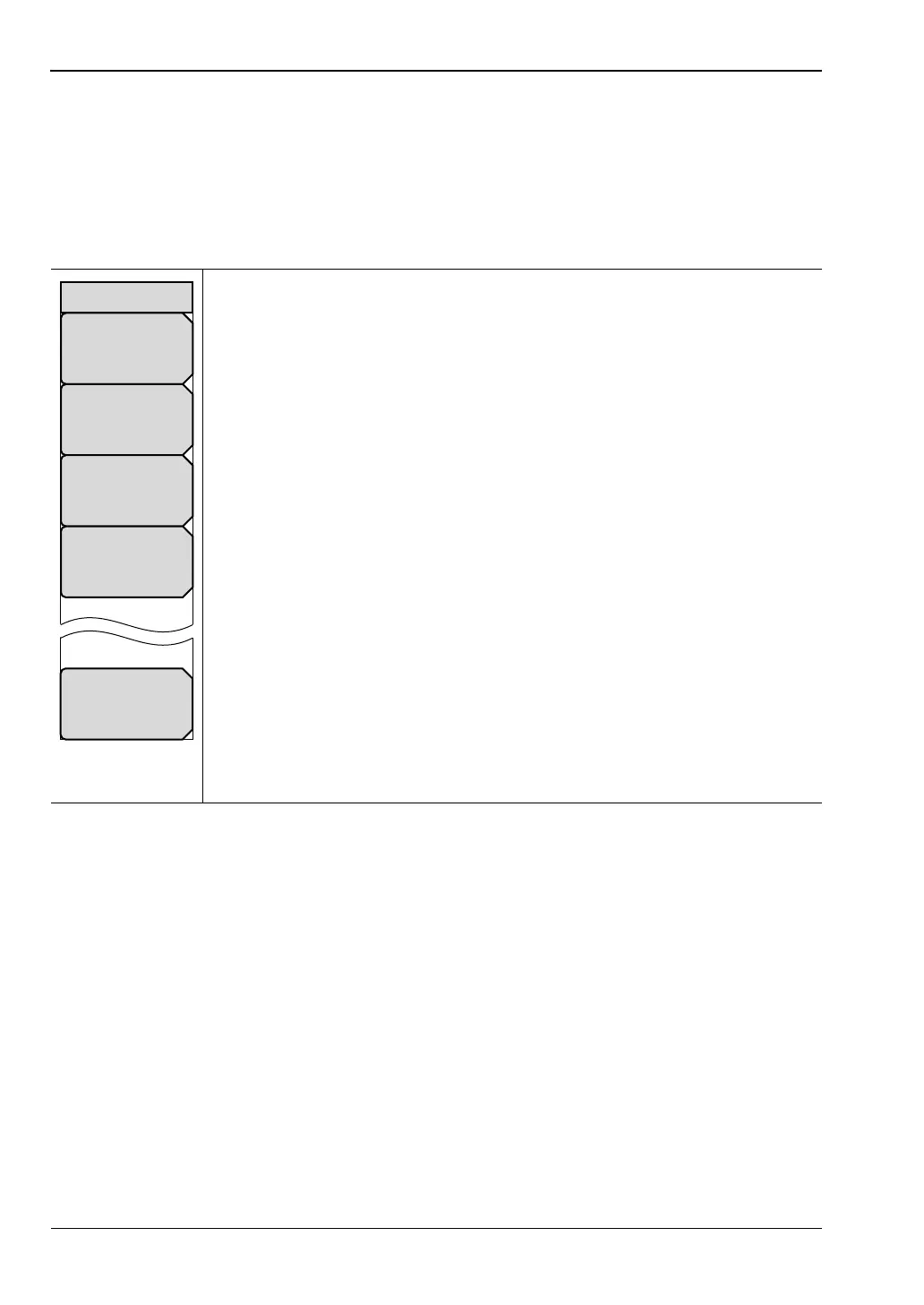
Freq Menu
Preliminary Key Sequence: Measure > Domain Selection > Frequency
or
Preliminary Key Sequence: Freq/Time/Dist > Domain Setup > Setup Frequency
Key Sequence: Freq/Time/Dist
Start Freq: Press this soft key to set the start frequency in units of Hz, kHz,
MHz, or GHz. If you enter a start frequency that is higher than the
currently-set stop frequency, and if CAL = On, then the start frequency is set
to the same value as the stop frequency. If you enter a start frequency that is
higher than the currently-set stop frequency, and if CAL = Off, then both start
and stop frequency are set to the new frequency.
Stop Freq: Press this soft key to set the stop frequency in units of Hz, kHz,
MHz, or GHz. If you enter a stop frequency that is lower than the currently-set
start frequency, and if CAL = On, then the stop frequency is set to the same
value as the start frequency. If you enter a stop frequency that is lower than
the currently-set start frequency, and if CAL = Off, then both stop and start
frequency are set to the new frequency.
Center Freq: Press this soft key to set the center frequency in units of Hz,
kHz, MHz, or GHz. The center frequency can be set with the arrow keys, the
rotary knob, or the number keypad. When using the number keypad, the
menu displays soft keys with Hz, kHz, MHz, and GHz units. Pressing the
Enter key has the same effect as pressing the MHz soft key.
Span: Press this soft key to set the span in units of Hz, kHz, MHz, or GHz.
The span setting determines the frequency range over which the instrument
sweeps. The span may be set from 0 (zero) to the maximum frequency of the
instrument.
Domain Setup: Press this soft key to open the “Setup Domain Menu”. The
message on the key face reflects the setup feature (Freq) that is in use.
Figure 6-2. Freq (Frequency) Menu
Stop Freq
# GHz
Start Freq
# kHz
Span
# GHz
Center Freq
# GHz
Domain Setup
Freq
Freq













 To Next Page