7-6 Sweep Menus Field View Menus
7-14 PN: 10580-00289 Rev. K Vector Network Analyzer MG
Avg/Smooth Menu
Output Power
Press the Output Power soft key in the Sweep menu to display the Source Power menu.
Source Power Menu
Sweep Averaging: Press this soft key to set the number of sweeps to use for
averaging. The minimum number is 1.
Smooth %: Press this soft key to add a smoothing percentage from 0 (zero)
to 20%. Use the Arrow keys, the rotary knob, or the number keypad to input
the value, and then press the Enter key.
Note: If you apply smoothing when the sweep has more than 2000 points,
the smoothing may slow the sweep time of the trace and the responsiveness
of the instrument. This slowing can be significant, and it increases as the
number of sweep points is increased.
Back: Press this soft key to return to the Sweep menu.
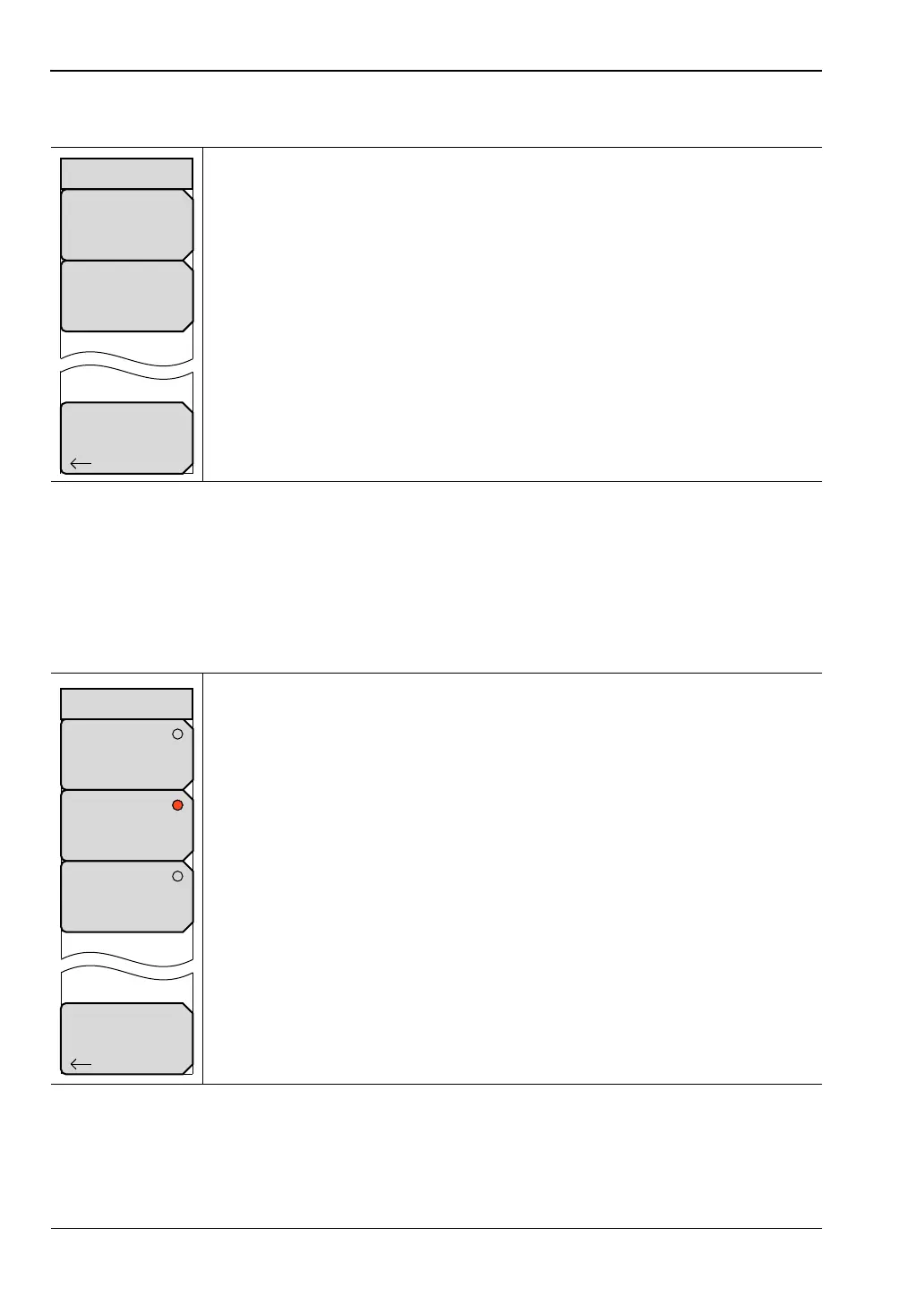
Figure 7-13. Field View Avg/Smooth Menu
Low: Press this soft key to set the Source Power to Low, which is
approximately –25 dBm. This setting is for amplified devices.
Default: Press this soft key to set the Source Power to Default, which is
approximately –5 dBm. This setting is for passive devices.
High: Press this soft key to set the Source Power to High, which is
approximately –0 dBm. Use this setting to achieve maximum dynamic range
when measuring high-loss devices.
Note: Changing Source Power while Cal Correction is turned On will affect
the accuracy of the current calibration. Refer to “Changing Source Power”
on page C-7. Cal Correction is a soft key in the Calibration menu.
Back: Press this soft key to return to the Sweep menu.
Figure 7-14. Field View Source Power Menu
Smooth %
#
Sweep Averaging
#
Avg/Smooth
Back
Back
Default
~ –5 dBm
Low
~ –25 dBm
Source Power
High
~ 0 dBm













 To Next Page