VNA View Menus 6-3 Domain Setup Menus
Vector Network Analyzer MG PN: 10580-00289 Rev. K 6-15
Gate Menu
Key Sequence: Measure > Domain Selection > Gate
This menu description is continued on the next page.
Gate Function
Off Display On: Press this soft key to toggle the Gate Function status to
Off, Display, or On.
When set to Off, the gate is not displayed on the screen nor applied to
the data.
When set to Display, the gate shape is displayed on the screen but the
gate filtering is not applied to the data.
When set to On, the gate shape is displayed on the screen, and the
gate filtering is applied to the data.
Start Gate: Press this soft key to set the start Gate value. The values will be
in units of time if the active trace is in the Time Domain, or in units of distance
if the active trace is in the Distance Domain. Use the arrow keys, the rotary
knob, or the number keypad to set a Gate value. When using the number
keypad, the menu displays soft keys with seconds (s), milliseconds (ms),
microseconds (µs), nanoseconds (ns), or picoseconds (ps), if in the Time
Domain. Otherwise, it displays meters (m), centimeters (cm), or
millimeters (mm) as units, if in Distance Domain. Pressing the Enter key has
the same effect as pressing the seconds (s) soft key or the meter (m) soft key.
If the “Application Options Menu (VNA Mode)” menu is used to set units in
feet rather than meters, then the distance settings are in feet (ft) only, and
pressing the Enter key sets the units to feet.
Stop Gate: Press this soft key to set the stop Gate in either time or distance
units, depending on whether the active trace is in the Time Domain or the
Distance Domain. In time domain, the units are in seconds (s),
milliseconds (ms), microseconds (µs), nanoseconds (ns), or
picoseconds (ps). In distance domain, the units are in meters (m),
centimeters (cm), or millimeters (mm). If the “Application Options Menu (VNA
Mode)” menu is used to set units in feet rather than meters, then the distance
settings are in feet (ft) only.
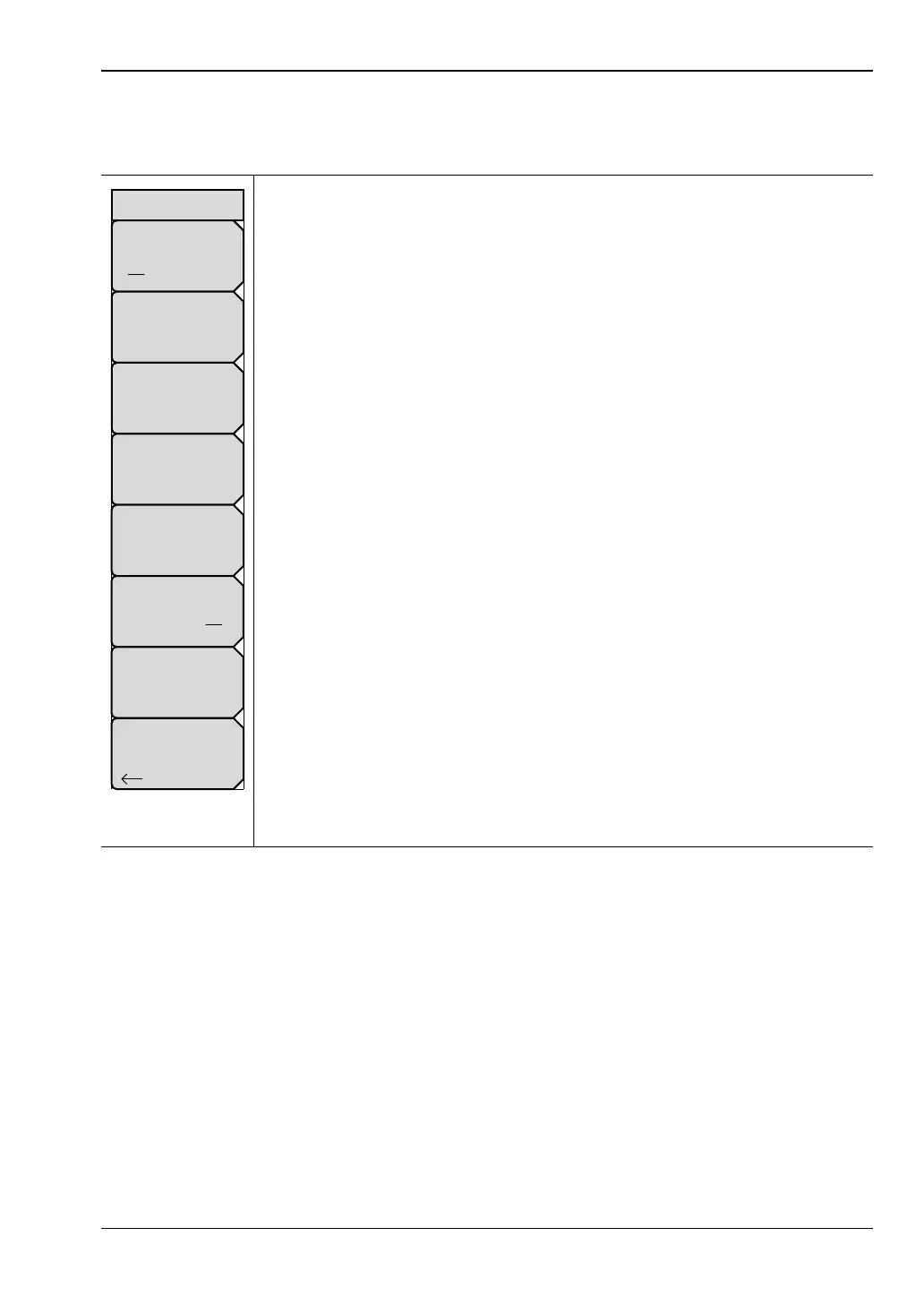
Figure 6-14. Gate Menu
Center Gate
# ns
Stop Gate
# ns
Start Gate
# ns
Span Gate
# ns
Gate Function
Off Display On
Gate
Gate Notch
On Off
Gate Shape
Minimum
Back













 To Next Page