6-4 Calibration Menus VNA View Menus
6-36 PN: 10580-00289 Rev. K Vector Network Analyzer MG
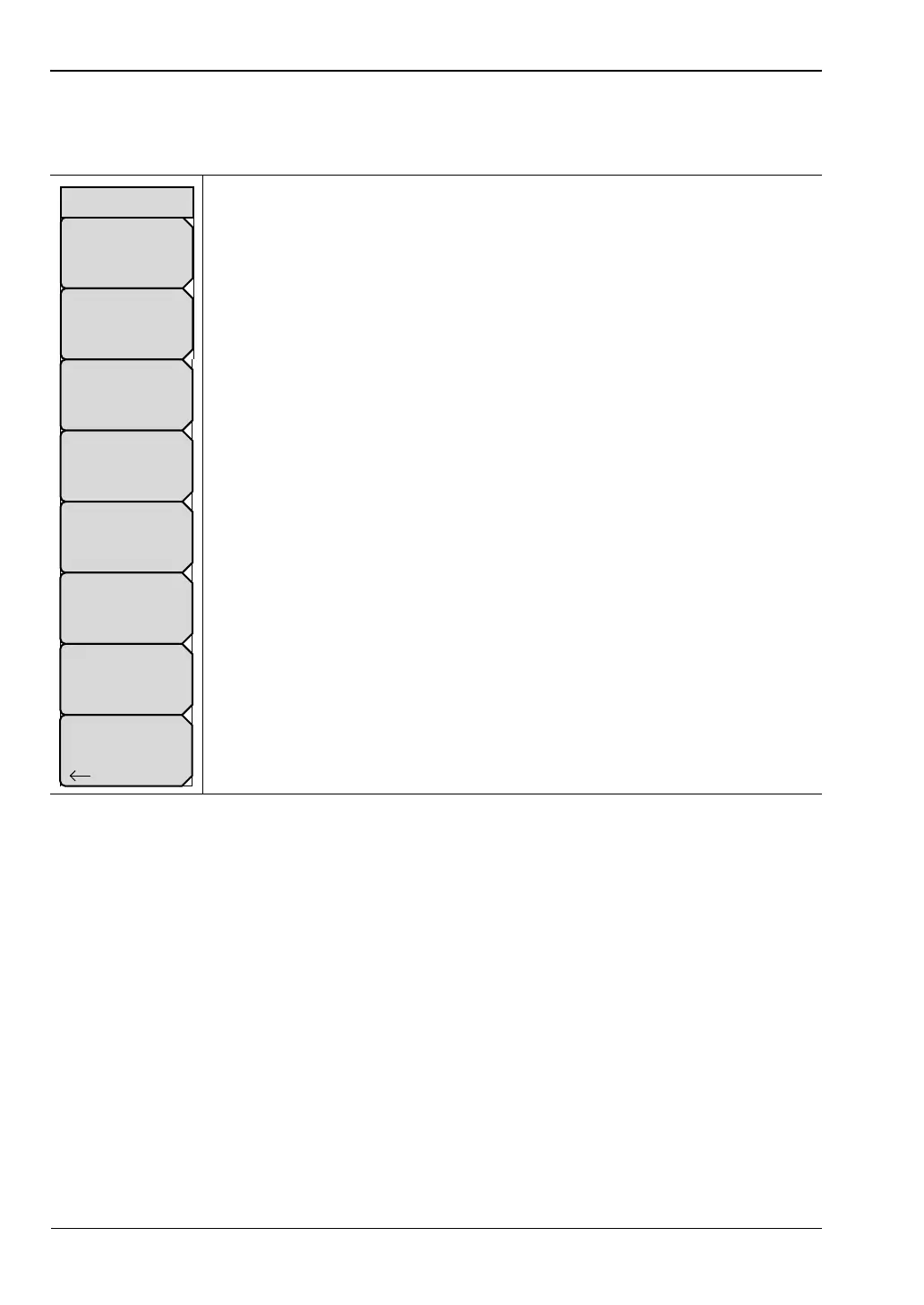
SOLT – WG Menu
Key Sequence: Shift, Calibrate (2) > DUT Port Setup > Setup User-Defined > Enter
Edit Name: Press this soft key to use the Text Entry feature (refer to the Text
Entry section in the user guide for your instrument). Enter a name for your
setup.
Short Offset (mm): Press this soft key to enter a length for the Short Offset.
Open Offset (mm): Press this soft key to enter a length for the Open Offset.
Open C0(e-15): Press this soft key to enter a capacitance value for Open 0.
Open C1(e-27): Press this soft key to enter a capacitance value for Open 1.
Open C2(e-36): Press this soft key to enter a capacitance value for Open 2.
Open C3(e-45): Press this soft key to enter a capacitance value for Open 3.
Back: Press this soft key to return to the “DUT Port Setup Menu
(Waveguide)” on page 6-33.
Figure 6-35. SOLT – WG Menu
Back
Short Offset (mm)
0
Edit Name
SOLT(4)–USER4
Open C0(e-15)
0
Open Offset (mm)
0
Open C1(e-27)
0
Open C3(e-45)
0
Open C2(e-36)
0
SOLT – WG













 To Next Page