6-7 Measurement Menus VNA View Menus
6-52 PN: 10580-00289 Rev. K Vector Network Analyzer MG
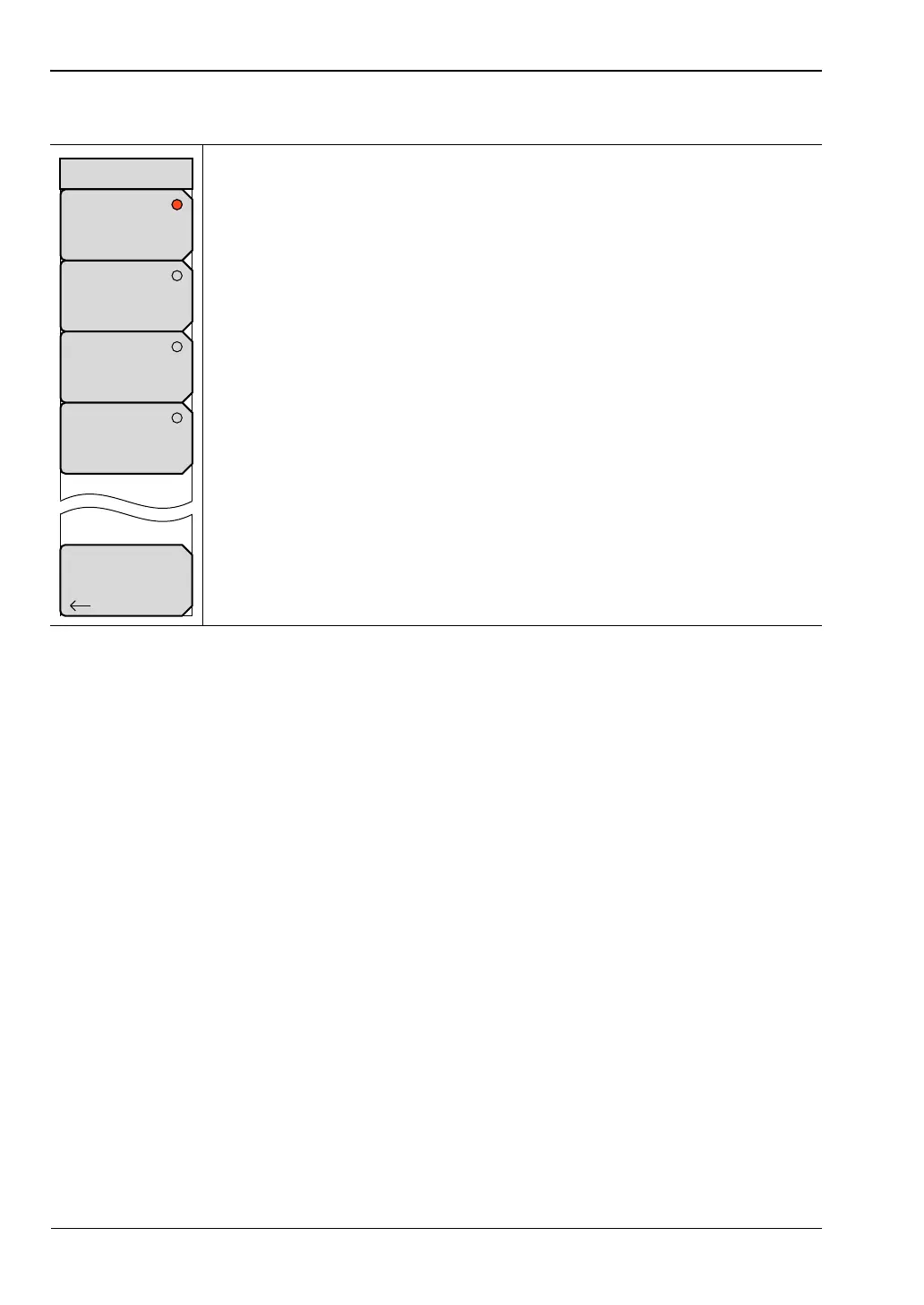
Trace Format Menu
Regardless of the Trace Format that is selected, the number of traces that are displayed is
controlled by the Number of Traces soft key.
Examples:
If 4 traces are displayed in Single Trace Format mode, then all 4 traces are displayed
overlapping in the sweep window.
If 4 traces are displayed in Dual Trace Format mode, then traces 1 and 3 are displayed
overlapping in the upper sweep window, and traces 2 and 4 are displayed overlapping
in the lower sweep window.
If 4 traces are displayed in Tri Trace Format mode, then traces 1 and 2 are displayed
individually in the upper half of the sweep window, and traces 3 and 4 are displayed
overlapping in the lower sweep window.
If 4 traces are displayed in Quad Trace Format mode, then all 4 traces are displayed
individually in the sweep window, each trace occupying one quarter of the sweep
window.
If 1 trace is displayed in Dual, Tri, or Quad format, then that trace is displayed in the
first section of the sweep window, and any other sections are blank.
Single: Press this soft key to display the active trace (or traces) at full size in
the sweep window. If more than one trace is selected by the
Number of Traces soft key, then the traces are displayed overlapping in the
sweep window.
Dual: Press this soft key to display 2 traces in the sweep window, with the
sweep window divided horizontally into 2 equal rectangles.
Tri: Press this soft key to display 3 traces in the sweep window, with the
sweep window divided horizontally and vertically so that 2 equal rectangles
share the upper half of the window, and one wide rectangle occupies the
lower half of the window.
Quad: Press this soft key to display 4 traces in the sweep window, with the
sweep window divided horizontally and vertically into 4 equal rectangles.
Back: Press this soft key to return to the “Measure Menu” without changing
the Trace Format setting.
Figure 6-50. Trace Format Menu
Back
Single
Dual
Tri
Quad
Trace Format













 To Next Page