6-3 Domain Setup Menus VNA View Menus
6-6 PN: 10580-00289 Rev. K Vector Network Analyzer MG
Time Menu
Preliminary Key Sequence: Measure > Domain Selection > Time
or
Preliminary Key Sequence: Freq/Time/Dist > Domain Setup > Setup Time
Key Sequence: Freq/Time/Dist
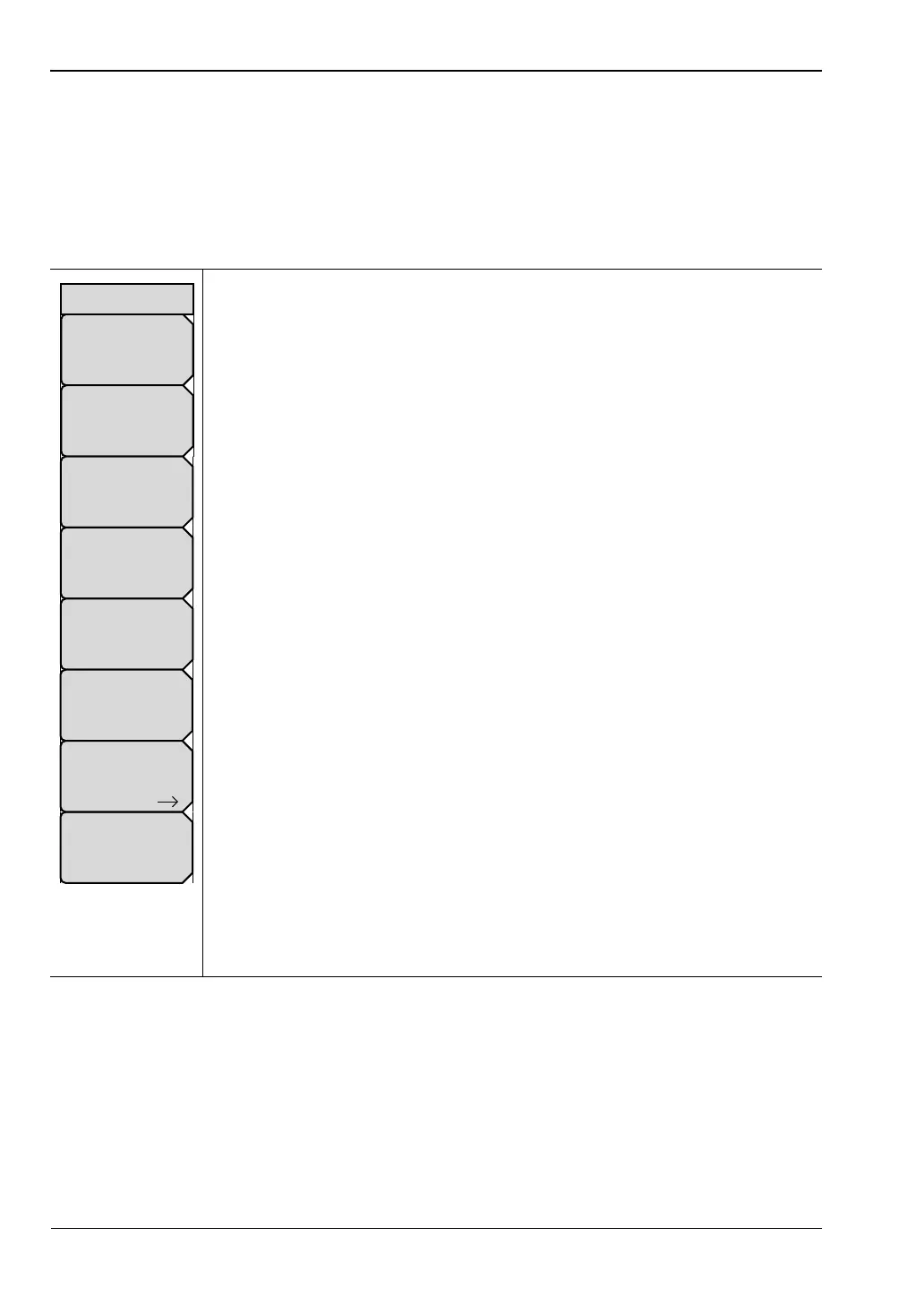
Start Time: Press this soft key to set the start time in seconds (s),
milliseconds (ms), microseconds (µs), nanoseconds (ns), or
picoseconds (ps). Use the arrow keys, the rotary knob, or the number keypad
to set a time value. When using the number keypad, the menu displays soft
keys with s, ms, µs, ns, and ps units. Pressing the Enter key has the same
effect as pressing the ps soft key. The set value is displayed on the key face.
Stop Time: Press this soft key to set the stop time in seconds (s),
milliseconds (ms), microseconds (µs), nanoseconds (ns), or
picoseconds (ps). The maximum setting is ±100 µs.
Start Freq: Press this soft key to set the start frequency in units of Hz, kHz,
MHz, or GHz.
Stop Freq: Press this soft key to set the stop frequency in units of Hz, kHz,
MHz, or GHz.
Windowing: Press this soft key to open the “Windowing Menu” on page 6-8.
The window shape value is displayed on the key face, and may be
Rectangular, Nominal Side Lobe (as in this example), Low Side Lobe, or
Minimum Side Lobe.
Time Info: Press this soft key to display the “Time Info List Box” on page 6-7.
This list box displays useful information and suggestions regarding the time
domain setup, such as the start and stop frequencies, start and stop time,
number of data points, windowing and processing types, maximum time, and
time resolution. Use the Up/Down arrows or the rotary knob to scroll through
the listed parameters.
Gate: Press this soft key to open the “Gate Menu”.
Domain Setup: Press this soft key to return to the “Setup Domain Menu”.
The message on the key face reflects the setup feature (Time, in this example
image) that is in use.
Figure 6-4. Time Menu
Time Info
Stop Time
# ns
Start Time
# ps
Stop Freq
# GHz
Start Freq
# kHz
Windowing
Nominal Side Lobe
Domain Setup
Time
Time
Gate













 To Next Page