VNA View Menus 6-4 Calibration Menus
Vector Network Analyzer MG PN: 10580-00289 Rev. K 6-33
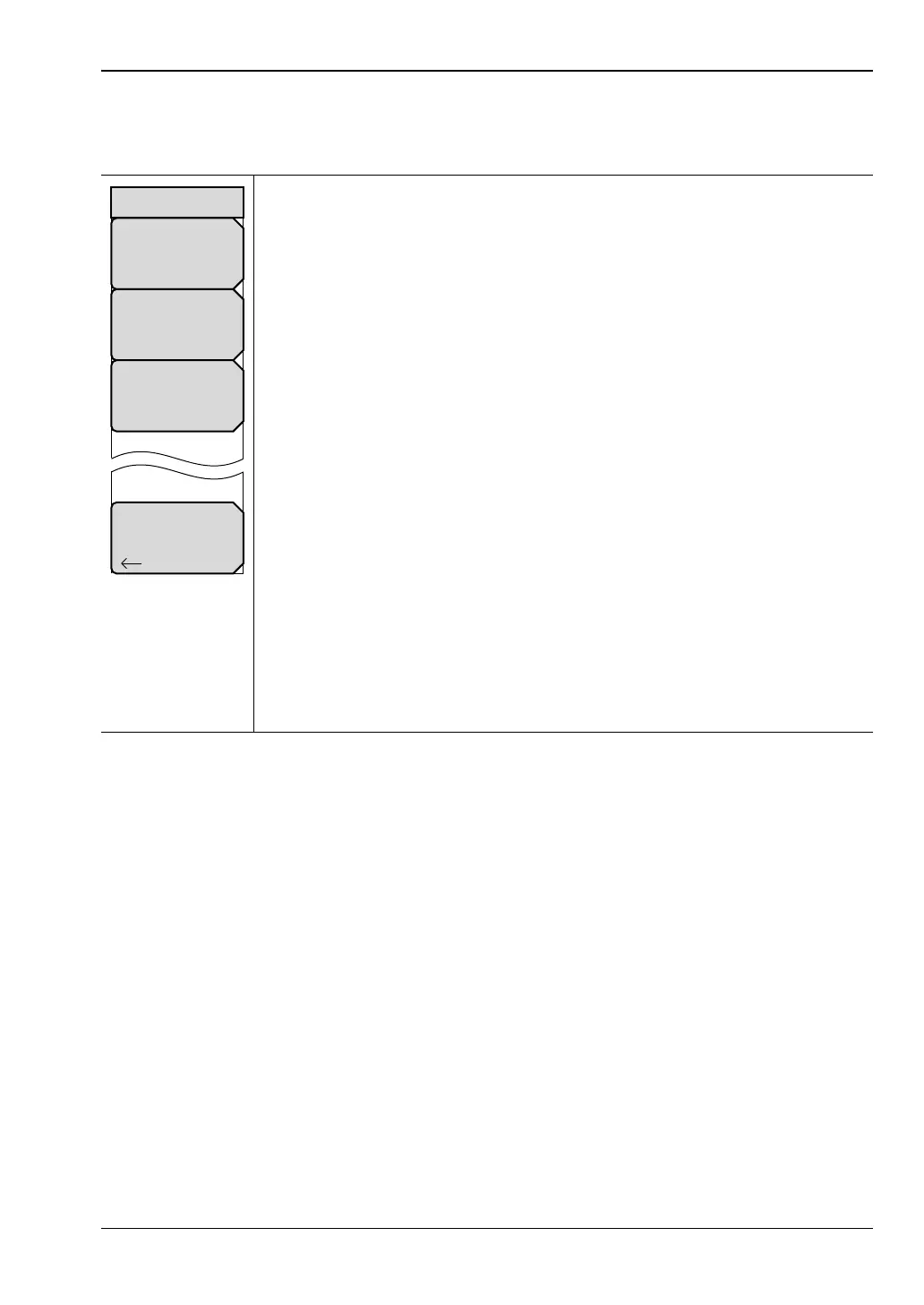
DUT Port Setup Menu (Waveguide)
Key Sequence: Shift, Calibrate (2) > DUT Port Setup
WG DUT Port 1: Press this soft key to open the “DUT Connector Selector”
List Box for Port 1. Choose the connector type that matches the DUT
connection on Port 1. This indicates that you are using the matching
calibration kit, and the VNA Master displays the corresponding calibration
coefficients that will be used during the calibration procedure.
Examples:
WG11A
WG12
WG20
SSLT(1) – USER 1
SSLT(4) – USER 4
WG DUT Port 2: Press this soft key to open the “DUT Connector Selector”
List Box for Port 2. Choose the connector type that matches the DUT
connection on Port 2. This indicates that you are using the matching
calibration kit, and the VNA Master displays the corresponding calibration
coefficients that will be used during the calibration procedure.
Setup User-Defined: Press this soft key to open the “User-Defined Cal Kit
Selector” List Box (Figure 6-34). Format: SSST(#) – USER #. Selecting a
user-defined cal kit displays the cal kit definition menu (Figure 6-33). In this
menu, you may enter the calibration coefficients for their specific calibration
kit.
Back: Press this soft key to return to the “Calibration Menu”.
Figure 6-32. DUT Port Setup Menu
Back
WGDUT Port 2
WG11A/WR229/R40
WG DUT Port 1
WG11A/WR229/R40
Setup User–Defined
SOLT(#)–USER #
DUT Port Setup













 To Next Page