6-6 Marker Menus VNA View Menus
6-42 PN: 10580-00289 Rev. K Vector Network Analyzer MG
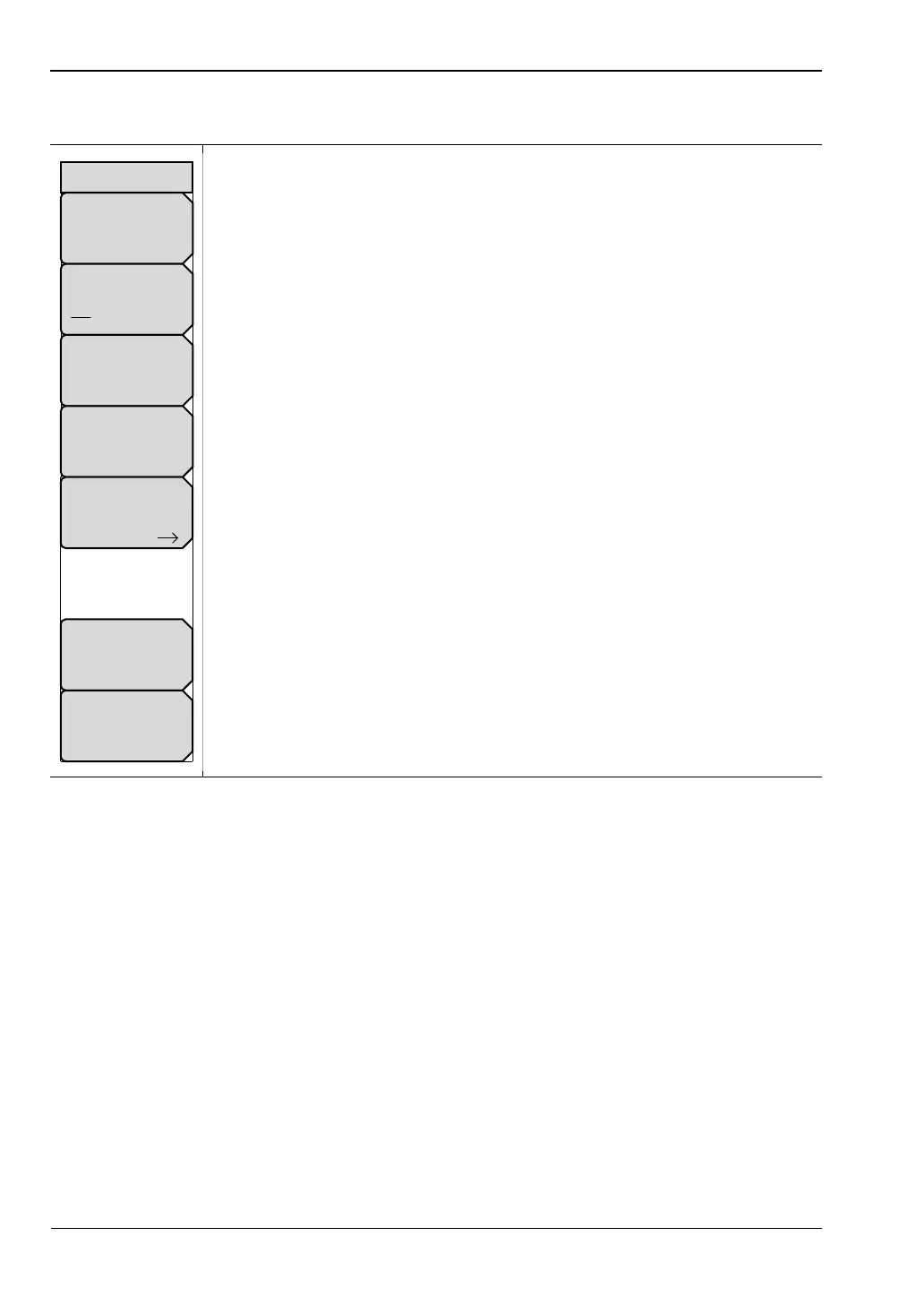
Marker Menu
Marker: Press this soft key to open the Select Marker List Box and select a
marker. The active marker number is displayed on the soft key face.
Marker Type
Ref Delta Off: Press this soft key to toggle the Marker Type selection.
The active marker becomes a Reference marker or a Delta marker, or it can
be turned off.
Avail Ref Marker: Press this soft key to open a list box and select a
reference marker, if one is available.
Marker on Trace: Press this soft key to open a list box and select the trace
upon which the marker is located. The active trace number is displayed on the
soft key face. Choose from the 4 current traces or 4 memory traces, or all
traces.
Marker Search: Press this soft key to open the “Marker Search Menu” and to
select a search type.
Readout Style: Press this soft key to open a list box and select a chart style.
Choose a graph type from the list: Log Mag, Log Mag and Phase, Phase,
Real and Imaginary, SWR, Impedance, Admittance, Normalized Impedance,
Normalized Admittance, Polar Impedance, Group Delay, Log Mag/2, Linear
Magnitude, and Linear Magnitude and Phase. Scroll with the arrow keys or
the rotary knob. Press the rotary knob or the Enter key to select. Press the
Esc key to cancel and return to the “Marker Menu” without changing the
readout style.
Readout Format: Press this soft key to open the “Readout Format Menu”.
Figure 6-40. Marker Menu
Marker Search
Marker on Trace
TR #
Avail Ref Mkr
N/A
Marker Type
Ref Delta Off
Readout Format
None
Readout Style
Log Mag
Marker
#
Marker













 To Next Page