VNA View Menus 6-7 Measurement Menus
Vector Network Analyzer MG PN: 10580-00289 Rev. K 6-49
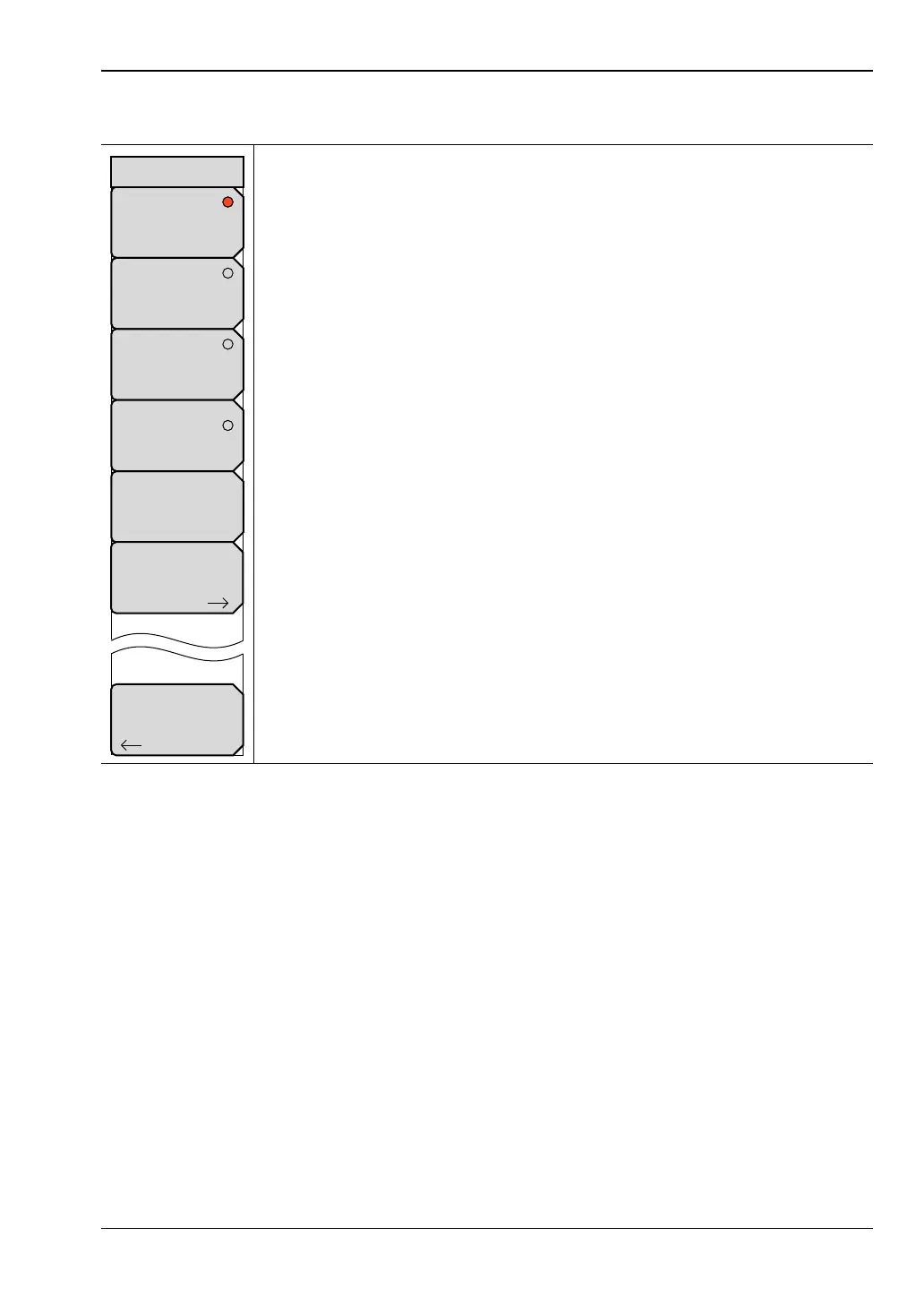
Domain Menu
This menu is opened by the Domain Selection soft key of the “Measure
Menu”.
Frequency: Press this soft key to select Frequency for the x-axis of the
active trace. Focus returns automatically to the “Measure Menu”.
Time: Press this soft key to select Time for the x-axis of the active trace.
Focus returns automatically to the “Measure Menu”.
Distance: Press this soft key to select Distance for the x-axis of the active
trace. Focus returns automatically to the “Measure Menu”.
FGT: Press this soft key to select Frequency Gated by Time (FGT) for the
x-axis of the active trace. Focus returns automatically to the “Measure Menu”.
Low Pass Response: Press this soft key to select the type of response to
use for Low Pass Time or Distance modes. Available modes are Impulse and
Step. The chosen mode is displayed in the button. Note that this button is
called “Band Pass Response” when the response type is band pass instead
of low pass. In Band Pass mode, the available modes are Standard and
Phasor Impulse. Pressing this soft key opens the “Low Pass Mode Menu”
on page 6-50 menu or the “Band Pass Mode Menu” on page 6-50 menu.
Gate: Press this soft key to open the “Gate Menu” on page 6-15.
Back: Press this soft key to return to the “Measure Menu”.
Figure 6-46. Domain Menu
Back
Frequency
Time
Distance
Domain
Low Pas Response
Impulse (LPI)
Gate
FGT













 To Next Page