VNA View Menus 6-3 Domain Setup Menus
Vector Network Analyzer MG PN: 10580-00289 Rev. K 6-11
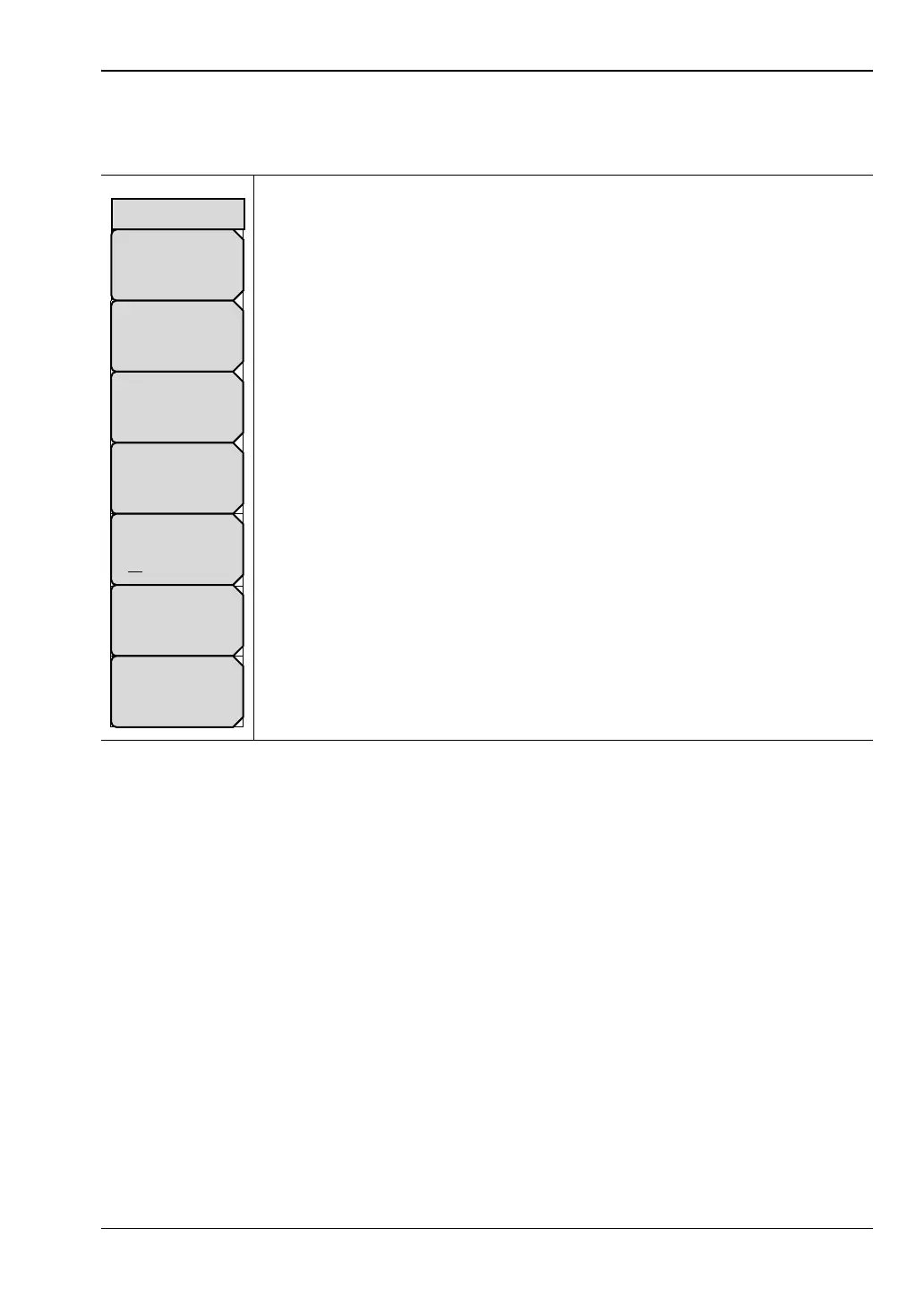
Cable List Menu (Coax)
Key Sequence: Freq/Time/Dist > Additional Dist Setup > Cable List
Top of List: Press this submenu key to jump to the top of the Antenna list.
Page Up: Press this key to skip up through the list.
Page Down: Press this key to skip down through the list.
Bottom of List: Press this submenu key to jump to the bottom of the list.
Display: Press this key to toggle the display of All cables or only cables
marked as Favorites.
Select/Deselect Favorite: Press this submenu key to add the highlighted
cable to the Favorites list. The cable is then marked with an asterisk. If the
selected cable is already marked with an asterisk, pressing this key removes
it from the Favorites list.
Save Favorites: Press this key to save the changes you have made to the
Favorites list.
Figure 6-9. Cable List Menu (Coax)
Page
Down
Page
Up
Top
of
List
Bottom
of
List
Display
All Fav
Select/Deselect
Favorite
Save Favorites
Cable List













 To Next Page