VNA View Menus 6-4 Calibration Menus
Vector Network Analyzer MG PN: 10580-00289 Rev. K 6-19
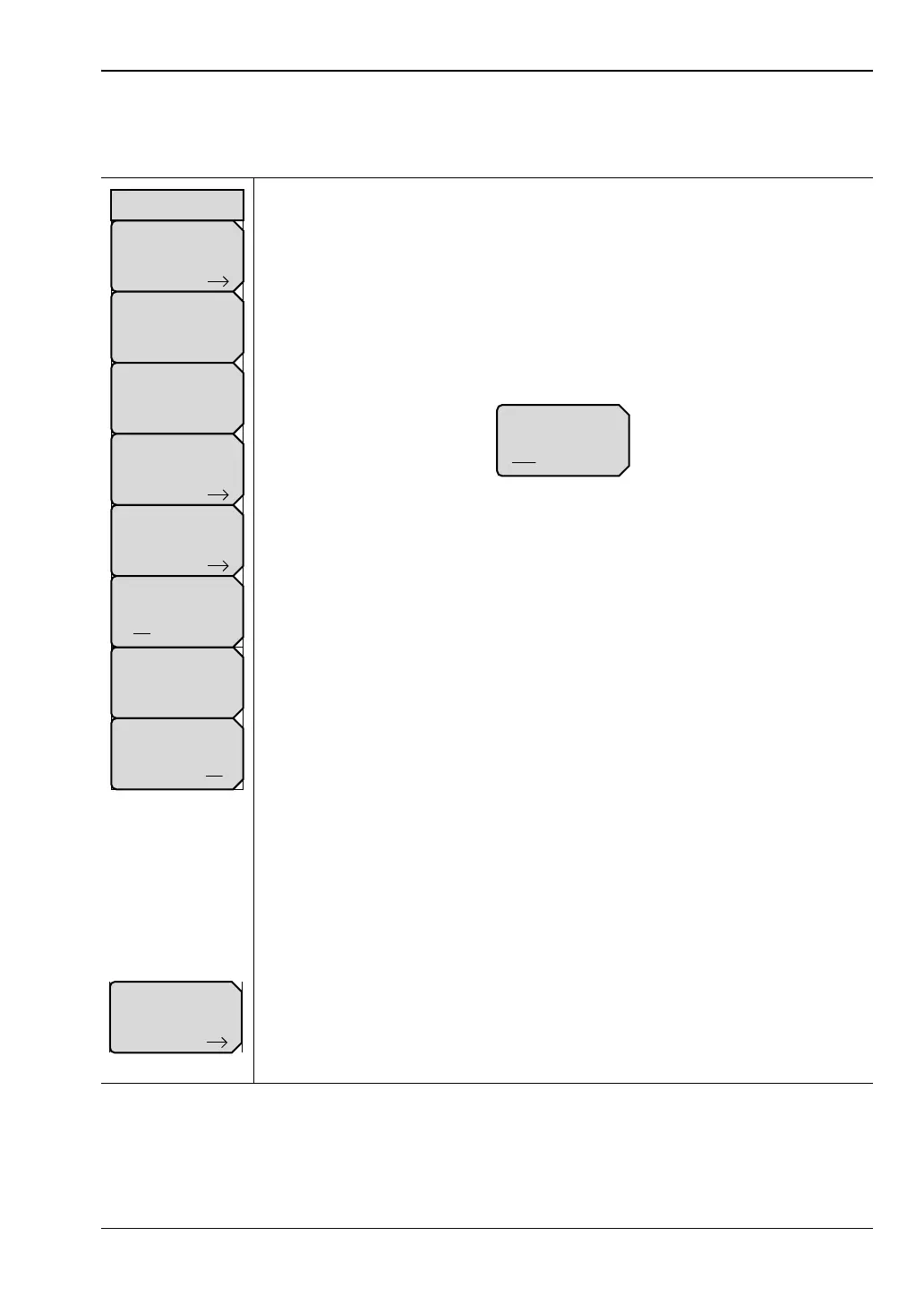
Calibration Menu
Key Sequence: Shift, Calibrate (2)
Start Cal: Press this soft key to open the “Next Step” List Box, which contains
the instructions: “Connect cal component, select step, and press Enter to
measure:” See Figure 6-24 on page 6-25 for examples. Only for MS20xxC
instruments, this key changes to “Thru Update or Start Cal” when a completed
calibration includes a Thru measurement. See the soft key image at the
bottom of this list.
Cal Type: Press this soft key to open the selection list box, then select a
calibration type. A soft key offers a toggled selection of Flex or Standard.
Refer to “Cal Type Menu”. Also refer to Section “Calibration Types”
on page 6-37. See Figure 6-19 on page 6-21 for Cal Type examples.
Cal Method: Press this soft key to open the selection list box, then select a
calibration method. See Figure 6-22 on page 6-24 for examples. This soft key
is displayed only for MS20xxC instruments..
Cal Line Setup: Press this soft key to open the “Calibration Line Setup
Menu” on page 6-27. A soft key (Cal Line Type) in the “Calibration Line Setup
Menu” on page 6-27 offers a toggled selection of Coax or Waveguide. This
soft key is displayed only for MS20xxC instruments.
DUT Port Setup: Press this soft key to open the “DUT Port Setup Menu
(Coax)” on page 6-29 or the “DUT Port Setup Menu (Waveguide)”
on page 6-33 if the Cal Line Type is set to Waveguide..
Interpolation
On Off: Press this soft key to toggle interpolation On or Off. In Cal Type
Flex mode, Interpolation is always On. After performing a Standard
calibration, you can turn Interpolation On and then change the frequency
range (smaller) or reduce the number of data points. Refer to “Interpolation”
on page 6-22.
Existing Cal Info: Press this soft key to open the “Existing Calibration
Information” List Box. Press Enter or Esc to close the list box.
Cal Correction
On Off: Press this soft key to toggle calibration correction On and Off.
Thru Update or Start Cal: This soft key is displayed in place of the Start Cal
soft key when a completed calibration includes a Thru measurement.
Pressing this key opens the “Calibration Menu with Thru” on page 6-25, which
offers a Thru update or a new calibration. This soft key is displayed only for
MS20xxC instruments.
Figure 6-18. Calibration Menu
DUT Port Setup
Existing Cal Info
Start Cal
Cal Line Setup
Cal Method
SOLT
Cal Type
Full 2 Port
Cal Correction
On Off
Calibration
Interpolation
On Off













 To Next Page