VNA View Menus 6-4 Calibration Menus
Vector Network Analyzer MG PN: 10580-00289 Rev. K 6-25
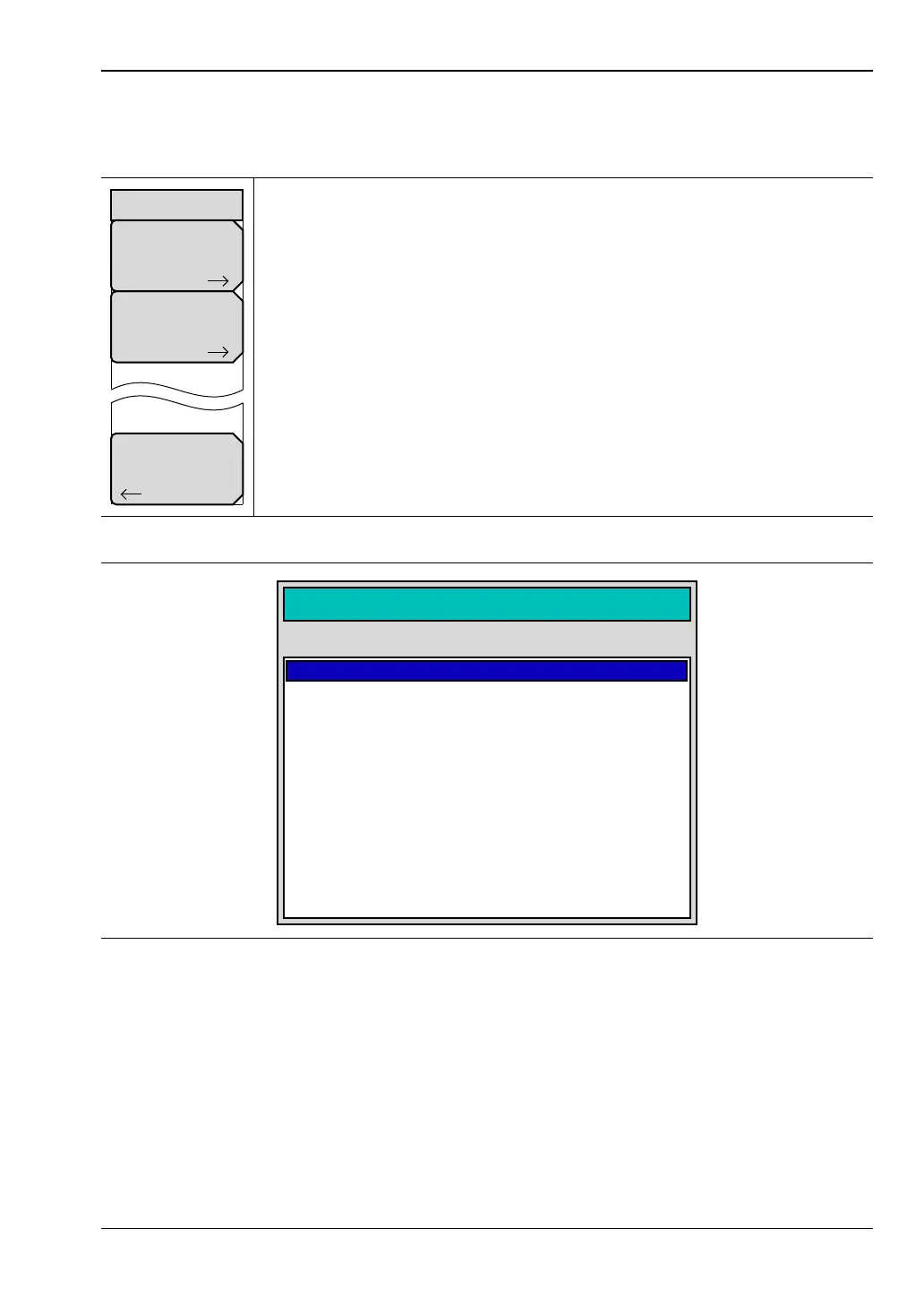
Calibration Menu with Thru
Key Sequence: Shift, Calibrate (2) > Thru Update or Start Cal
Start Cal: Press this soft key to open the “Next Step” List Box (see
Figure 6-24), which contains the instructions: “Connect cal component, select
step, and press Enter to measure:”
Thru Update: Press this soft key to open the selection list box (see
Figure 6-25 on page 6-26), then select a calibration type. Refer to Section
“Calibration Types” on page 6-37.
Back: This soft key to return to the “Calibration Menu” on page 6-19.
Figure 6-23. Calibration Menu with Thru Update
Figure 6-24. Start Cal, Next Step Dialog Box
Calibration
Thru Update
Start Cal
Back
Next Step
Connect cal component, select step, and press Enter to measure:
Open, Port 1 (17.830 mm)
Calculate and Finish Cal
Exit to Setup
Abort Cal
Open, Port 1 (17.830 mm)
Short, Port 2 (17.830 mm)
Short, Port 1 (17.830 mm)
Open, Port 2 (17.830 mm)
Load, Port 1
Thru, Fwd & Rev
Load, Port 2
Isolation, Fwd & Rev (optional)













 To Next Page