204
5.2.2.3. Using Internal Application Server of MT8821C
The MT8821C has two Network Interface Cards (hereafter, NIC) internally and these can be used as Application
Servers for IP data verification.
Connect the 1000Base-T1 port on the MT8821C rear panel to the Application Server PC1. For details of the
connection diagram, refer to Figure 5.2.1.2-3 or Figure 5.2.1.2-4 in Chapter 5.2.1.
The following IP addresses are assigned as initial values at Application Server PC1/2
5.2.2.3
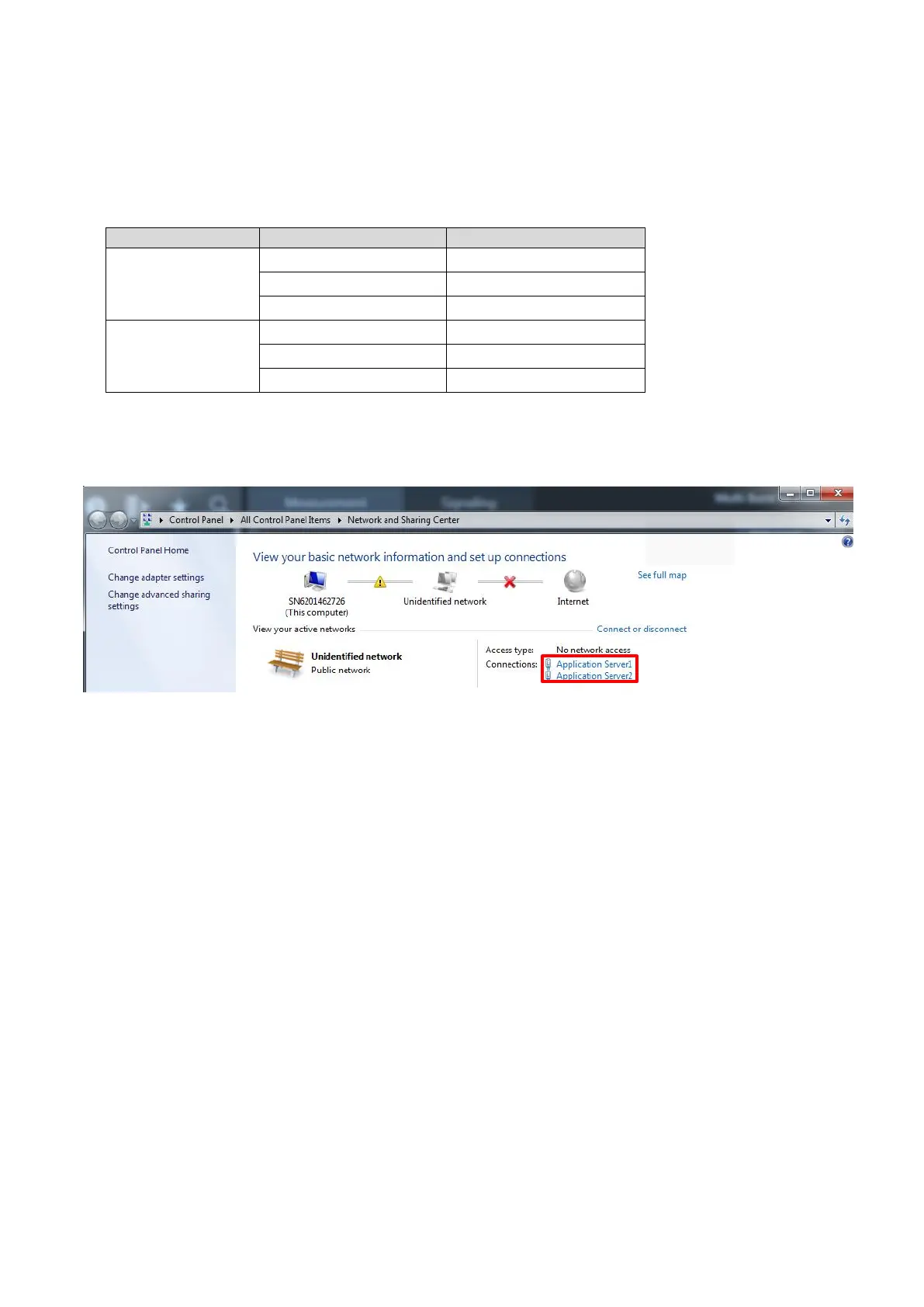
1. Open the property window for “Network and Sharing Center” at the MT8821C and select “Application
Server1” or “Application Server2”.
Figure 5.2.2.3-1 MT8821C “Network and Sharing Center” Setting Screen














 To Next Page