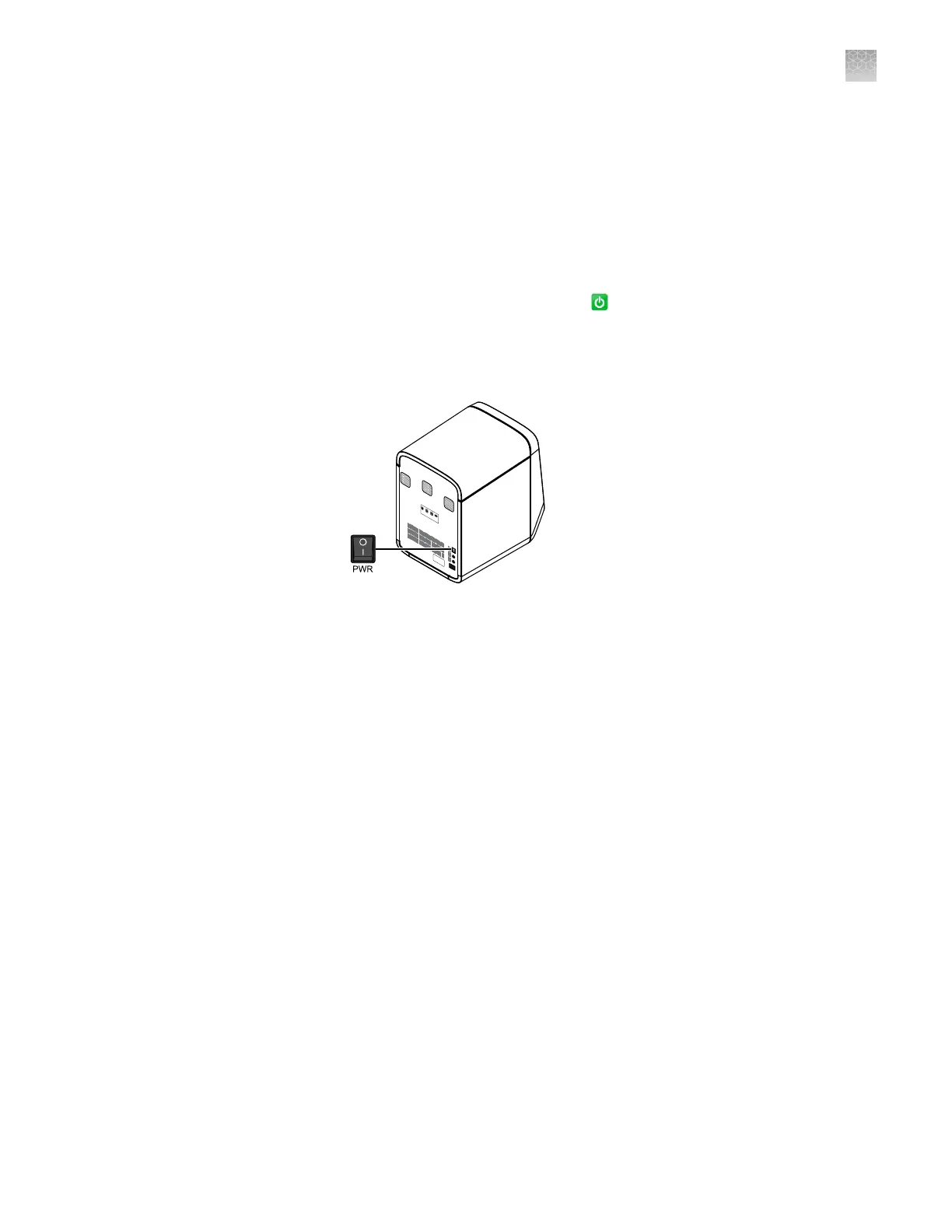
Power off the QuantStudio
™
6 or 7 Flex Real-Time PCR System
The systems operate in low-power mode when not in use. The system can be powered
o completely so that the components draw no power.
Note: If the systems are inactive for extended periods of time, prepare them for
storage (see “Store the QuantStudio
™
6 or 7 Flex System“ on page 125).
1.
Power o the QuantStudio
™
6 or 7 Flex Real-Time PCR System:
a.
If the touchscreen is not blank, tap to place the system into stand-by
mode.
b.
T
oggle the power buon on the rear of the QuantStudio
™
6 or 7 Flex Real-
Time PCR System.
PWR
F1
F2
Ethernet
USB
1
USB
2
RS232
2.
P
ower o the computer:
a.
From the desktop, select Start4Shut Down.
b.
From the Shut Down Windows
™
dialog box, select Shut Down, then click
OK.
3.
Power o the monitor.
4.
(QuantStudio
™
7 Flex System only) If you have a Twister
™
Robot, toggle the power
buon on the rear of the Twister
™
Robot.
Store the QuantStudio
™
6 or 7 Flex System
The QuantStudio
™
6 or 7 Flex System can be powered o and stored for extended
periods of time. The length of the period of inactivity determines the method you use
to power o the QuantStudio
™
6 or 7 Flex System.
Reaction plate or array card (unused)
Materials required
Appendix D P
ower on or off, store, and move
Power off the QuantStudio
™
6 or 7 Flex Real-Time PCR System
D
QuantStudio
™
6 and 7 Flex Real-Time PCR Systems v1.6 Maintenance and Administration Guide
125












 To Next Page