164 DISPLA Y FUNCTIONS
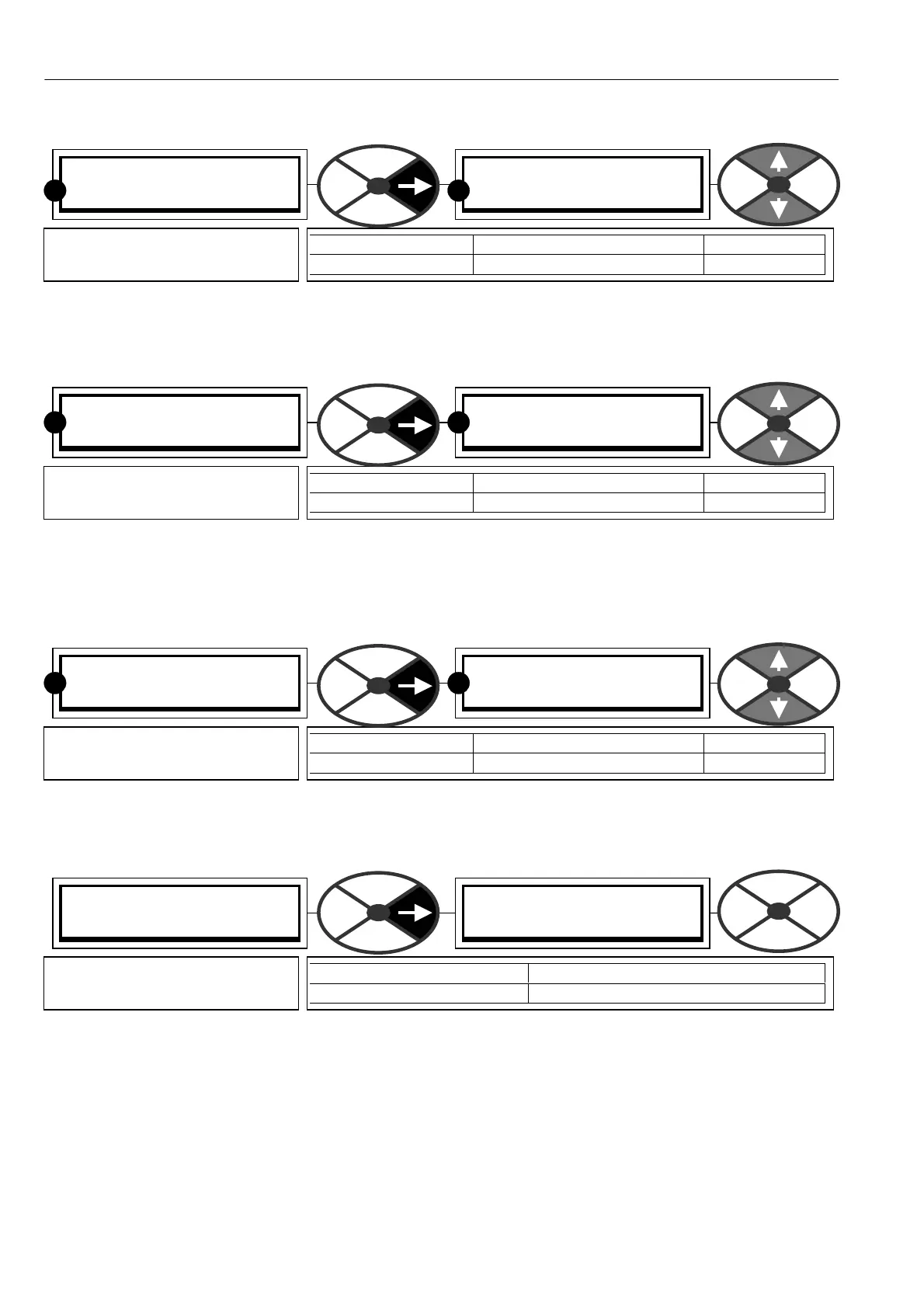
11.2.1 PA SSW ORD CONTROL / Enter password
If the entered password is correct, then the ALTER PASSW ORD windo w will show the password. If it is
incorrect then the ALTER PASSW ORD windo w will show *** *. Each recipe page may have its ow n
password. See 13.13.2 DRIVE PERSONALITY / Recipe page PIN 677.
11.2.2 PA SSW ORD C ONTROL / Alter passw ord
To alter the pass word, enter the existing passw ord in the ENTER PASSW ORD windo w first. Then using this
windo w, change to the ne w desired password. The altered password is immediately effective and copied to
the ENTER PASS W ORD windo w, but only retained for the next pow er up if a PARA METER S A VE is
performed, otherwise the previous passw ord will be required again.
11.3 DISPLAY FUNCTIONS / Language select
11.4 DISPLAY FUNCTIONS / Software version
See 10.2.4 Rules of parameter exchange relating to soft w are version.
11.5 Remotely mounted display unit
There is a family of proprietary Terminal Interface Units (TIU) available that are compatible with the PL/X. The
font contains a bright and clear dispay with an adjustable backlight. All the PL/X parameters are accessible by
the TIU w hich can support up to 300 menu and sub-menu pages. Each page can display up to 8 parameters
including numeric, alphanumeric and bit status. Parameters can be displayed and/or altered, and users can
attach their o wn display messages to status bits. The TIU is configured with a windo ws-based software. The
supply and comms connection to the TIU is from the PL/X RS232 PORT1. Please refer to your supplier for
further information.
PASSW ORD C ONTROL 3
ENTER PASSWORD
ENTER PASSWORD
0000
PARA METER RANGE DEF AULT
ENTER PASSWORD 0000 to FFFF 0000
Enter the correct pass word
here to alter parameters.
R
R
PASSW ORD C ONTROL 3
ALTER PASSWORD
ALTER PASSW ORD
0000
PARA METER RANGE DEF AULT
ALTER PA SS W ORD 0000 to FFFF 0000
To alter the pass word, scroll
the ne w passw ord here.
R
R
DISPLA Y FUNC TIONS 2
LANGU A GE SELEC T
LANGU A GE SELEC T
0
PARA METER RANGE DEF AULT
LANGU A GE SELEC T 0 to 3 0
Use this windo w to alter the
display language.
R
R
DISPLA Y FUNC TIONS 2
SOFTW ARE VERSIO N
SOFTW ARE VERSIO N
Version number
PARA METER RANGE
SOFTW ARE VERSION Version number
This window sho ws the version
number of the installed code.



 To Next Page