SERIAL LINKS 159
10.2.3.3 PARA METER EXCH ANGE / Eeprom transfer bet w een units
STATIC SENSITIVE
This equipment contains electrostatic discharge (ESD) sensitive
parts. Observe static control precautions when handling,
installing and servicing this product.
In an emergency break down situation it is possible to transfer the Eeprom IC. This IC contains all 3 recipe
page parameters and connection details. See 13.13.2 DRIVE PERSON ALIT Y / Recipe page PIN 677.
See 9.1.13 SELF TEST MESSA GE / Memory version error.
See 10.2.4 Rules of parameter exchange relating to soft w are version before proceeding.
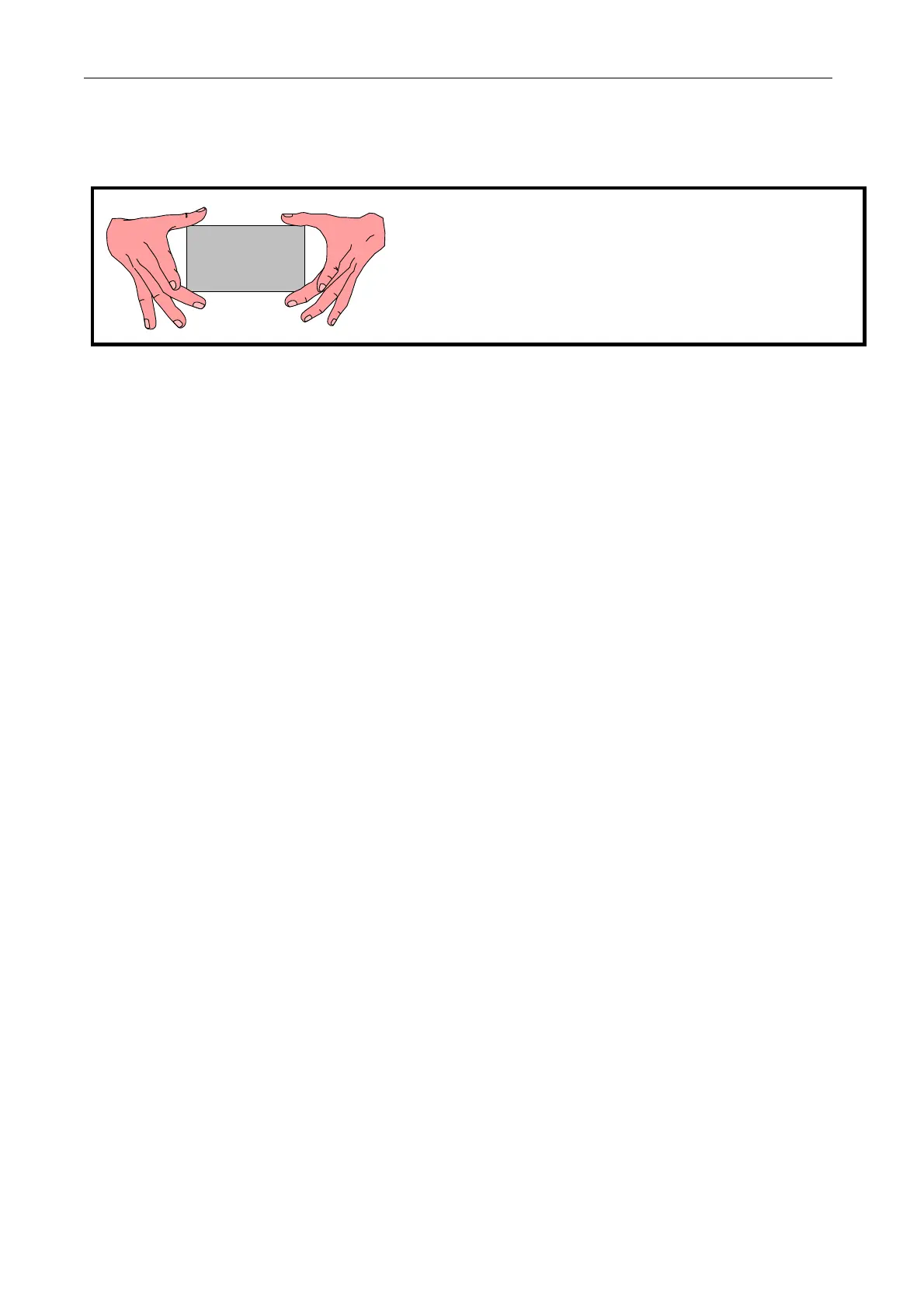
To gain access to the Eeprom IC it is necessary to remove the plastic cover from the unit. To do this first
remove the end caps, then remove the 4 corner fixing scre ws that retain the cover. When removing the cover
please take care not to stress the display and key connection ribbons. Unplug the ribbons from the control
card to completely remove the top cover. The plugs are keyed to ensure correct reconnection.
WARNING. During IC insertion avoid bending the control card and causing damage. This is best achieved by
removing the control card and supporting it on a suitable surface. Special attention must be paid to provi ding
support to the card in the area of the IC being inserted, to avoid str essing the surrounding components.
See 13.13.4.3 Changing control or pow er cards.
The IC is Component legend IC17. It is located in a dual in line socket on the control board. Remove the one
from the ne w unit first. Then remove the one from the old unit and insert it in the ne w unit without letting
the pins fold under or mislocate in the socket. It is advisable to label the ICs prior to removal. Make sure that
the IC is inserted without rotation, with PIN 1 in the correct position.
Summary. Take out IC 17 of the ne w PL/X and replace with IC17 from the old PL/X.
Maintain correct orientation, do not allo w pins to fold under or mislocate.
Do not bend the control card during this process.
This process must be documented to retain correct version control for future maintenance procedures.
WARNING. Check the CALIBRATION parameters are correct after this process.
10.2.4 Rules of parameter exchange relating to soft w are version
The rules governing the ability of a parameter file to be transferred to a PL/X are very simple.
1) A parameter set generated on older soft w are versions is allo w ed to be transferred to ne wer versions, but
not from newer to older. (However see 9.1.13.1 Transferring files using PL PILOT).
E.g. A file generated using version 2.12 soft w are may be used on units employing version 2.12, 2.13 ----
3.01 soft ware etc. but not on units employing 2.11, 2.10 ---- 2.01 etc.
The system is designed in this way because a replacement unit is more likely to have newer software.
A ne wer version of software may possess parameters that did not exist on earlier versions. When an earlier
version file is transmitted to the newer version, it automatically uses the default values for any parameters it
cannot find in the older version file. Once the ne w parameters have been adjusted and a PARA METER SA VE
performed then they will become permanently memorised. These rules apply for all modes of file transfer.
See 11.5 Remotely mounted display unit.
If the message MEMORY VERSION ERROR appears it indicates that an incompatible ne wer software file has
been loaded onto a unit with older softw are. See 9.1.13 SELF TEST MESSAGE / Memory version error.
See 9.1.13.1 Transferring files using PL PILOT.



 To Next Page