Chapter 5: Routine Operational Procedures
5/19
Operators & Maintenance Manual GENIUS Compact Version UK 0.1 © BESTnv
BESTnv Industrial Research BV, Marinus van Meelweg 20, 5657 EN, EINDHOVEN, THE NETHERLANDS
General tel. +31 (40) 292 2622 - Service tel. +31 (40) 292 2620 - Fax. +31 (40) 292 2633 - Email: service.BESTnv@bestnv.com
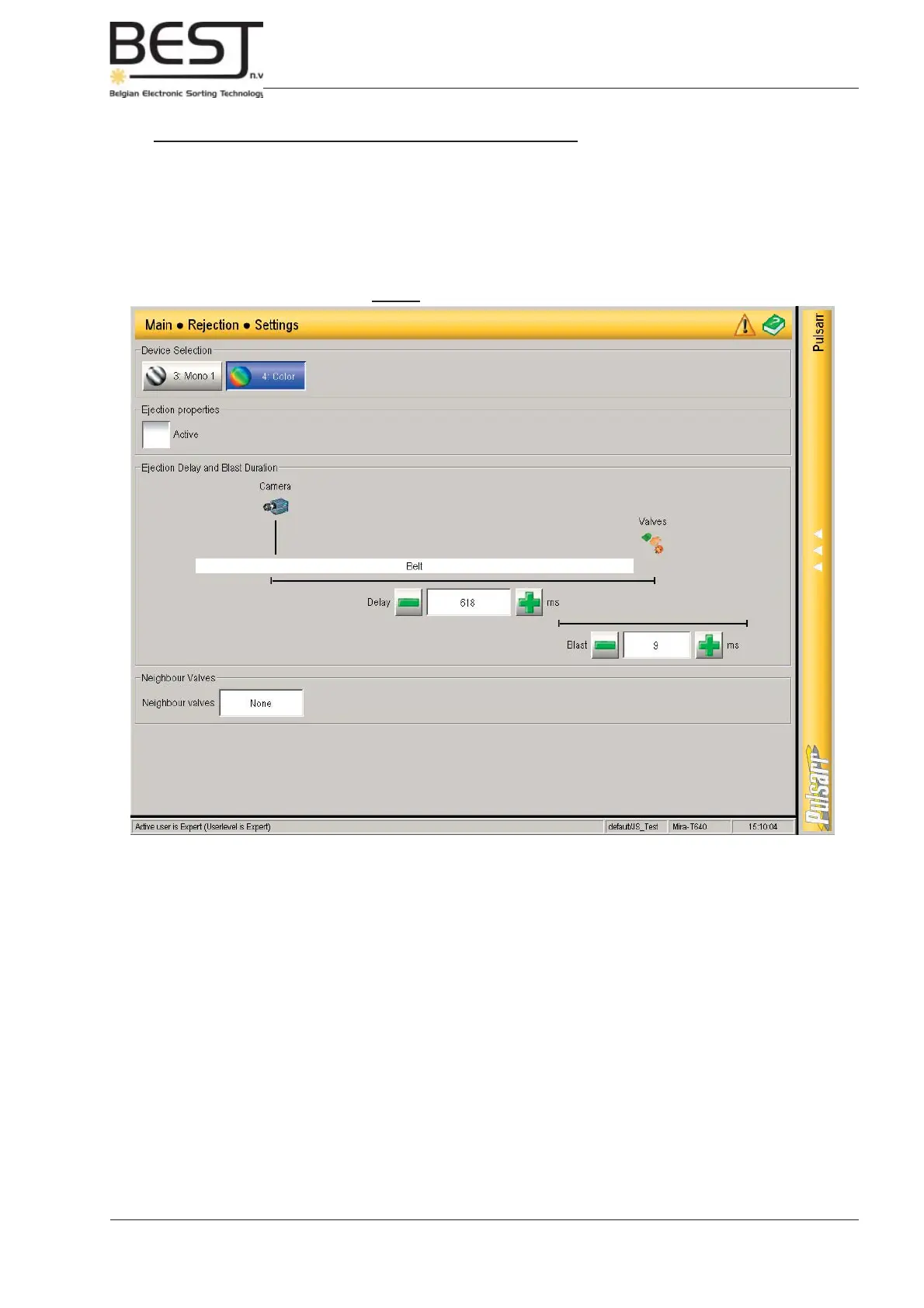
Picture: Rejection Settings menu
Setting Blast Time, Delay and Overlap (Neighbour valves)
- Go to Rejection Settings menu by pressing the Rejection settings button in the navigation bar.
These 3 settings must be set for each device (camera/laser) present in you machine.
To select a device, just press the appropriate button near the top of the menu.



 To Next Page