Chapter 9: The Touchscreen program
9/10
Operators & Maintenance Manual GENIUS Compact Version UK 0.1 © BESTnv
BESTnv Industrial Research BV, Marinus van Meelweg 20, 5657 EN, EINDHOVEN, THE NETHERLANDS
General tel. +31 (40) 292 2622 - Service tel. +31 (40) 292 2620 - Fax. +31 (40) 292 2633 - Email: service.BESTnv@bestnv.com
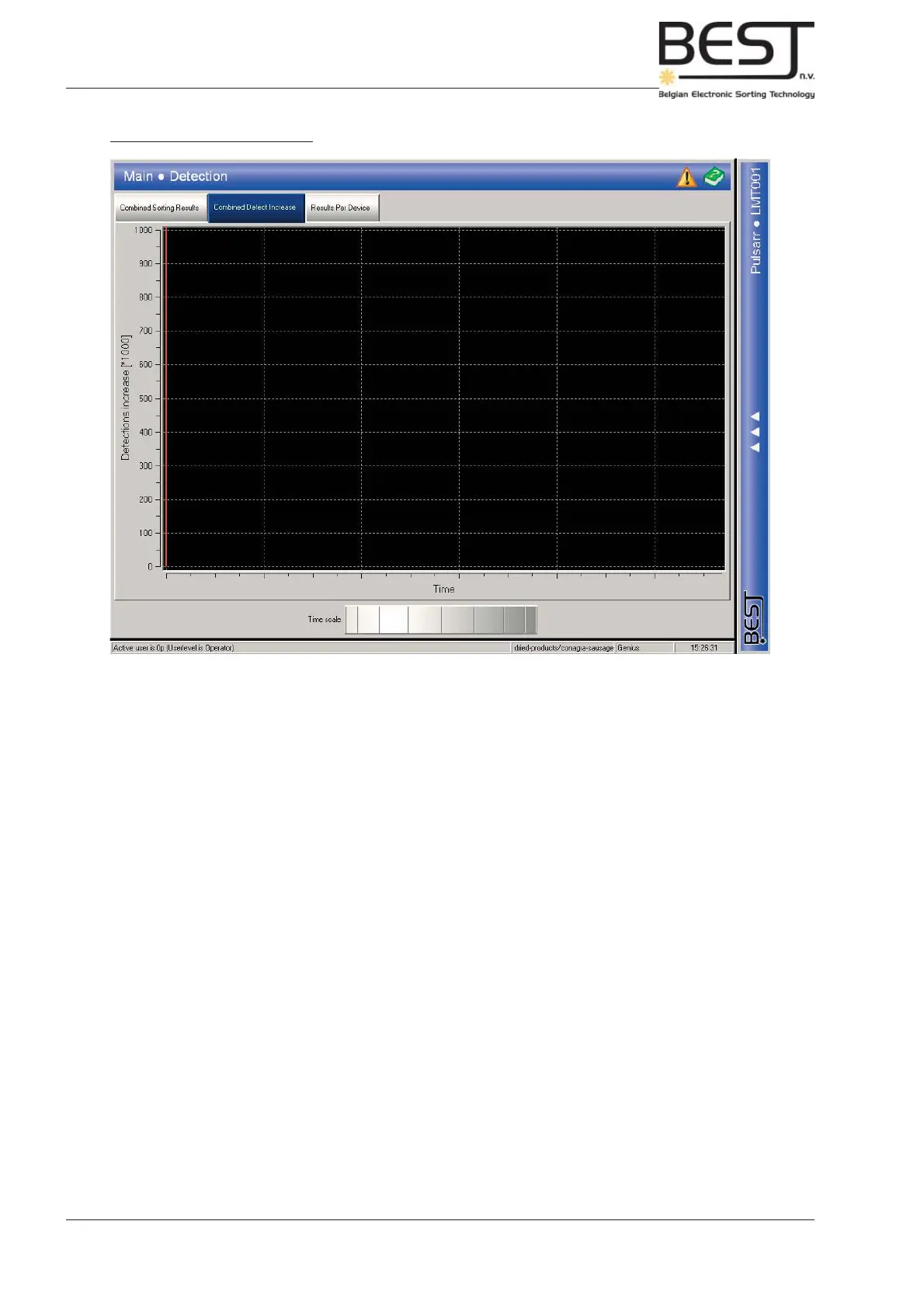
2.- Combined defect increase
This screen will show the overall evolution of the defect percentage (the percentage of product that is
ejected) over a set period of time.
The time scale can be adjusted using the dial near the bottom of the screen.
This graph should make it possible to see whether the defect level (number of defects) in your incoming
product has gone up or down.



 To Next Page