9/11
Chapter 9: The Touchscreen program
Operators & Maintenance Manual GENIUS Compact Version UK 0.1 © BESTnv
BESTnv Industrial Research BV, Marinus van Meelweg 20, 5657 EN, EINDHOVEN, THE NETHERLANDS
General tel. +31 (40) 292 2622 - Service tel. +31 (40) 292 2620 - Fax. +31 (40) 292 2633 - Email: service.BESTnv@bestnv.com
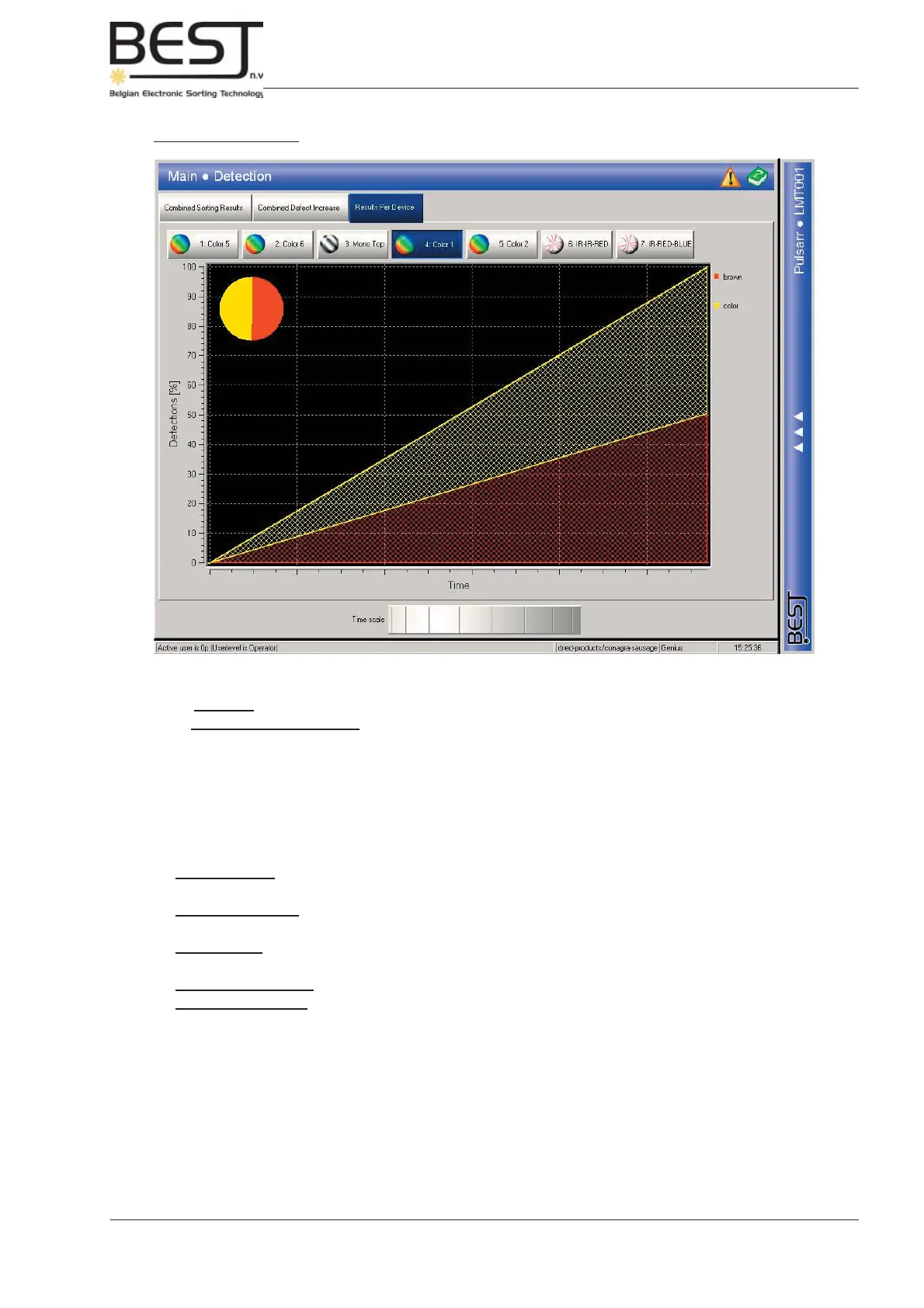
3. Results per device
In this screen the results per device are split up per signal threshold belonging to this device:
- The pie chart in the left corner shows how much product is rejected and by which threshold.
- The graph on the main screen shows how much is rejected by each threshold over a certain period of time.
The time period that is displayed can be adjusted with the dial near the bottom of the screen.
This menu may be useful when checking which threshold rejects the most product and may have to be
lowered to lower he reject percentage
Via the navigation bar the user can go to the following submenu’s:
- Settings menu: This submenu contains all settings and functions concerning the thresholds
and fi lters of the different devices.
- Frame grab menu: This submenu contains all settings and functions concerning the Frame
grabs.
- Scope menu: This submenu is used to check the oscilloscope images of the different camera/laser
signals.
- Normalization menu: In this submenu a normalization/reference line can be taken for all devices.
- LED Lighting menu: (only in expert menu) In this submenu the colour of the LED-lighting (if present)
can be adjusted.



 To Next Page