CALREC Putting Sound in the Picture 135
Saving offline changes
When all the setting and configuration
changes have been completed they need
to be a saved into a bundle that can be
loaded back into the console.
When working on the console, some items
such as meter settings are always saved
to console PC files but some choices such
as channel/fader setups, port patching
etc. normally get saved in the console
surface. To get these to the console it is
necessary to save them to a memory then
backup that memory to the PC. The same
process is used with the offline editor.
Once new memories have been saved
in the offline editor, go to the MEMORY
page and the SETUP screen. Use the
BACKUP MEMORIES function to make a
new PC file on the laptop. As with online
operations, just one, several or all of the
memories can be selected for back up.
The path to which they will be backed
up normally defaults to the one most
recently used with operations involving
that console.
Once the memory has been saved and
backed up, the modified files need to be
built into a file bundle, which can be an
over-written version of the old one or a
new one.
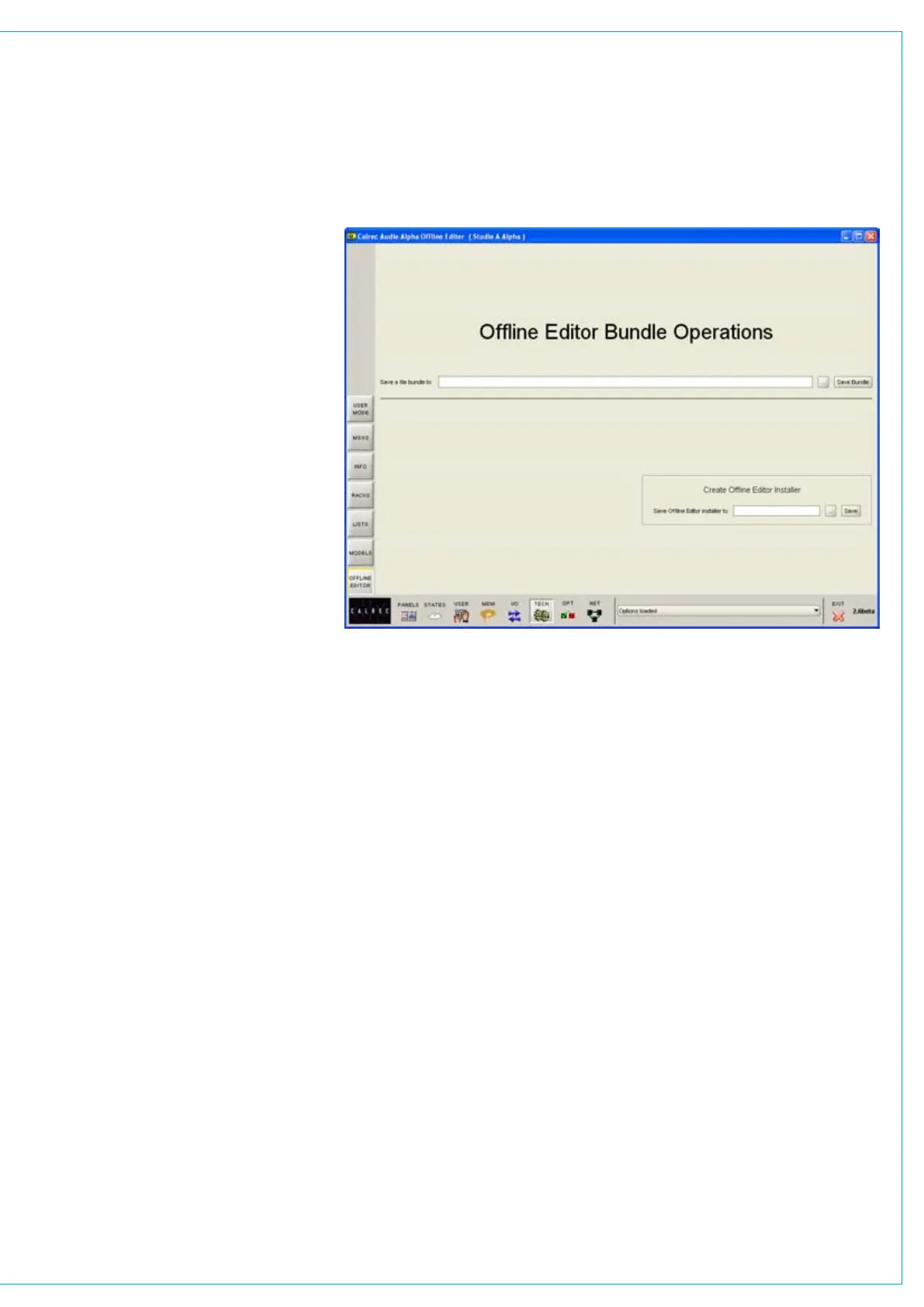
On the laptop screen, go to the TECH
screen, OFFLINE EDITOR page. This is
similar to the one in the on line version,
though without the load bundle option.
This page also allows a new editor
installer to be created, though this is only
likely to be necessary if the original one
has been lost and it is required to setup up
offline working on another computer.
Browse for a path for the saved file bundle
and click ‘Save’. The bundle files are not
large, generally less than 1 MB so there
are normally choices of method to get that
back to the console PC.
Once you are sure the modified files have
been built into a new bundle, it is safe to
exit the Offline Editor application.



 To Next Page