User Manual Synertia® RF Generator 47
The information contained in this manual is subject to change by Comet Yxlon without prior notice.
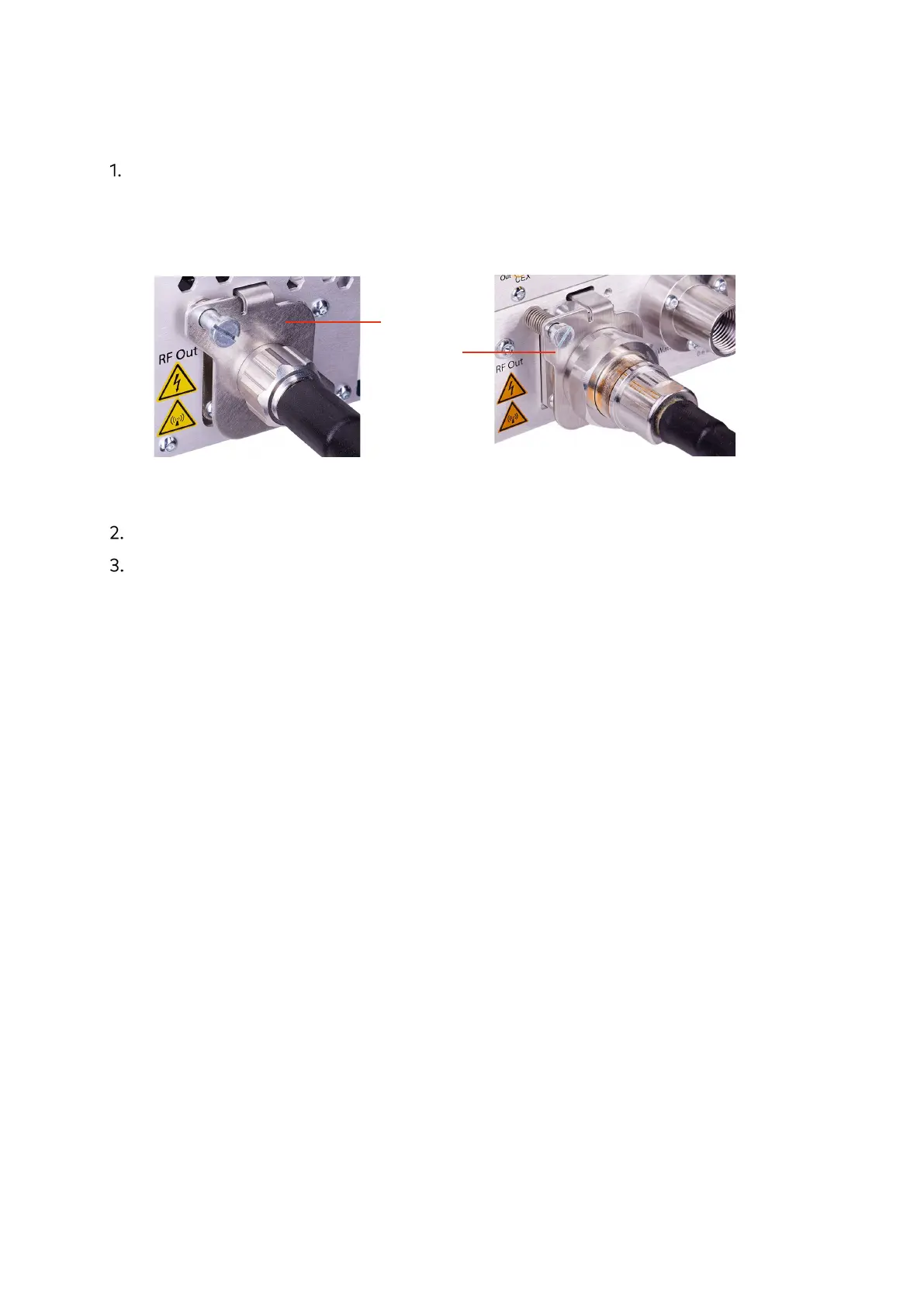
Screw the RF cable connector onto the RF Out connector until its nut is
completely screwed on. When doing so, make sure that the interlock switch at the
generator output has been actuated, which can be identified by a distinct clicking
sound.
Figure 26: Securely tightened RF Out connector (air- and water-cooled generator)
Make sure that the RF cable is connected also on the plasma-system side.
Make sure that the cable is grounded on both ends.
Spring-loaded
switch plate in
position when
c
onnector is
securely tightened


 To Next Page