48 User Manual Synertia® RF Generator
The information contained in this manual is subject to change by Comet Yxlon without prior notice.
4.6 Connecting/disconnecting cooling water
connections
(only water-cooled generators)
4.6.1 Connecting cooling water connections
CAUTION
Prior to connecting the cooling water connections, make sure the
customer / operator provides isolation valves or stop valves for the
cooling water inlet and outlet.
These valves must be accessible and not expose persons to serious risks.
Safety note 33: Caution - cooling water
NOTICE
The system uses facility cooling water for operation and does not have
internal fittings or potential leak points. The customer / operator should
consider installing secondary containment under the generator in case of
a water leak at the external fittings.
Safety note 34: Notice - water leak
To connect the cooling water connections, proceed as follows:
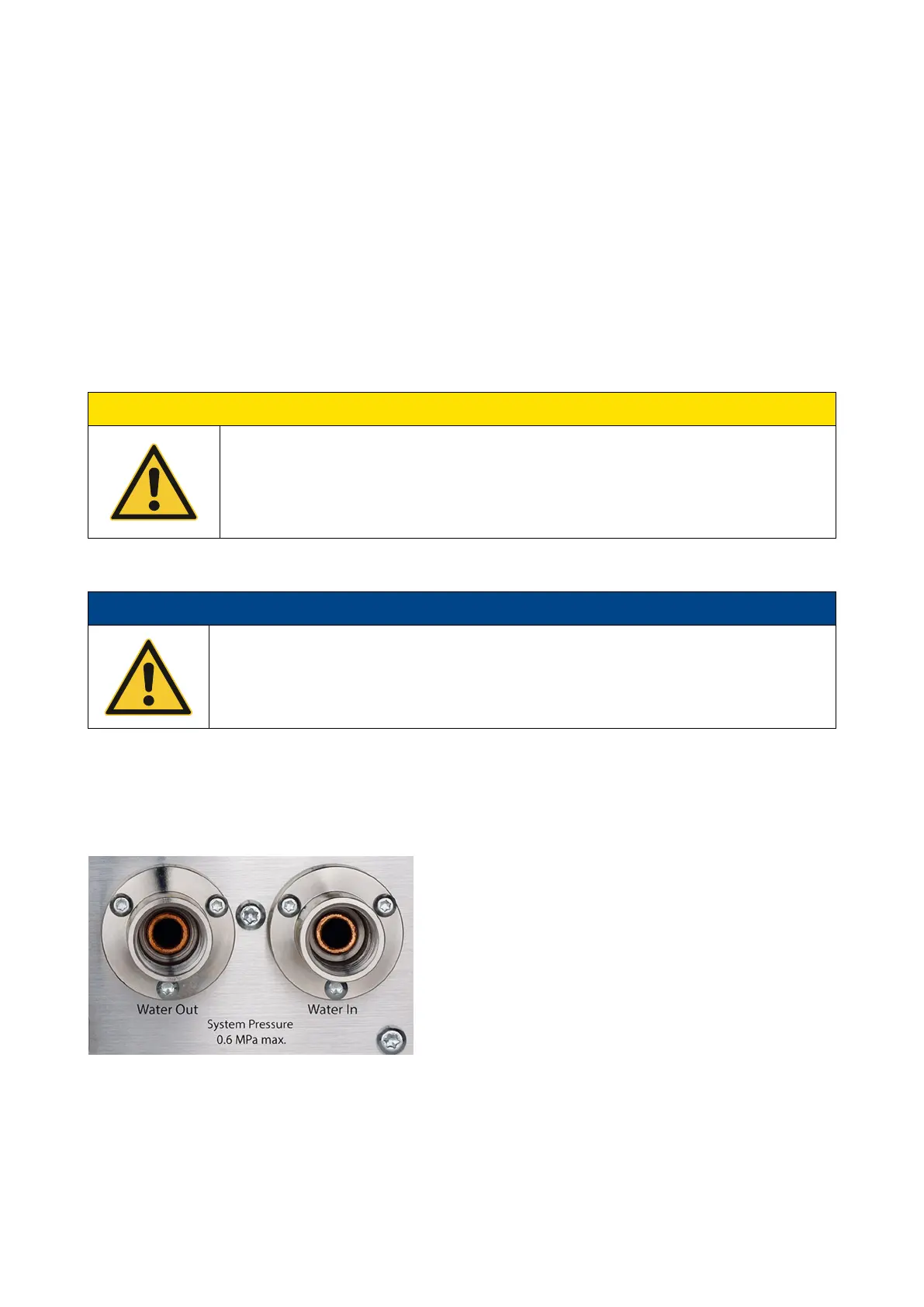
Figure 27: Water Out and Water In connections in the lower right corner on the back of the water-cooled generator


 To Next Page