User Manual Synertia® RF Generator 59
The information contained in this manual is subject to change by Comet Yxlon without prior notice.
5.2.2 Displaying alarms and warnings via LEDs
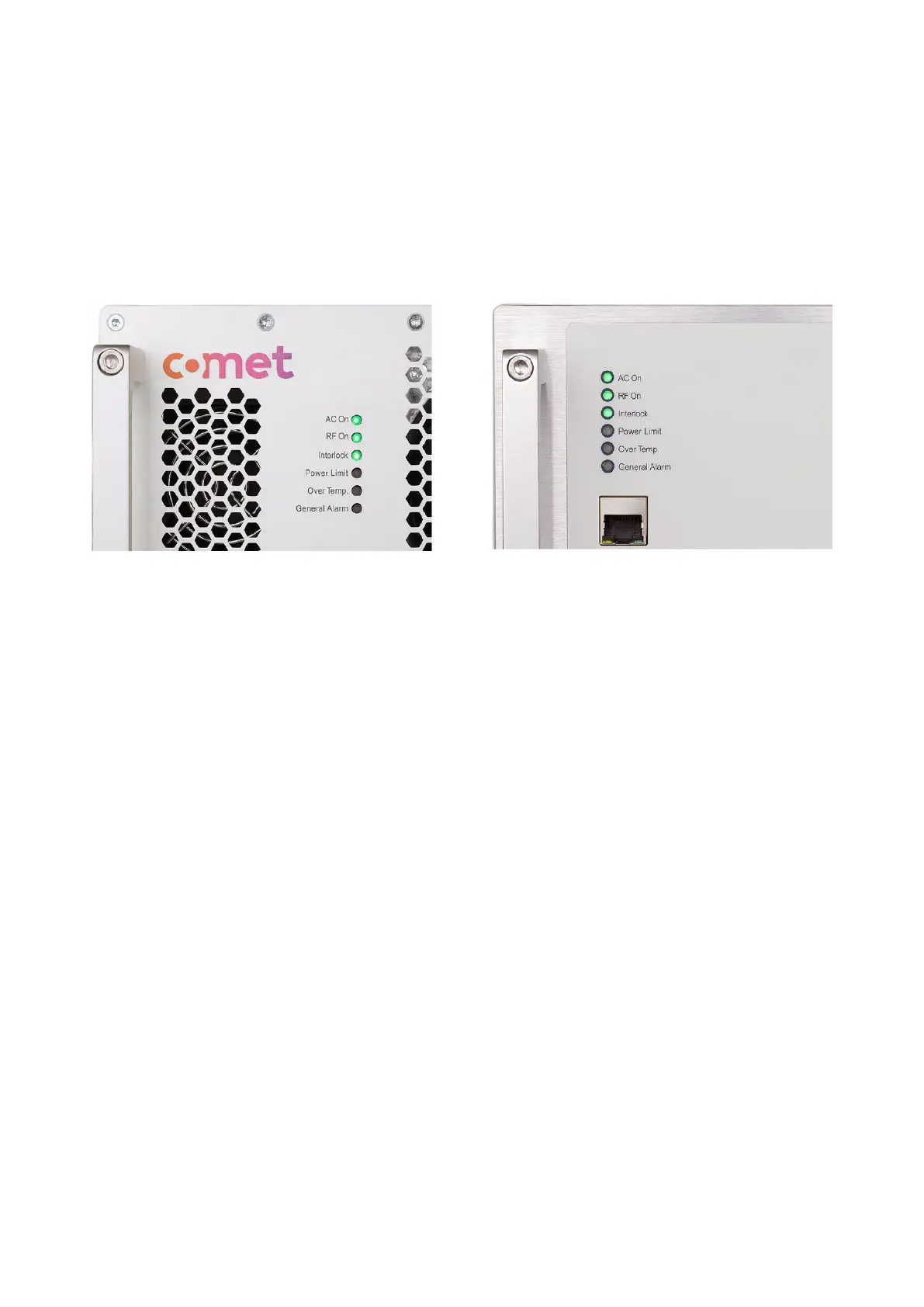
The Synertia® RF generator displays its current operating status via the LEDs AC On,
RF On, Interlock, Power Limit, Over Temp. and General Alarm on the front and back.
Figure 35: LEDs on the front panel of air- and water-cooled Synertia® RF generators
These LEDs can alternatively:
• be off,
• be illuminated in green (AC On, RF On and Interlock),
• be illuminated in yellow (Power Limit, Over Temp. and General Alarm).
Using these LEDs, you can always monitor whether:
• the unit is properly connected to the mains and supplied with power (AC On LED),
• the forwarded RF power is active or inactive (RF On LED),
• the interlock chain is closed or interrupted (Interlock LED)
(for details, see 1.4.4 “Interlock Circuit”),
• any RF output power limit is reached (Power Limit LED),
• the device works within the specified internal operating temperature range
(Over Temp. LED),
• any error occurs during the operation of the device (General Alarm LED).


 To Next Page