Viewing Snapshot Contents
To view snapshot contents
1 In the Files tab's Show Shares tree pane view, in the upper bar, click .
For information on changing the tree pane view, see Changing the Tree Pane View (on
page 278).
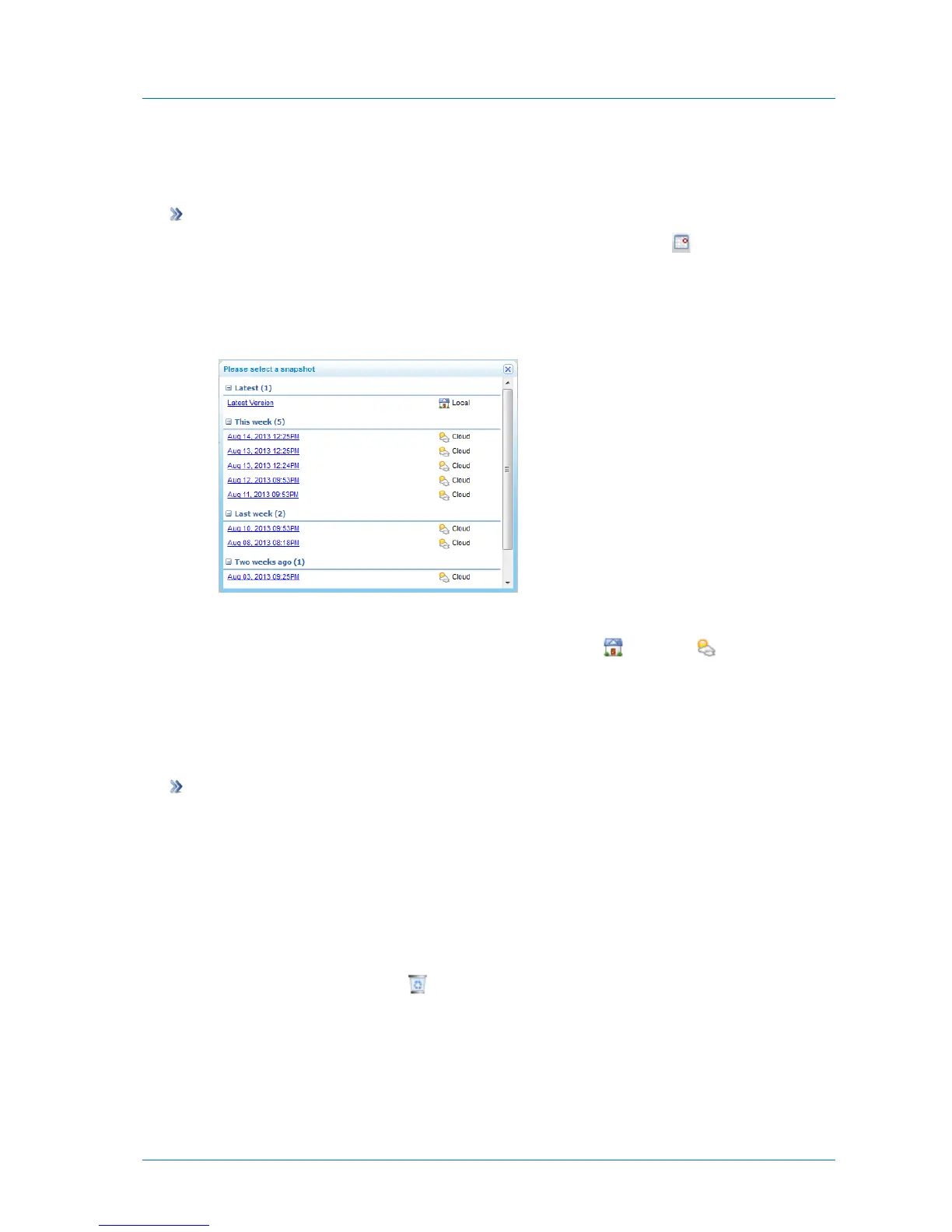
The Please select snapshot dialog box appears.
2 Click on the snapshot whose contents you want to view.
The snapshots are marked according to their type: NEXT3 ( ) or cloud ( ).
The snapshot's contents appear.
Deleting Snapshots
To delete a snapshot
1 In the Configuration tab's navigation pane, click Storage > Snapshots.
The Storage > Snapshots page appears.
2 In the workspace's upper pane, select the desired volume.
Snapshots for the volume appear in the lower pane.
3 Select the desired snapshot.
4 In the snapshot's row, click .
A confirmation message appears.
5 Click Yes.
The snapshot is marked for deletion.



 To Next Page