2 CTERA C200 Specifications and Installation
12 CTERA C-Series User Guide
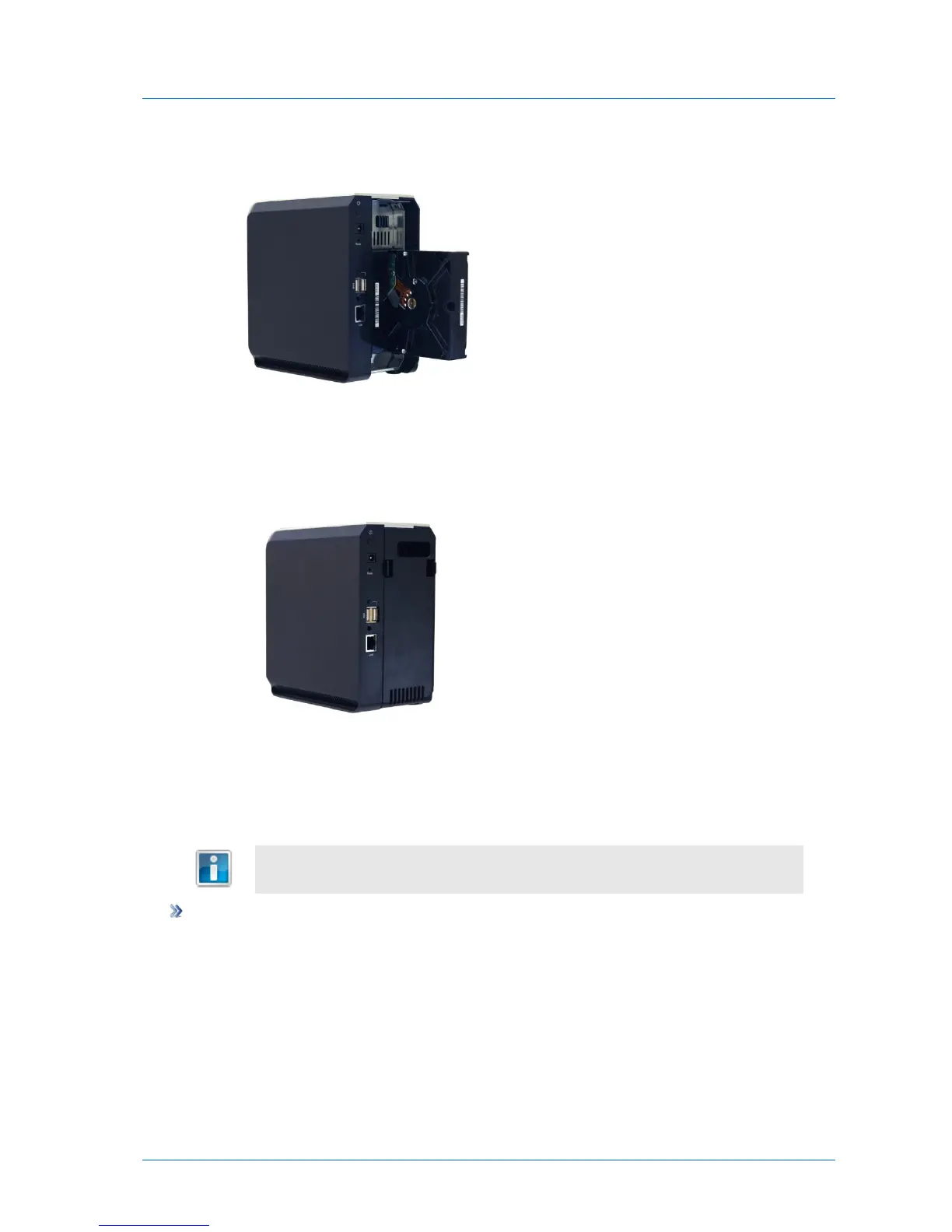
If you install the drive in the right-hand slot, the drive's metal cover should be facing right.
3 Close the appliance's back cover, by inserting first the bottom of the cover, pressing the
tabs, and then pushing forwards.
The cover should click into place.
Removing a SATA Hard Drive from the CTERA C200
If you want to remove a hard drive safely while the appliance is on, use the Safe
Removal procedure described in Safely Removing Hard Drives (on page 84).
To remove a SATA hard drive
1 Open the appliance's back cover, by pressing the two plastic tabs and then pulling
backwards.
2 Remove the SATA hard drive from its slot.
3 Close the appliance's back cover, by inserting first the bottom of the cover, pressing the
tabs, and then pushing forwards.
The cover should click into place.



 To Next Page