Restoring Appliance Configuration from Cloud Backup
Your appliance's configuration is automatically backed up to the cloud, each time cloud
backup runs.
To restore your appliance's configuration from cloud backup
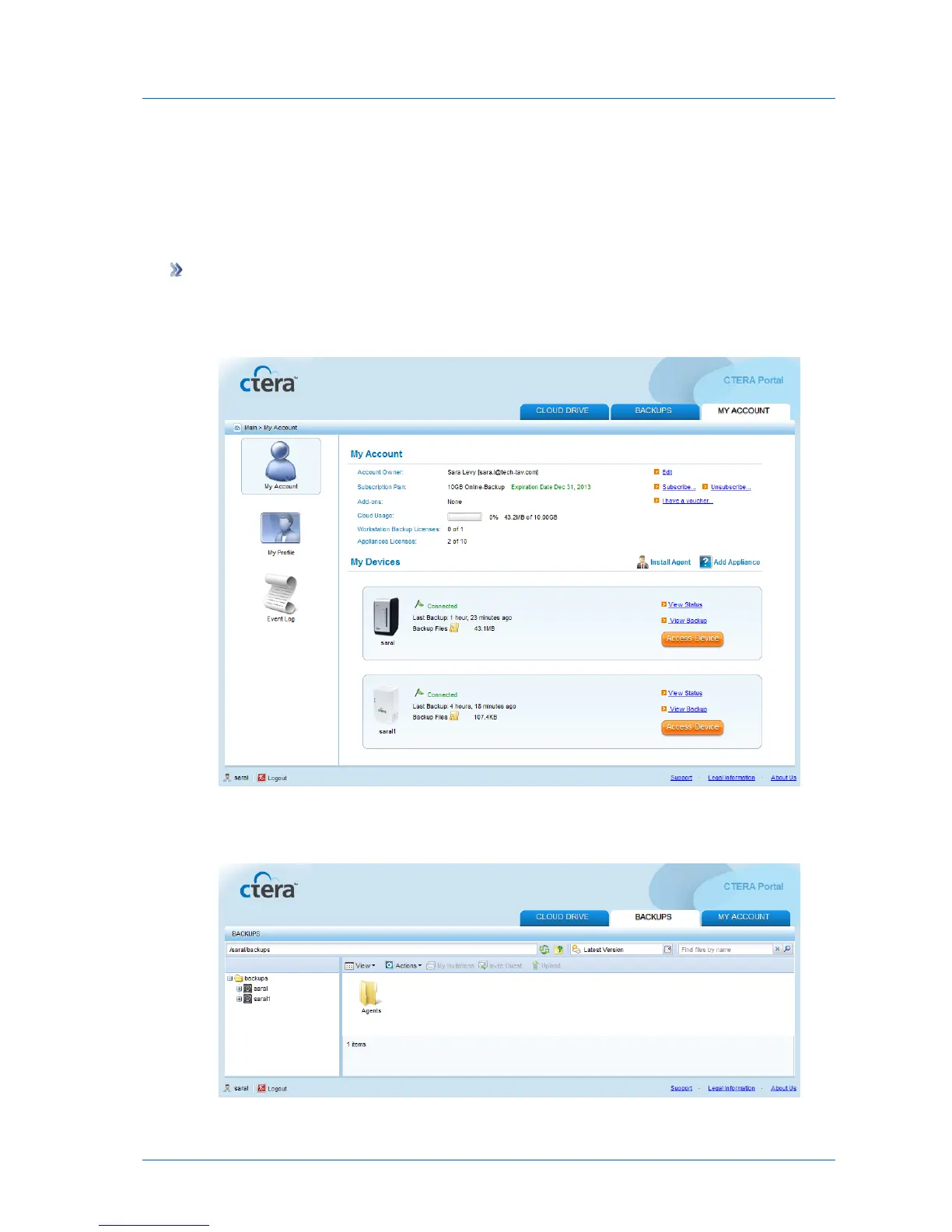
1 Using a Web browser, log in to your CTERA Portal account.
The CTERA Portal opens displaying the My Account tab.
2 Click the Backups tab.
The Backups tab opens.



 To Next Page