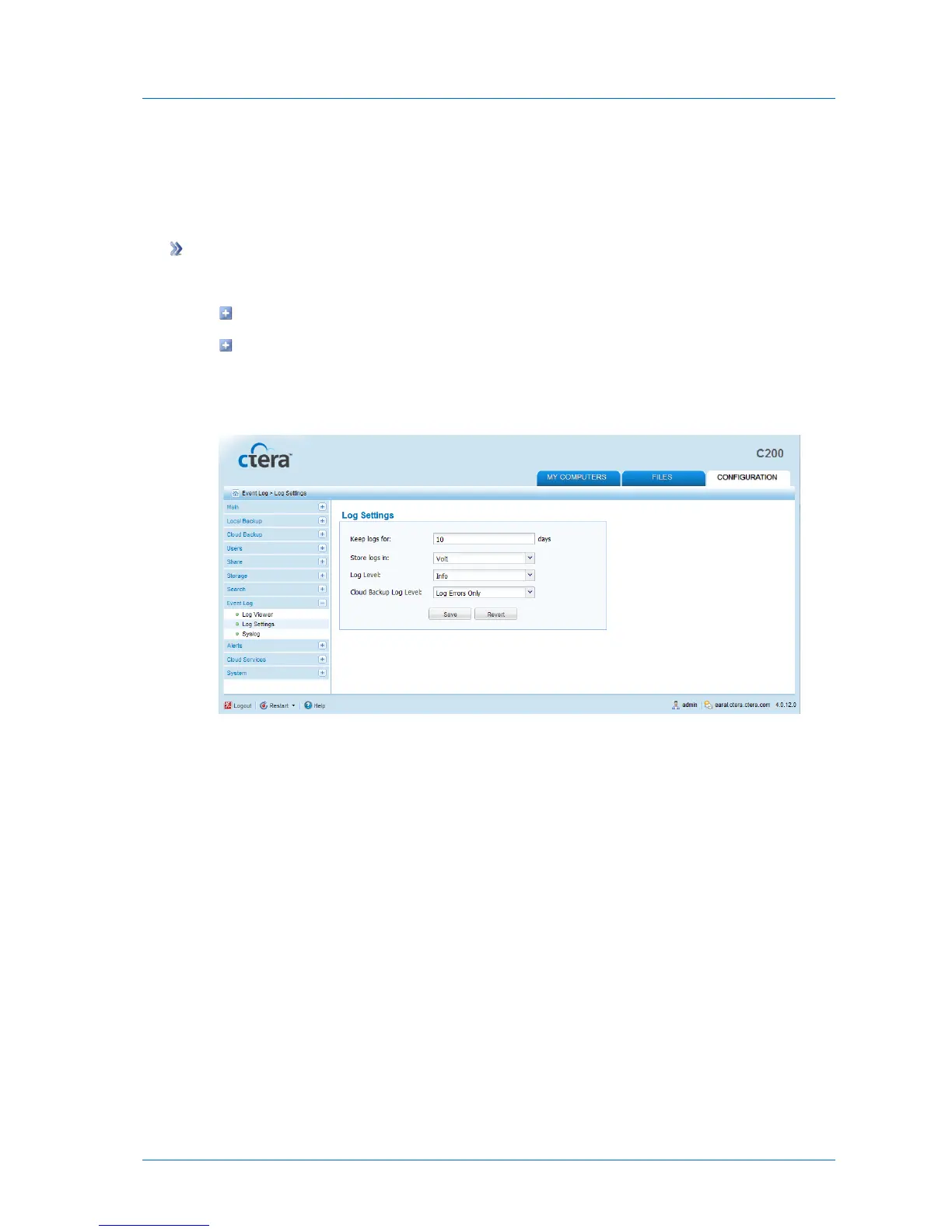
Configuring Event Log Settings
You can configure settings for the appliance Event Log, including log storage and the log level
to display.
To configure Event Log settings
1 Do one of the following:
In the Configuration tab's navigation pane, click Event Log > Log Settings.
When viewing any log category, click Settings.
See Viewing Logs (on page 299).
The Event Log > Log Settings page appears.
2 Complete the fields using the information in the following table.
3 Click Save.



 To Next Page