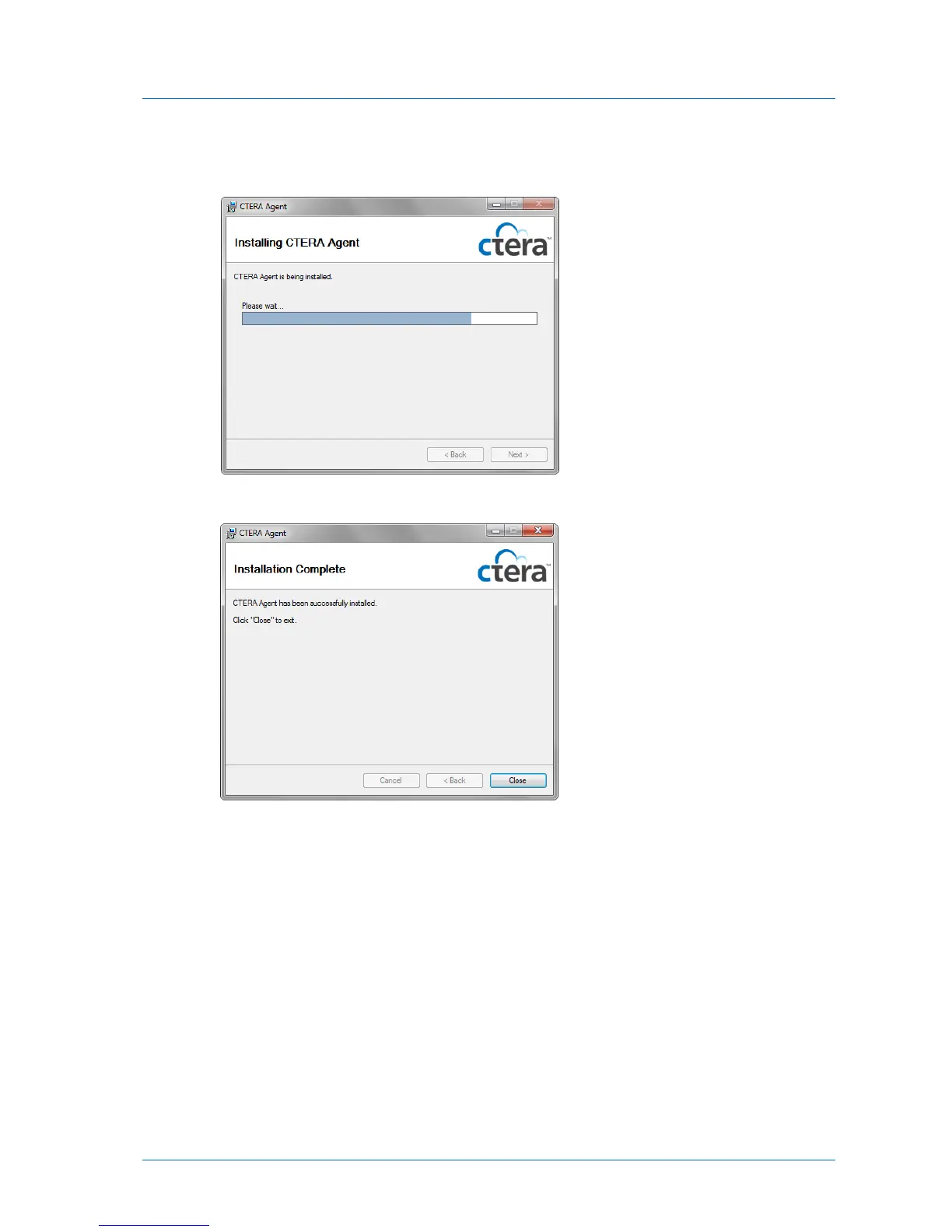
The Installing CTERA Agent screen appears with a progress bar, and the CTERA Agent is
installed on your computer.
The Installation Complete screen appears.
10 Click Close.
CTERA Agent is added to the Windows Start menu, and an icon is added to the Windows
taskbar.
Configuring Global Settings for All CTERA Agents
Global configuration settings include automatic file-level and disk-level backup scheduling,
selection of the target network share on the appliance, file types that should be backed up,
and more.



 To Next Page