Monitoring Your CTERA Appliance 17
CTERA C-Series User Guide 299
Select this option to enable Syslog logging.
You must complete the rest of the fields.
Select the minimum log level to send to the Syslog server.
For example, if you select Critical, then only Alert, Critical, and
Emergency logs will be sent to the Syslog server.
The default value is Info.
Type the Syslog server IP address.
Type the Syslog server's port number.
The default value is 514.
Select the protocol to use for sending logs to the Syslog server: TCP
or UDP.
The default value is UDP.
Viewing Logs
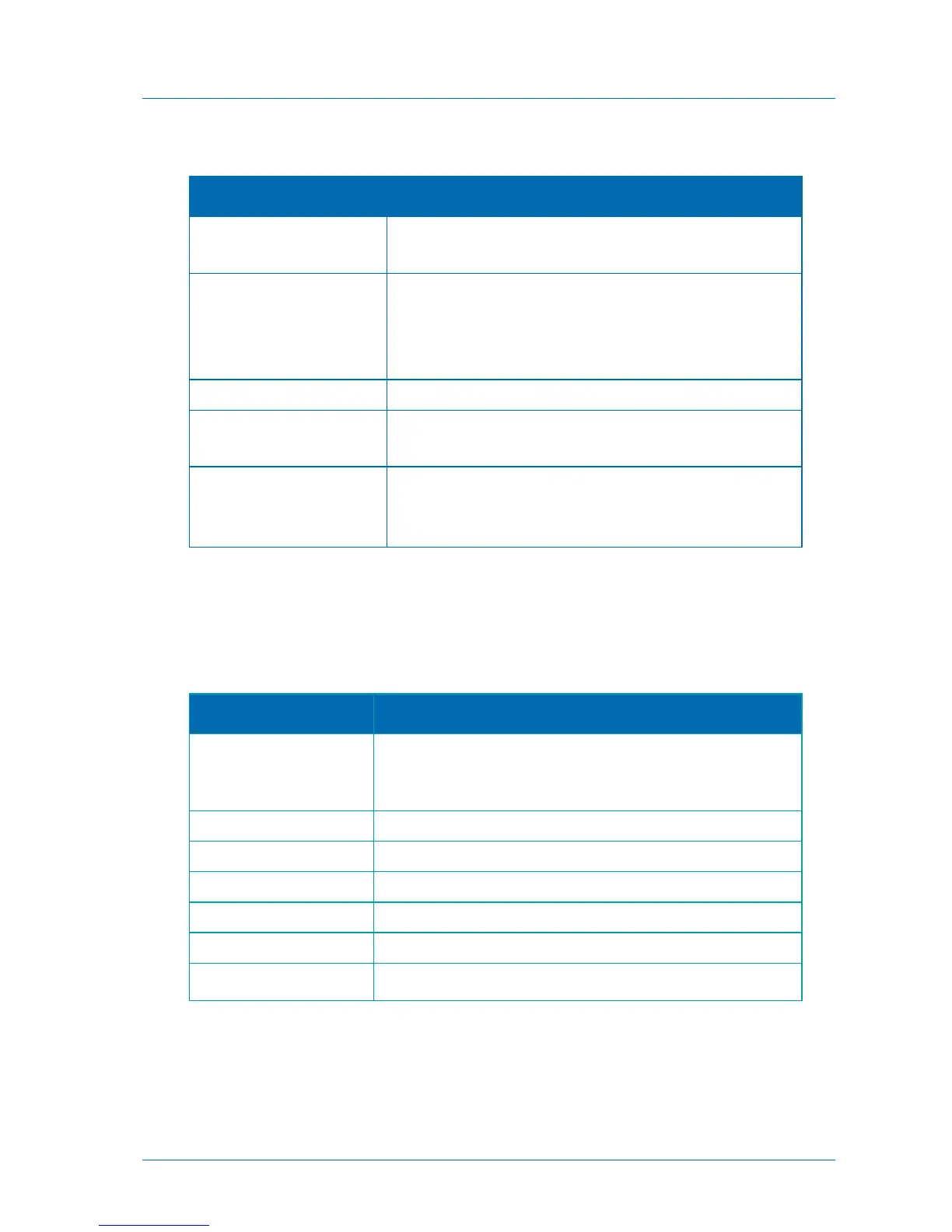
The appliance Event Log includes the following log categories:
Table 63: Log Categories
General appliance events, including starting up, connecting to the
network and the CTERA Portal, disconnecting from the network and
the CTERA Portal, and so on
Events related to synchronization operations
Events related to cloud backup or restore operations
Events related to cloud drive synchronization operations
Events related to user access to the appliance
Changes to the appliance configuration
Events related to CTERA Agents



 To Next Page