Opening the CTERA Agent Manager
The CTERA Agent Manager is used to perform numerous agent-specific tasks in the appliance
Web interface.
To open the CTERA Agent Manager
Do one of the following:
In the Configuration tab's navigation pane's Local Backup > CTERA Agents page, click
the desired CTERA Agent's name.
This can be done by administrators only.
In the My Computers tab, click Manage next to the desired CTERA Agent's name.
This can be done both by administrators and by end users who want to manage their
own CTERA Agent.
End users can manage their own agents only if the administrator enabled the Allow
end users to configure the agent option.
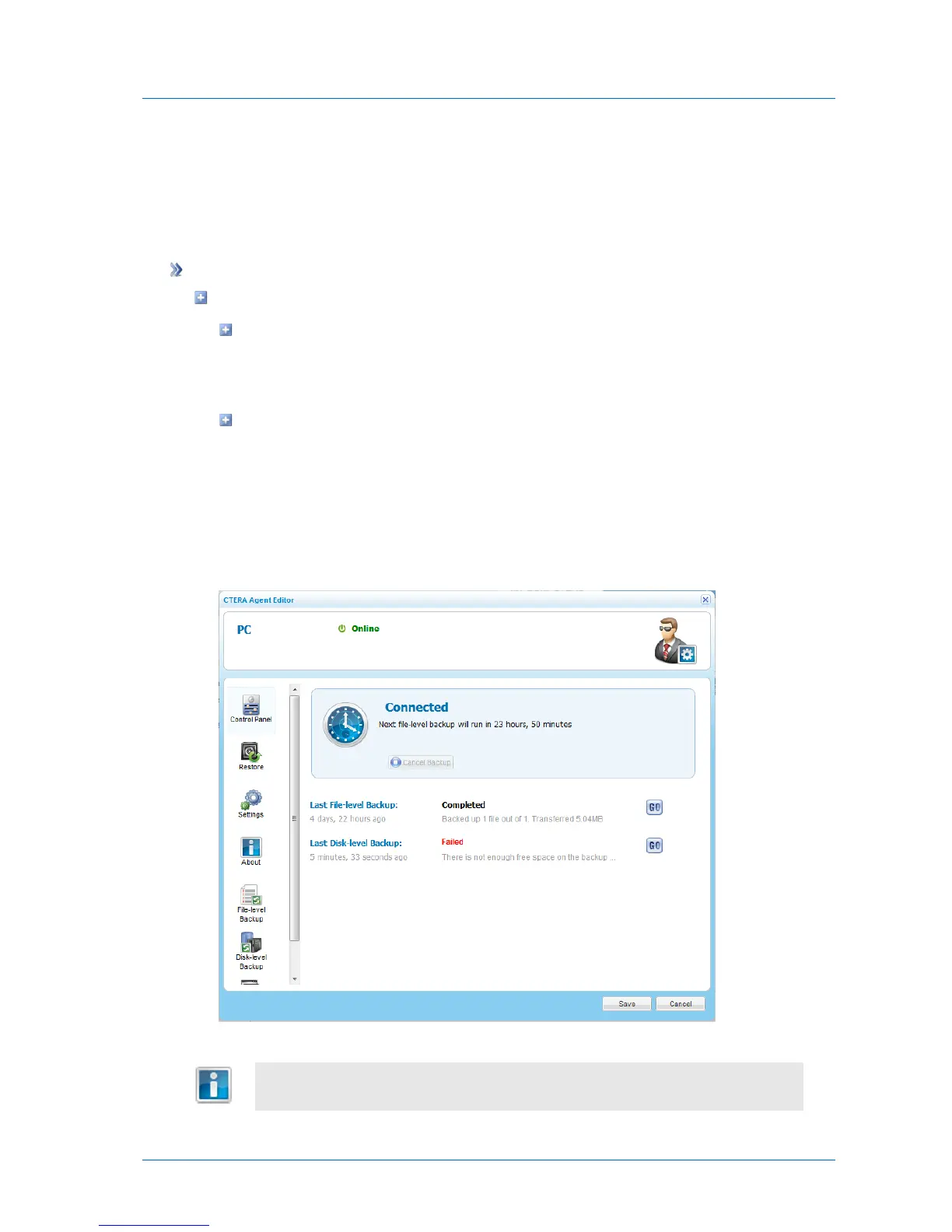
The CTERA Agent Manager opens displaying the Control Panel tab.



 To Next Page