Configuring File Sharing Protocols
Configuring Windows File Sharing
When Windows Files Sharing is configured, users can view network shares as described in
Viewing Network Shares Using Windows File Sharing (on page 146).
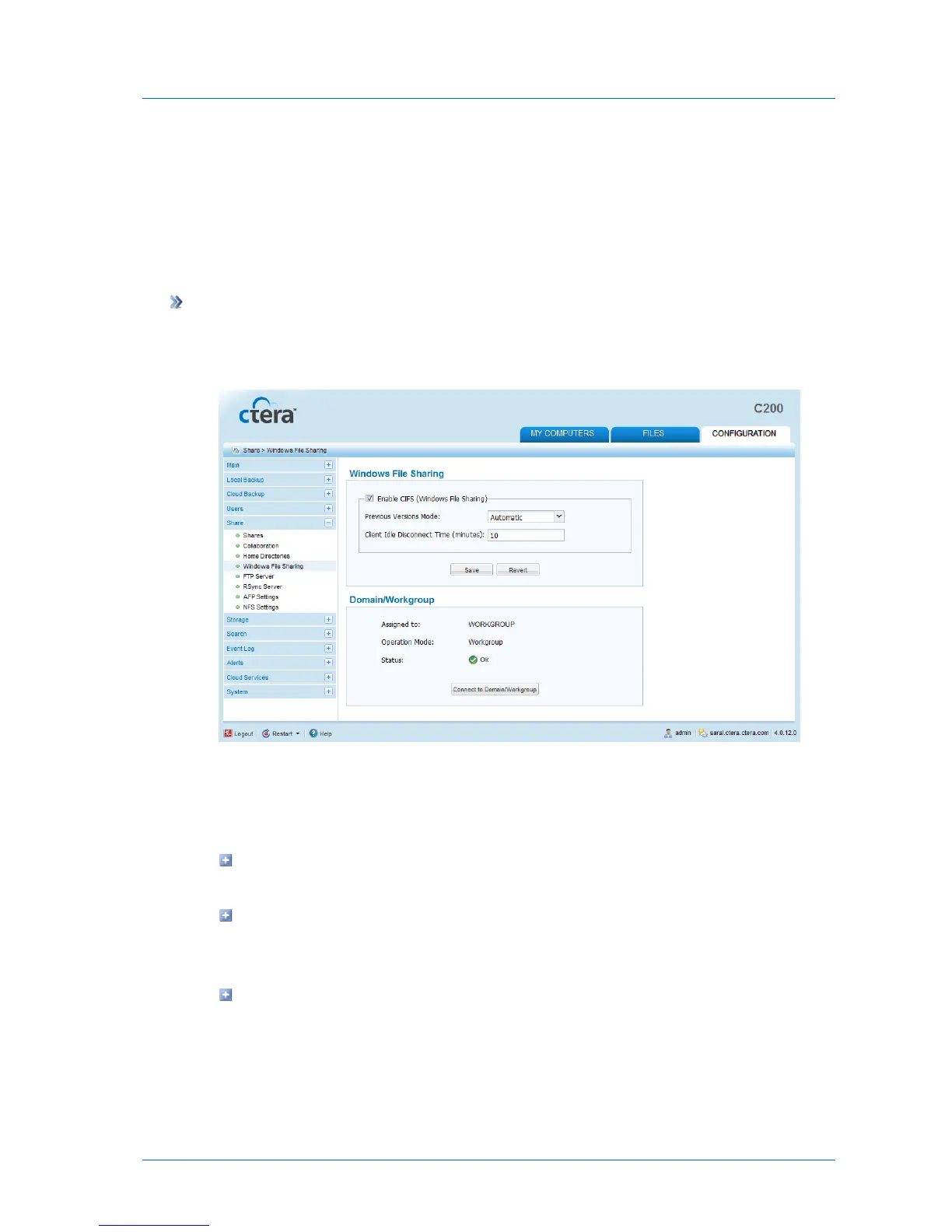
To configure Windows file sharing
1 In the Configuration tab's navigation pane, click Share > Windows File Sharing.
The Share > Windows File Sharing page appears.
2 Complete the fields using the following table.
3 Click Save.
4 (Optional) Do one of the following:
To configure Windows file sharing for a network without a domain controller, see
Configuring Windows File Sharing for a Workgroup (on page 115).
To configure Windows file sharing for a network with a single domain controller, see
Configuring Windows File Sharing for an Individual Active Directory Domain (on
page 117).
To configure Windows file sharing for an Active Directory multi-domain environment
(that is, a tree or forest), see Configuring Windows File Sharing for an Active
Directory Tree or Forest (on page 117).



 To Next Page