Configuring the User Interface Language
You can configure the language to be displayed in the appliance's interface.
The following languages are supported: English, French, German, Hebrew, Italian, Polish, and
Spanish.
To configure the user interface language
1 In the Configuration tab's navigation pane, click System > Regional Settings.
The System > Regional Settings page appears, displaying the date, time, and time zone
currently configured on the appliance.
2 Click Change Language.
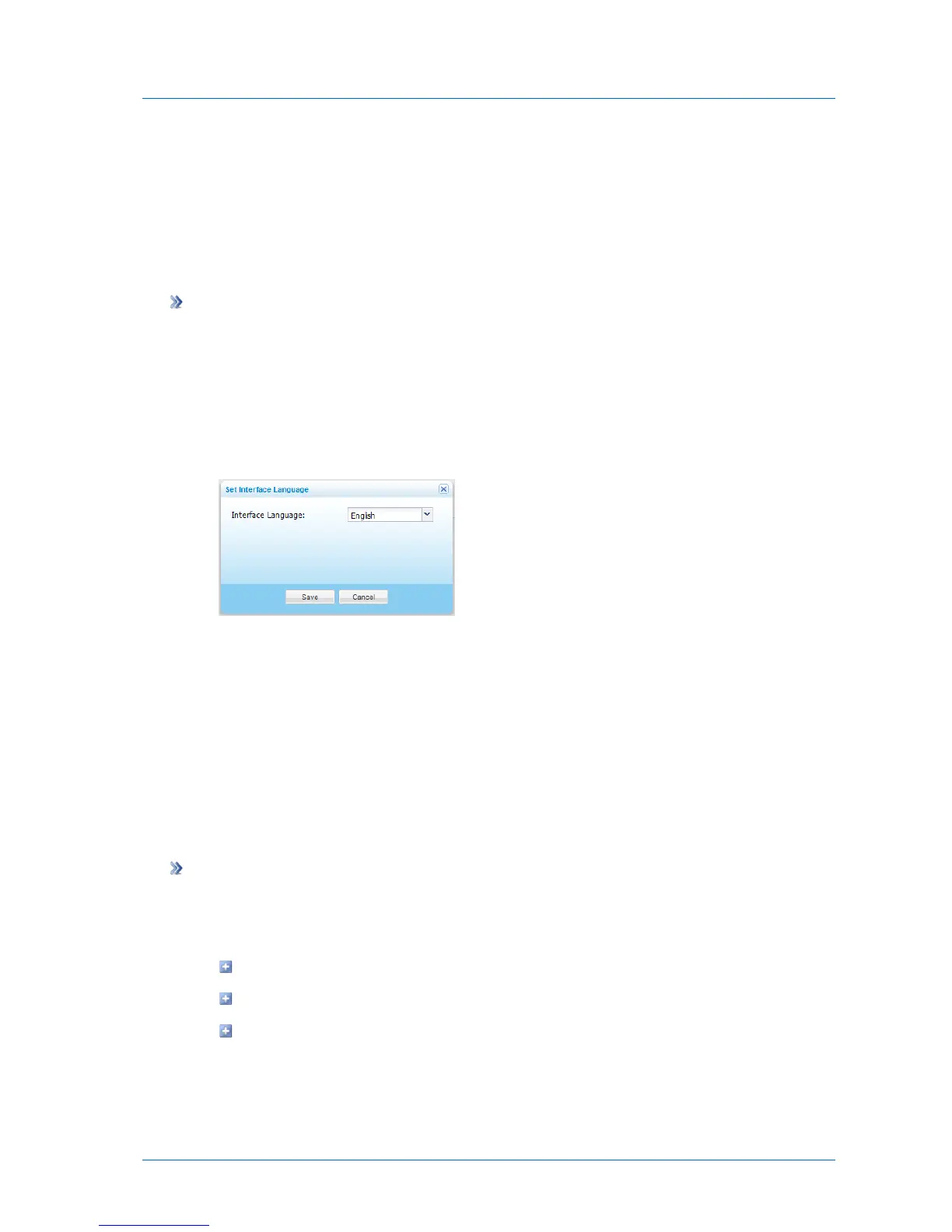
The Set Interface Language dialog box appears.
3 In the Interface Language drop-down list, select your language.
4 Click Save.
Updating the Firmware
You can configure your appliance to automatically download and install firmware updates.
Alternatively, you can install firmware updates manually.
Configuring Automatic Firmware Updates
To configure automatic firmware updates
1 In the Configuration tab's navigation pane, click System > Firmware.
The System > Firmware page appears, displaying the following information:
The currently installed firmware version
The most recent available firmware version
The appliance model



 To Next Page