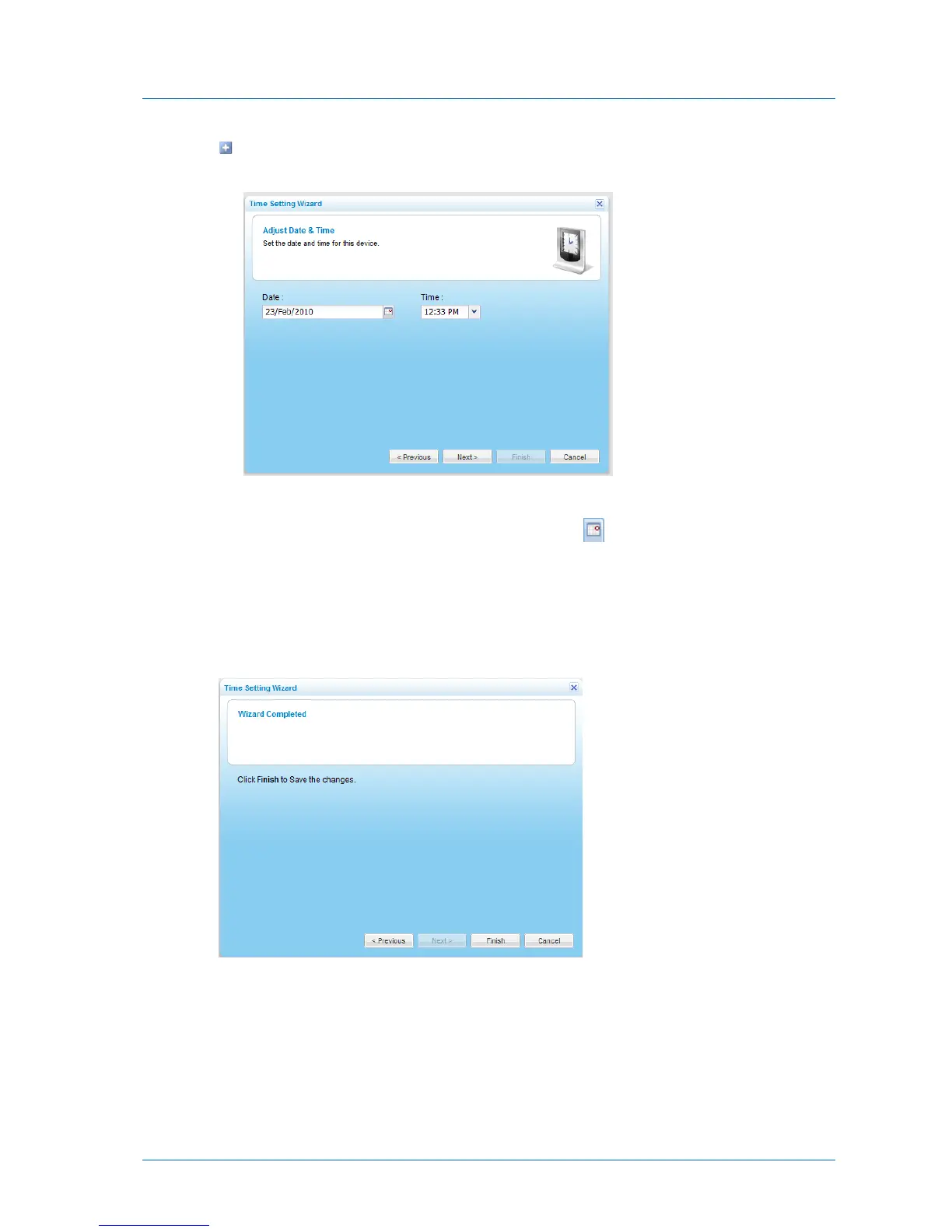
If you chose to manually configure time and date settings on the appliance, the Adjust
Date & Time dialog box appears.
Do the following:
1 In the Date field, type the current date, or click to select the date from a
calendar.
2 In the Time drop-down list, select the current time.
6 Click Next.
The Wizard Completed screen appears.
7 Click Finish.



 To Next Page