4 Do one of the following:
To synchronize the appliance with a time server, select the Synchronize with a Time
Server check box.
To manually configure time and date settings on the appliance, clear the Synchronize
with a Time Server check box.
5 Click Next.
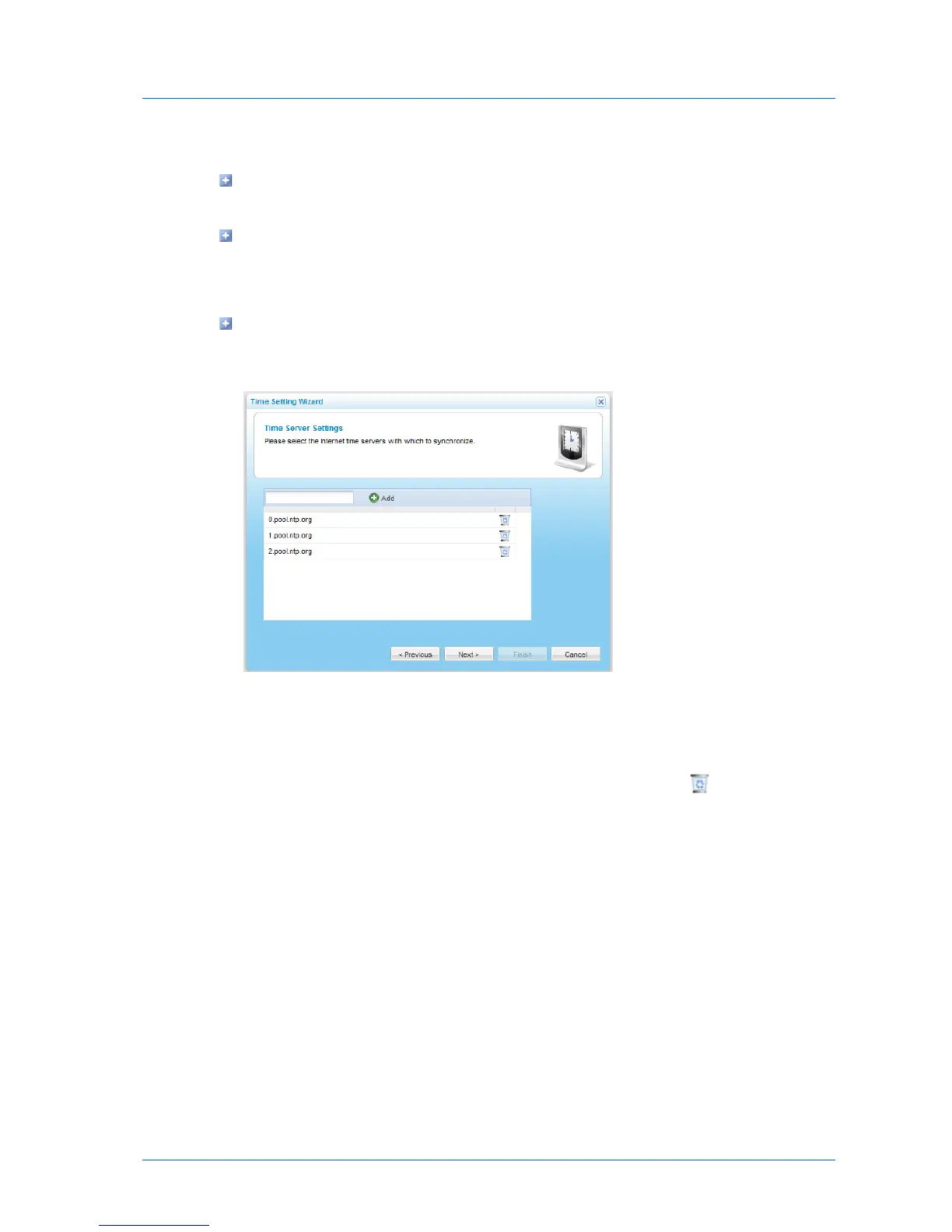
If you chose to synchronize the appliance with a time server, the Time Server Settings
dialog box appears with a list of time servers with which the appliance will
synchronize time and date settings.
Do the following:
1 To add a time server to the list, type the server's URL in the field provided, then
click Add.
2 To remove a time server from the list, in the server's row, click .



 To Next Page