156 CTERA C-Series User Guide
For example, let's say your account includes two appliances, and each appliance will back
up 100 MB worth of files in the next cloud backup operation, for a total of 200 MB. Your
account already has 350 MB worth of files stored online. In this case, the Cloud Storage
Usage field will display "550MB".
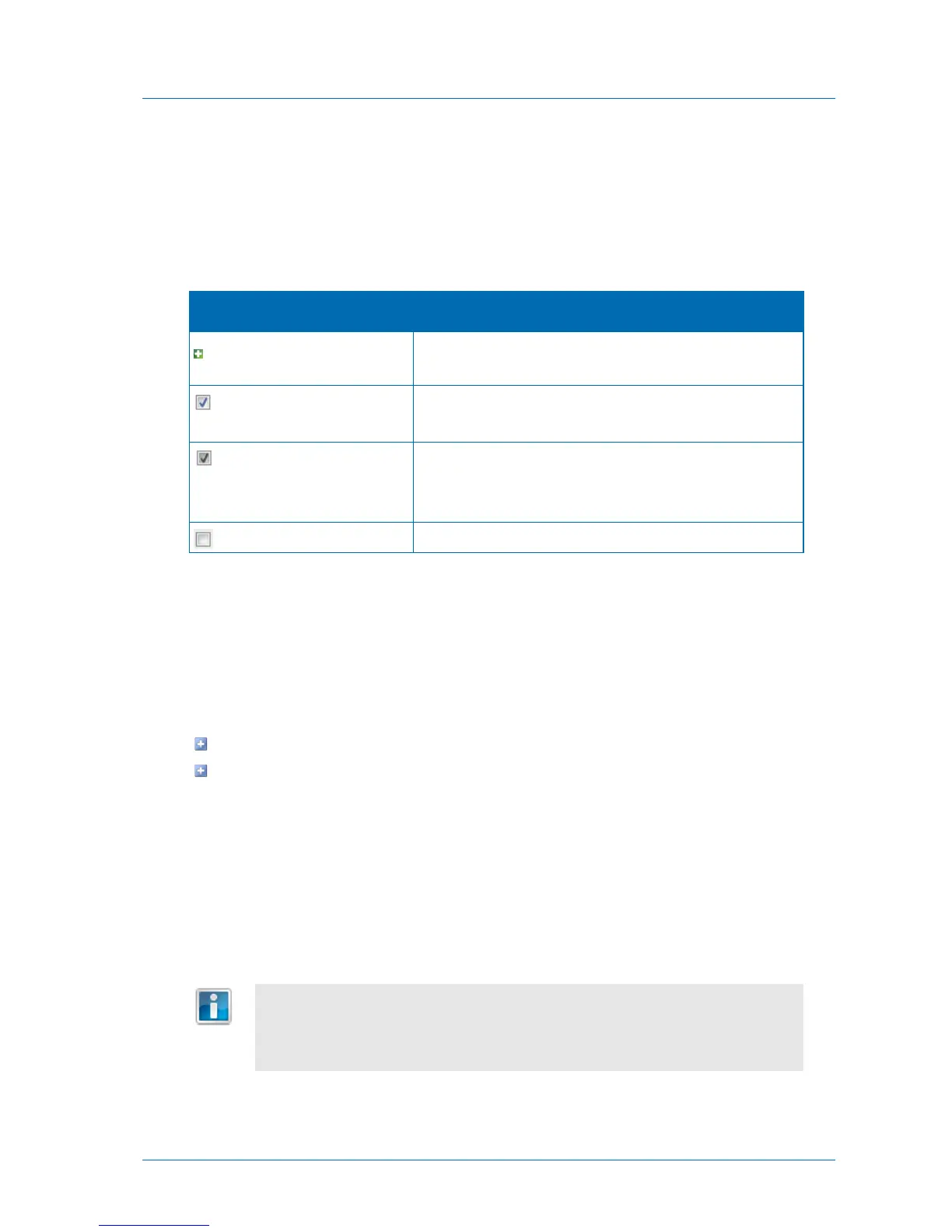
Table 32: Folder Icons
Existing files in this folder are selected for backup. New files
and folders in this folder will be backed up.
This folder and all of its sub-folders are selected for backup.
Note that the check box has a white background.
Some (but not all) of the folder’s sub-folders are selected for
backup.
Note that the check box has a gray background.
This folder and all of its sub-folders will not be backed up.
Working with Backup Sets
A backup set represents a group of files with certain file extensions and/or located in certain
folders. For example, a set called "My Music" may include all files with the extensions *.wav
and *.mp3 that are located in the folder My Documents > Music.
There are two types of backup sets:
Included sets. Files that should be included in each backup
Excluded sets. Files that should be excluded from each backup
You can use backup sets to fully customize backup operations. For example, if you did not
select the My Documents folder for backup, but you want to back up all of the PDF files in
this folder, you would define an included set that includes all files that are located in the My
Documents folder and have the file extension *.pdf. Conversely, if you selected the My
Documents folder for backup, but you do not want to back up PDF files in this folder, you
would define an excluded set that includes all files that are located in the My Documents
folder and have the file extension *.pdf.
For information on the order in which the appliance processes included sets,
excluded sets, and selected folders, see How Can I Control the Scope of Backup
Operations? (see "How Can I Control Which Files Will Be Backed Up?" on page
153).



 To Next Page