Importing the Configuration
To import the appliance configuration from a previously exported configuration
file
1 In the Configuration tab's navigation pane, click System > Configuration Tools.
The System > Configuration Tools page appears.
2 Click Import.
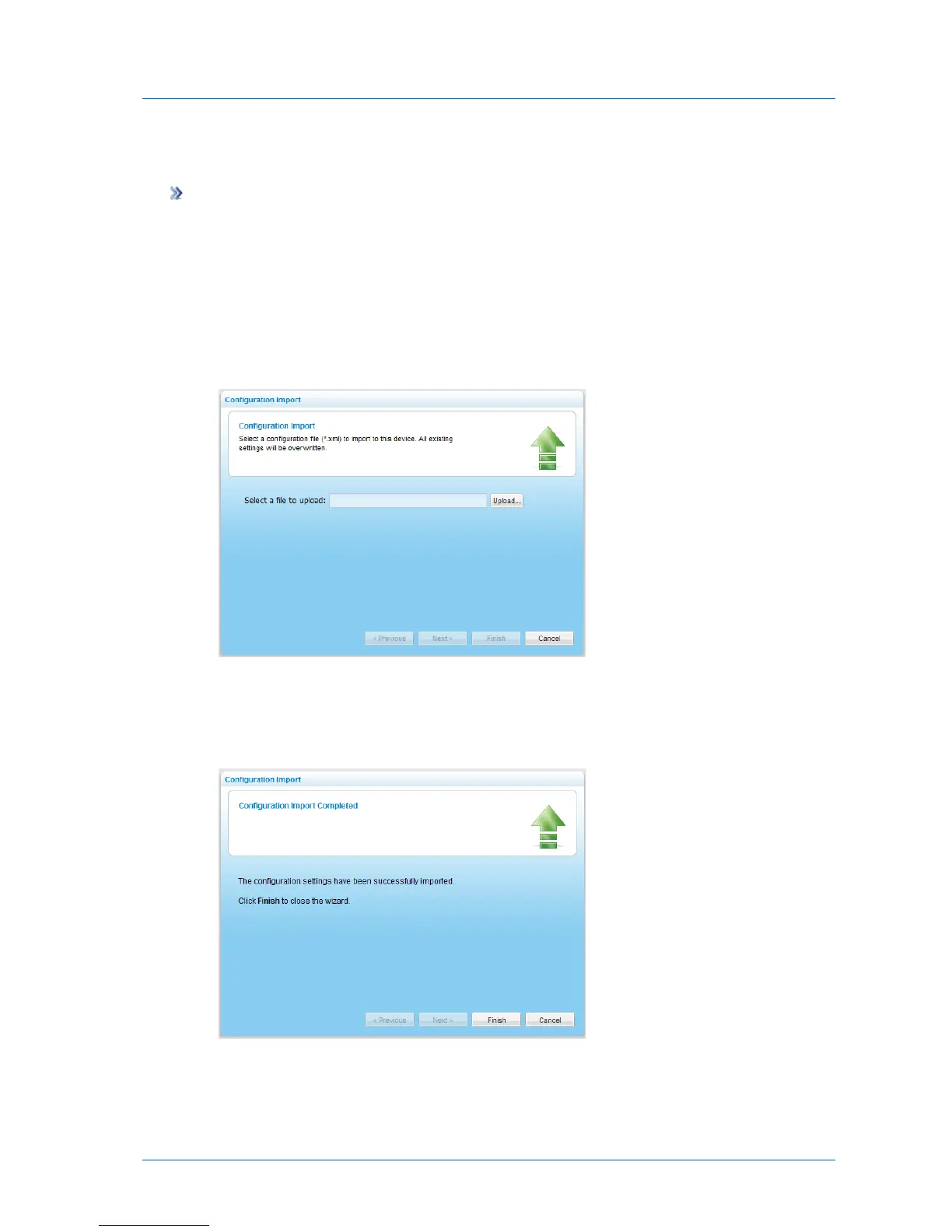
The Configuration Import wizard opens, displaying the Configuration Import dialog box
opens.
3 Click Upload and browse to the appliance configuration file.
The configuration file is imported.
Once the upload is complete, the Configuration Import Completed screen appears.
If any errors occurred during the import, they are displayed.
4 Click Finish.



 To Next Page